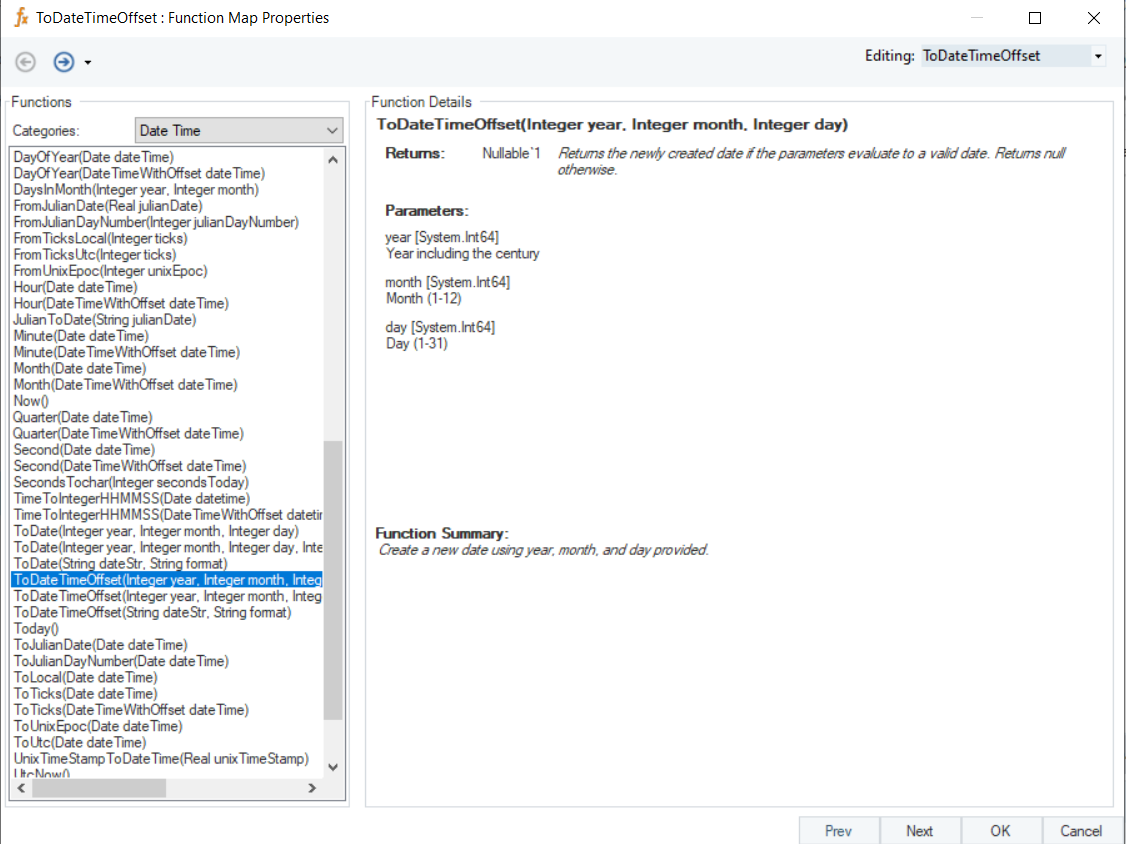
# ToDateTimeOffset-Date (DateTimeOffset)
| **Name** | ***ToDateTimeOffset*** |
| ----------- | ------------------------------------------------------------------------------------------------------------------------------------------ |
| Syntax | ToDateTimeOffset (Integer year, Integer month, Integer day) |
| Purpose | To create a new date using specified year, month, and day. |
| Description | Returns the newly created date if the parameters evaluate to a valid date. Otherwise returns null. |
| Return Type | DateTimeOffset |
| Parameters |
year \[System.Int64] – Year including the century
month \[System.Int64] – Month (1-12)
day \[System.Int64] – Day (1-31)
|
**Example**
In this example, we will pass valid integer values to the function transformation object using a *Variables* object.
Where,
*year* = 2020
*month* = 01
*day* = 30

In the output window, you can see that the provided values have been converted into a DateTimeOffset value.