Loading...
Loading...
Loading...
Loading...
Loading...
Loading...
Loading...
Loading...
Loading...
Loading...
Loading...
Loading...
Loading...
Loading...
Loading...
Loading...
Loading...
Loading...
Loading...
Loading...
Loading...
Loading...
Loading...
Loading...
Loading...
Loading...
Loading...
Loading...
Loading...
Loading...
Loading...
Loading...
Loading...
Loading...
Loading...
Loading...
Loading...
Loading...
Loading...
Loading...
Loading...
Loading...
Loading...
Loading...
Loading...
Loading...
Loading...
Loading...
Loading...
Loading...
Loading...
Loading...
Loading...
Loading...
Loading...
Loading...
Loading...
Loading...
Loading...
Loading...
Loading...
Loading...
Loading...
Loading...
Loading...
Loading...
Loading...
Loading...
Loading...
Loading...
Loading...
Loading...
Loading...
Loading...
Loading...
Loading...
Loading...
Loading...
Loading...
Loading...
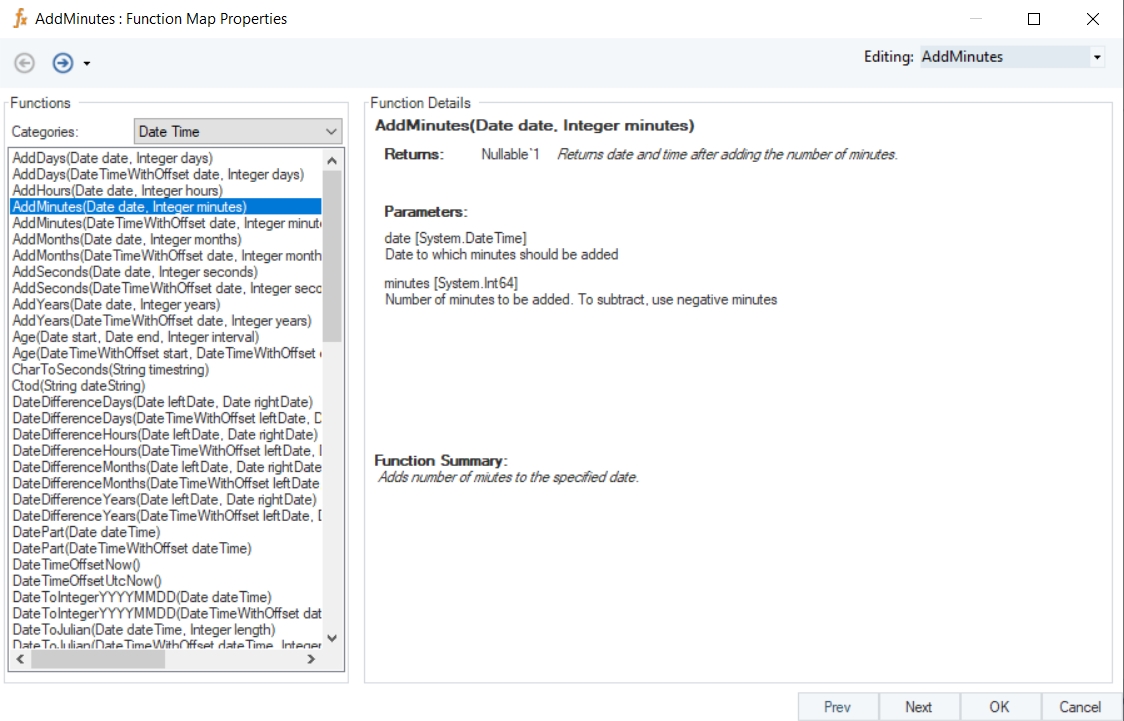
Name
AddMinutes
Syntax
AddMinutes (Date date, Integer minutes)
Purpose
To return the date and time after adding/suctracting minutes.
Description
Adds or subtracts minutes to/from the specified datetime value.
Return Type
DateTime
Parameters
Example
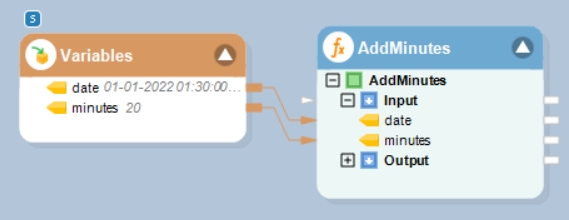
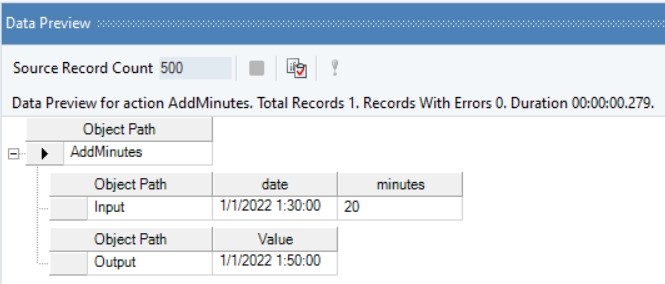
In this example, we will pass a date time value, and an integer value (indicating minutes to be added or subtracted) to the function transformation object using a Variables object.
Where,
date = 01-01-2022 01:30:00
minutes = 20
In the output window, you can see that the provided integer value, indicating minutes, has been added to the given date time value.
date [System.DateTime] – Date to which minutes should be added
minutes [System.Int64] – Number of minutes to be added. To subtract, use negative minutes
Name
DatePart
Syntax
DatePart (Date dateTime)
Purpose
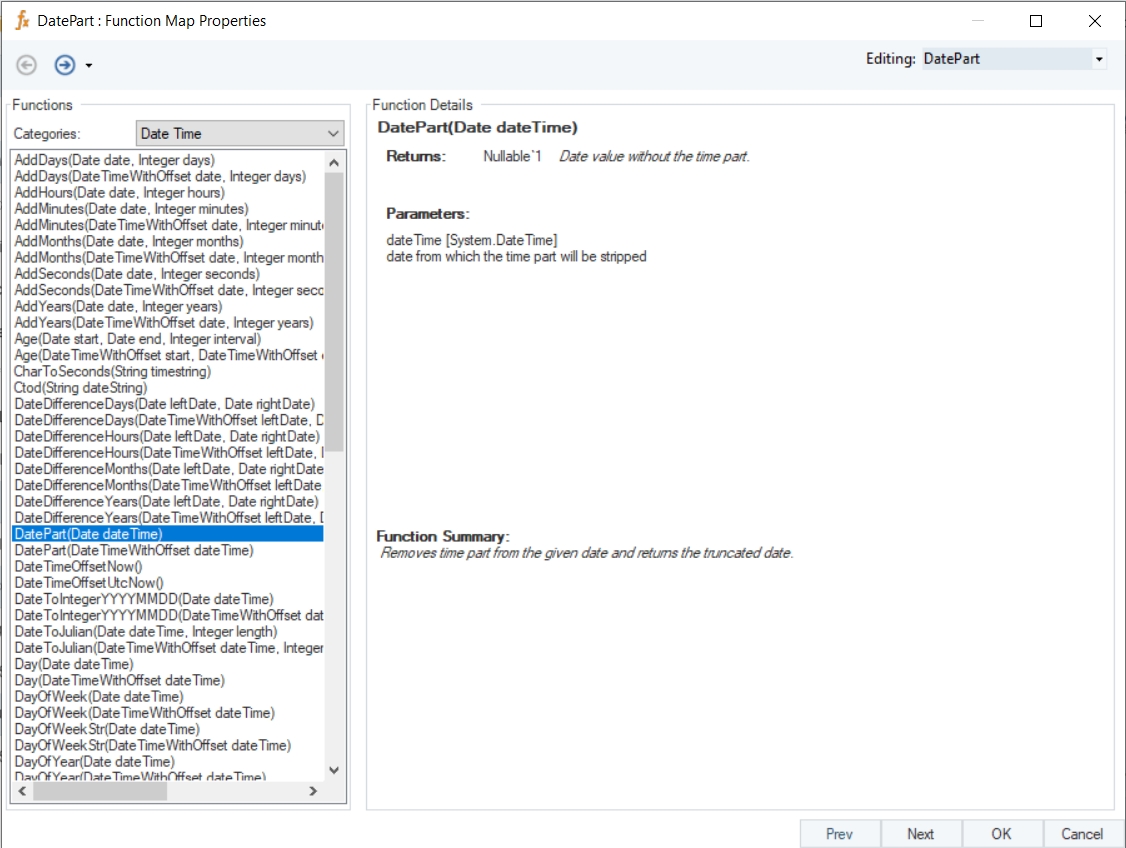
To remove the time part from the given date and returns date with time reset to 12:00:00.
Description
Returns truncated date value after removing the given time part.
Return Type
Date
Parameter
Example
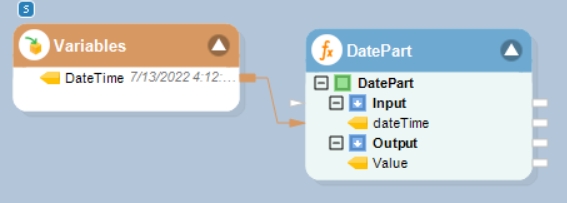
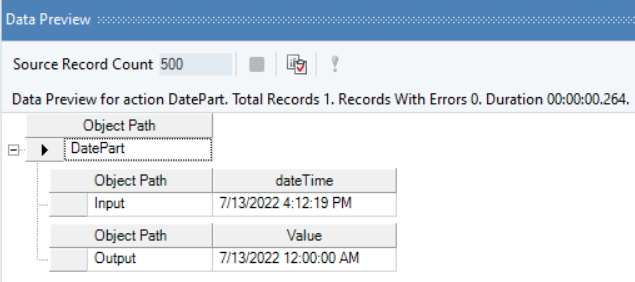
In this example, we will pass a date time value to the function transformation object using a Variables object.
Where,
dateTime = 7/13/2022 4:12:19 PM
In the output window, you can see that the provided datetime value has been returned with the time part reset to 12:00:00 AM.
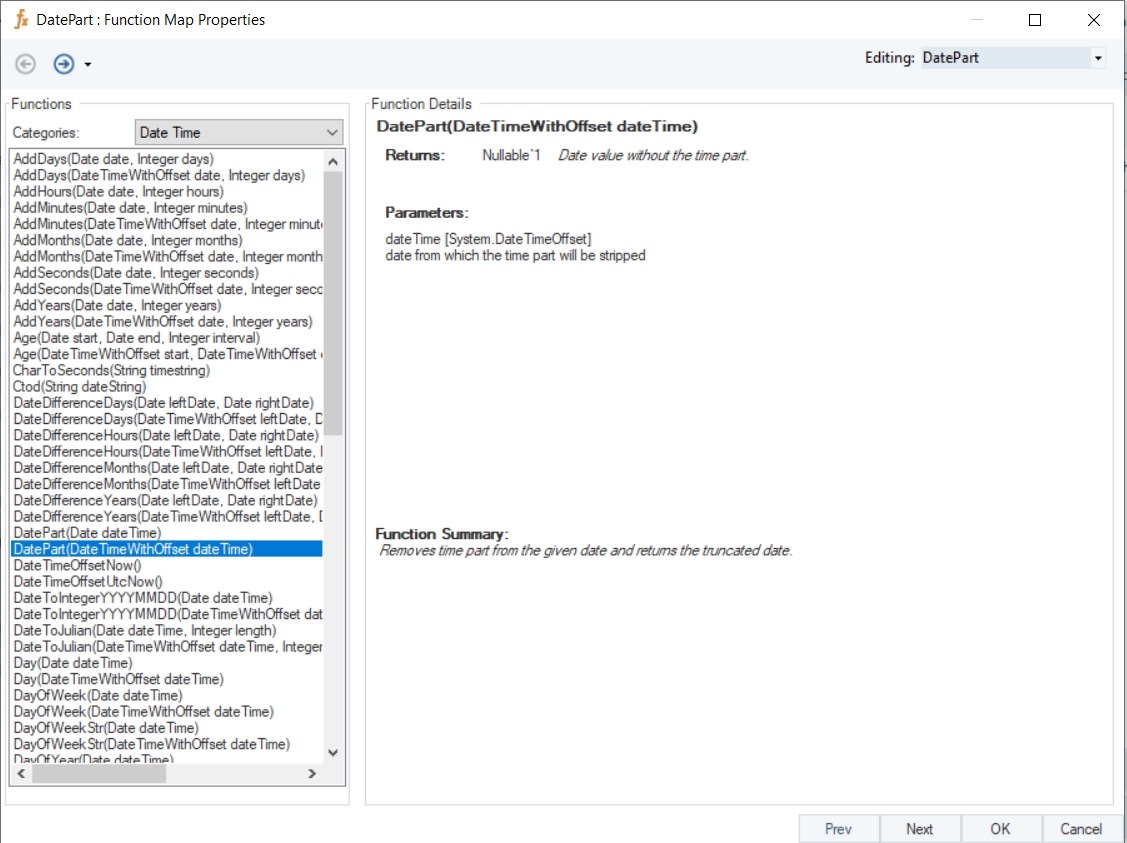
Name
DatePart with Offset
Syntax
DatePart (DateTimeWithOffset dateTime)
Purpose
To remove the time-offset part from the given date and returns date with time reset to 12:00:00 AM.
Description
Returns truncated date-time value after removing the given time-offset part.
Return Type
Date
Parameter
Example
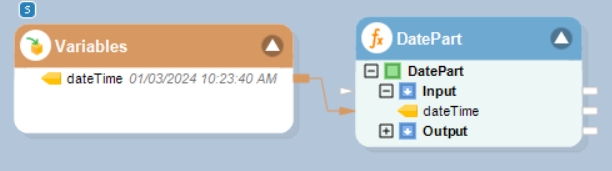
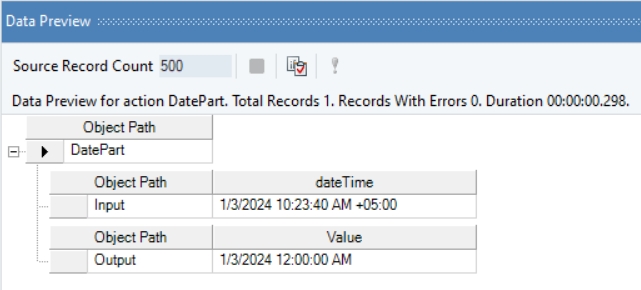
In this example, we will pass a date-time offset value to the function transformation object using a Variables object.
Where,
dateTime = 01/03/2024 10:23:40 AM
In the output window, you can see that the provided date-time value has been returned with the time-offset part reset to 12:00:00 AM.
Example
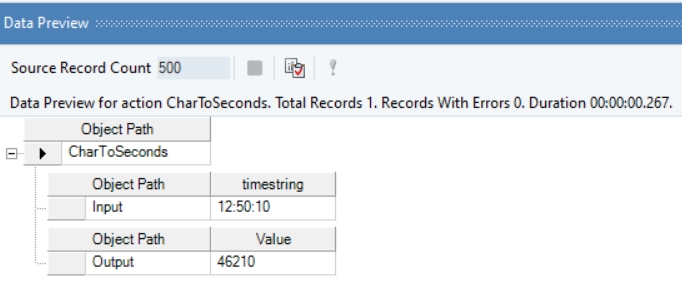
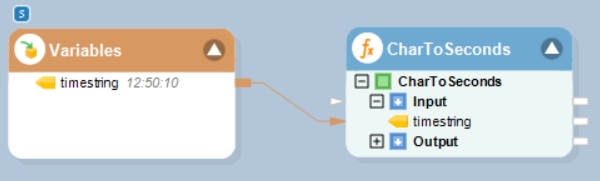
In this example, we will pass a date time string (timestring) value to the function transformation object using a Variables object.
Where,
timestring = 12:50:10
In the output window, you can see that the provided timestring value has been used to compute the total number of seconds since the beginning of the day.
Name
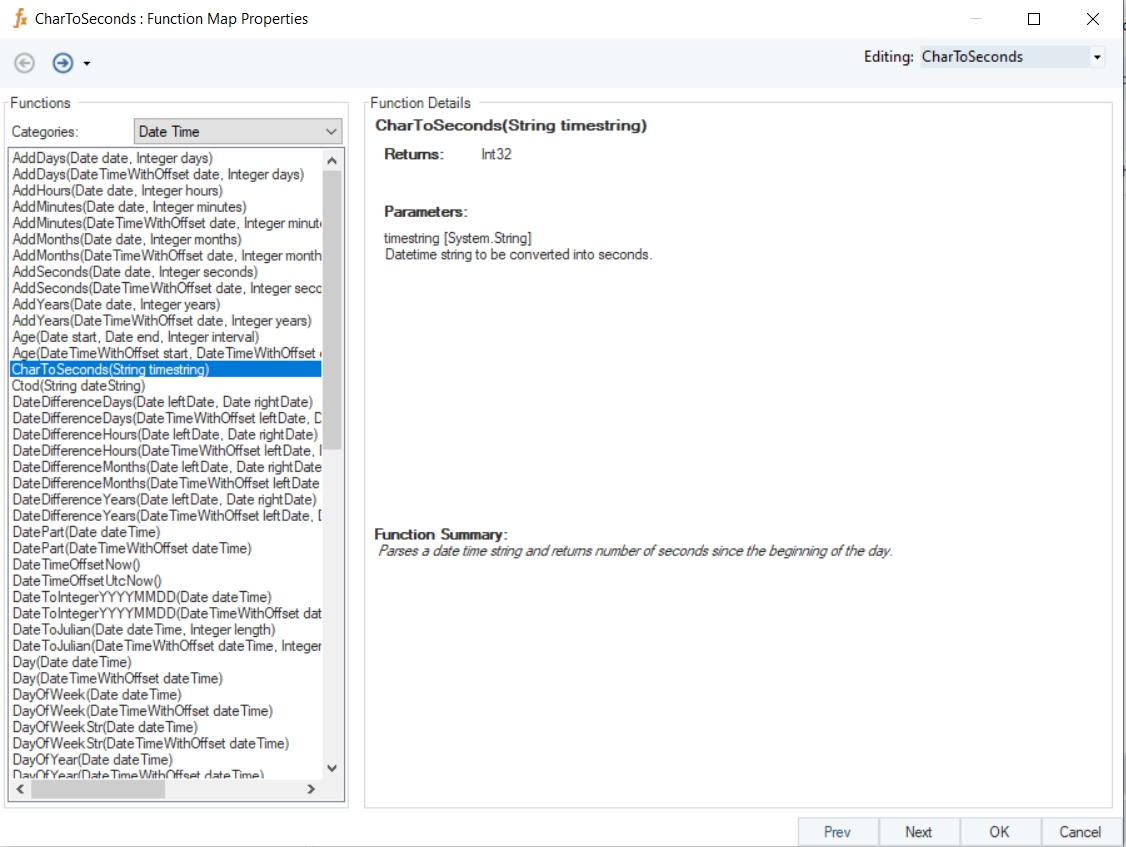
CharToSeconds
Syntax
CharToSeconds (String timestring)
Purpose
To compute the total number of seconds from the beginning of the day to the date time value provided.
Description
Parses a date time string and returns number of seconds since the beginning of the day.
Return Type
Int32
Parameter
timestring [System.String] – Datetime string to be converted into seconds
Example
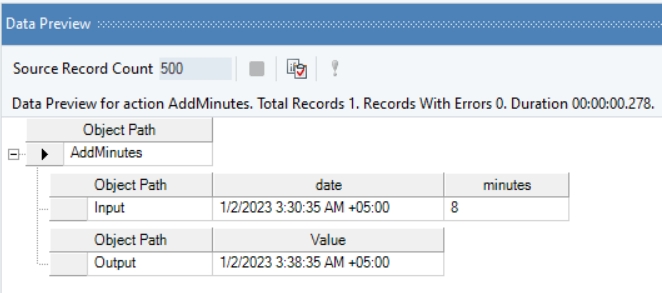
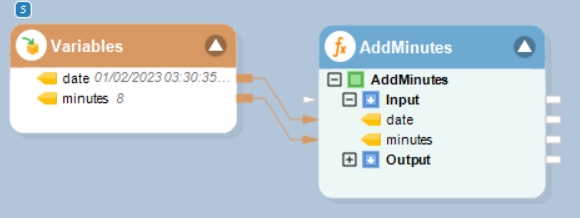
In this example, we will pass a date time offset value, and an integer value (indicating minutes to be added or subtracted) to the function transformation object using a Variables object.
Where,
date = 01/02/2023 03:30:35 AM
minutes = 8
In the output window, you can see that the provided integer value, indicating minutes, has been added to the given date time offset value.
Name
AddMinutes With Offset
Syntax
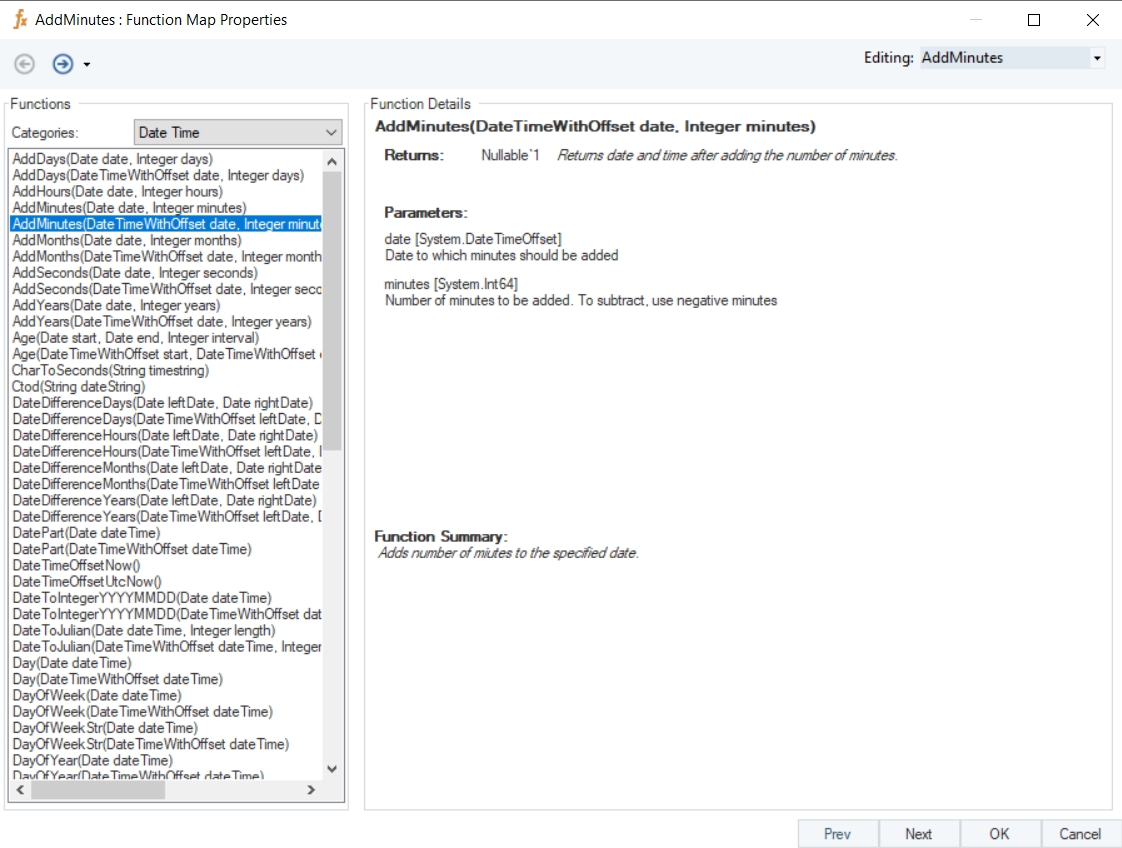
AddMinutes (DateTimeWithOffset date, Integer minutes)
Purpose
To return the date and time after adding or subtracting minutes.
Description
Adds or subtracts minutes to/from the specified datetime offset value.
Return Type
DateTimeOffset
Parameters
date [System.DateTimeOffset] – Date to which minutes should be added
minutes [System.Int64] – Number of minutes to be added. To subtract, use negative minutes
Example
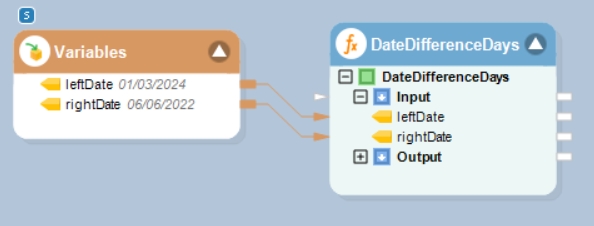
In this example, we will pass date time values to be subtracted to the function transformation object using a Variables object.
Where,
leftDate = 01/03/2024
rightDate = 06/06/2022
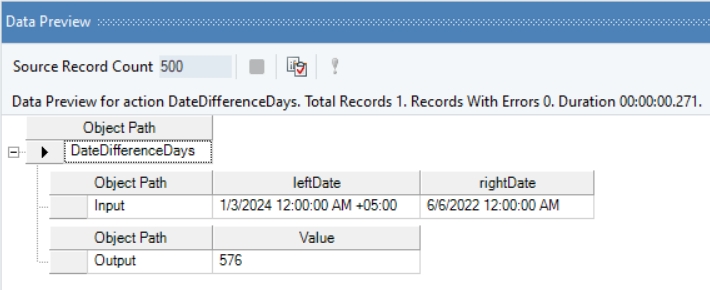
In the output window, you can see that the provided date time offset, and date time values have been subtracted, and the output has been displayed in the form of days.
Name
DateDifferenceDays with Offset
Syntax
DateDifferenceDays (DateTimeWithOffset leftDate, Date rightDate)
Purpose
To compute the difference between the specified dates in days.
Description
Subtracts a date time offset value from another date time value and returns result in days.
Return Type
Double
Parameters
leftDate [System.DateTimeOffset] – Date from which the other date will be subtracted
rightDate [System.DateTime] – Date which will be subtracted
Example
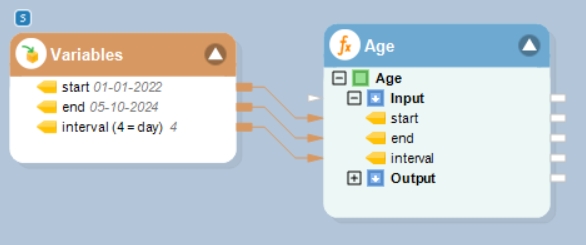
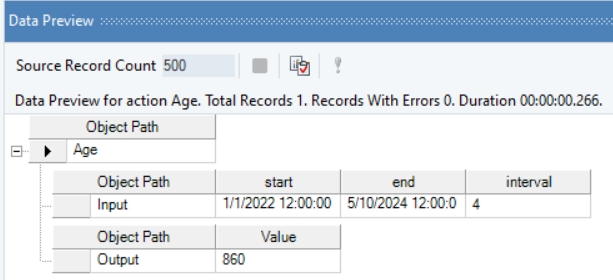
In this example, we will pass date time values, and an integer value (indicating a specific interval) to the function transformation object using a Variables object.
Where,
start = 01-01-2022
end = 05-10-2024
interval (4 = day) = 4
In the output window, you can see that the provided interval value, indicating days, has been used to compute the age/difference of days between the two specified date time values.
Name
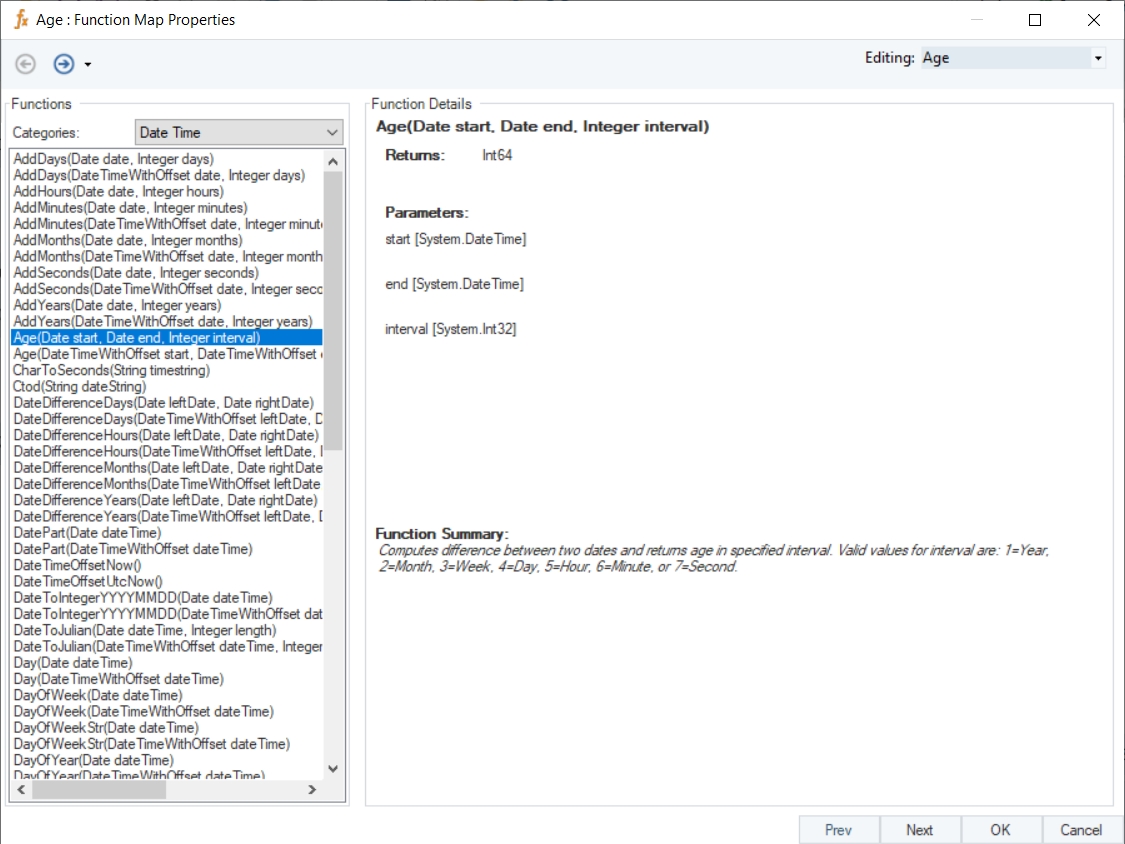
Age
Syntax
Age (Date start, Date end, Integer interval)
Purpose
To compute the difference between two specified date time values, based on interval type (year, Month etc.) provided in integer form.
Description
Compute difference between two dates and return age in specified interval. Valid values for interval: 1=Year, 2=Month, 3=Week, 4=Day, 5=Hour, 6=Minute, or 7=Second
Return Type
Int64
Parameters
start [System.DateTime]
end [System.DateTime]
interval [System.Int32]
Example
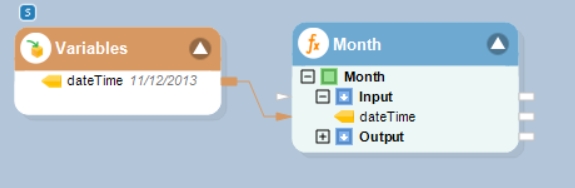
In this example, we will pass a date time offset value to the function transformation object using a Variables object.
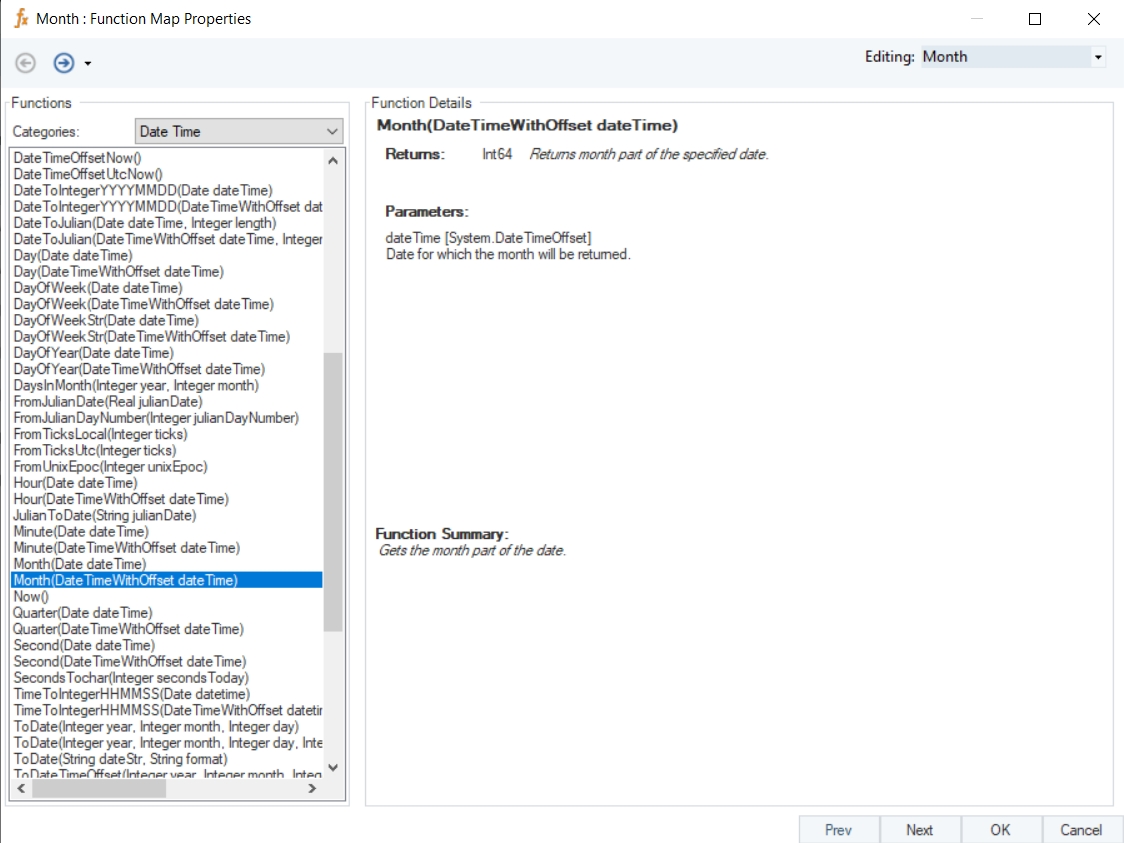
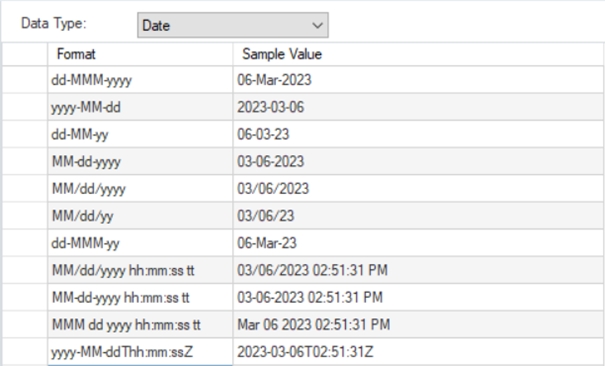
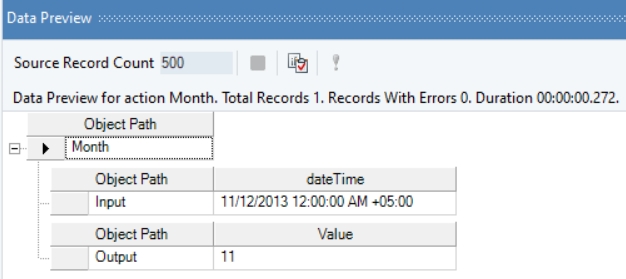
This function accepts the following date formats:
Where,
dateTime = 11/12/2013
In the output window, you can see that the month part of the provided date time offset value has been returned.
Name
Month with Offset
Syntax
Month (DateTimeWithOffset dateTime)
Purpose
To return the month part of the specified date time offset value.
Description
Returns the month part of the specified date.
Return Type
Int64
Parameter
dateTime [System.DateTimeOffset] – Date for which the month will be returned
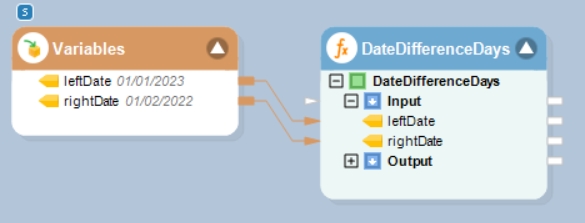
Example
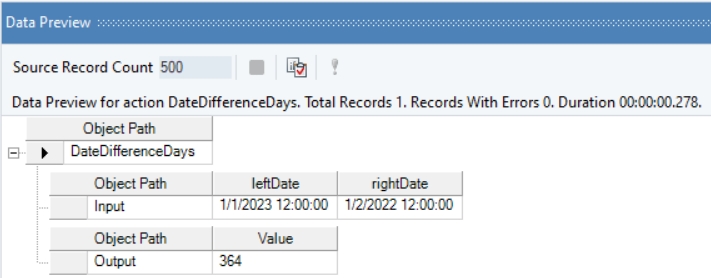
In this example, we will pass date time values to be subtracted to the function transformation object using a Variables object.
Where,
leftDate = 01/01/2023
rightDate = 01/02/2022
In the output window, you can see that the provided datetime values have been subtracted, and the output has been displayed in the form of days.
Name
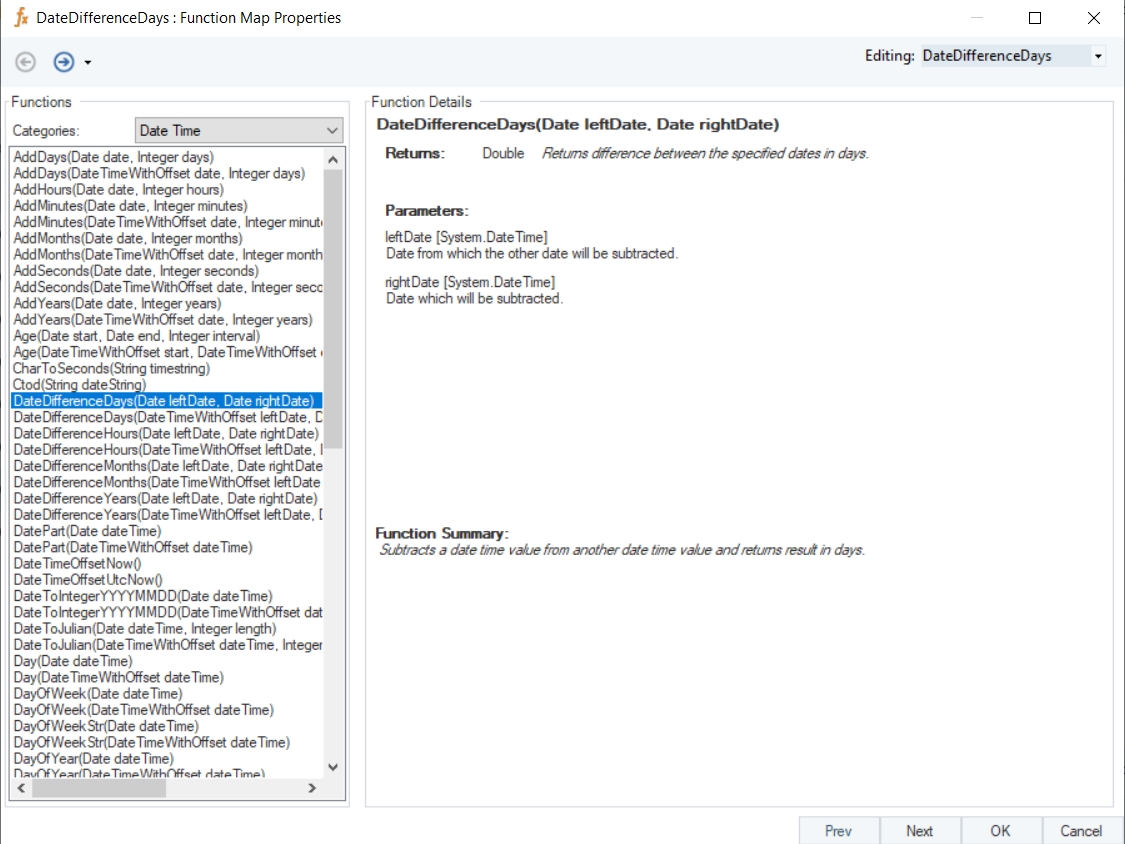
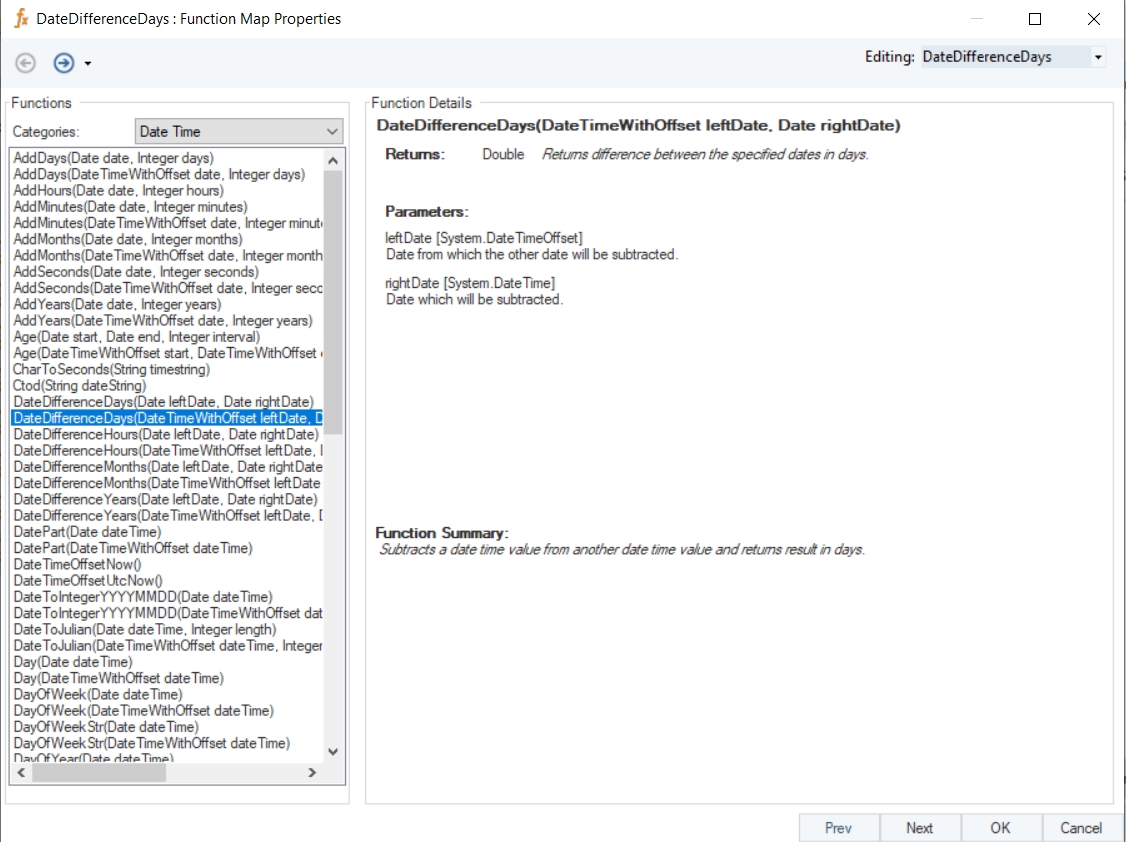
DateDifferenceDays
Syntax
DateDifferenceDays (Date leftDate, Date rightDate)
Purpose
To compute the difference between the specified dates in days.
Description
Subtracts a date time value from another date time value and returns result in days.
Return Type
Double
Parameters
leftDate [System.DateTime] – Date from which the other date will be subtracted
rightDate [System.DateTime] – Date which will be subtracted
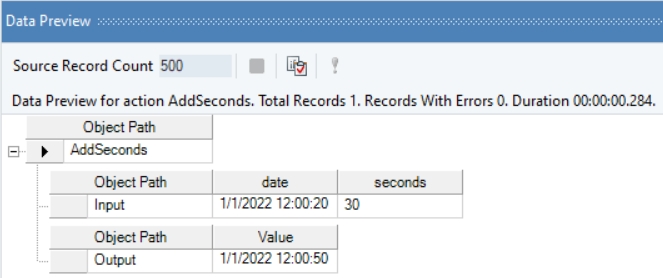
Example
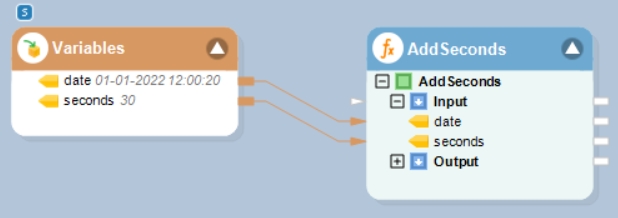
In this example, we will pass a date time value, and an integer value (indicating seconds to be added or subtracted) to the function transformation object using a Variables object.
Where,
date = 01-01-2022 12:00:20
seconds = 30
In the output window, you can see that the provided integer value, indicating seconds, has been added to the given date time value.
Name
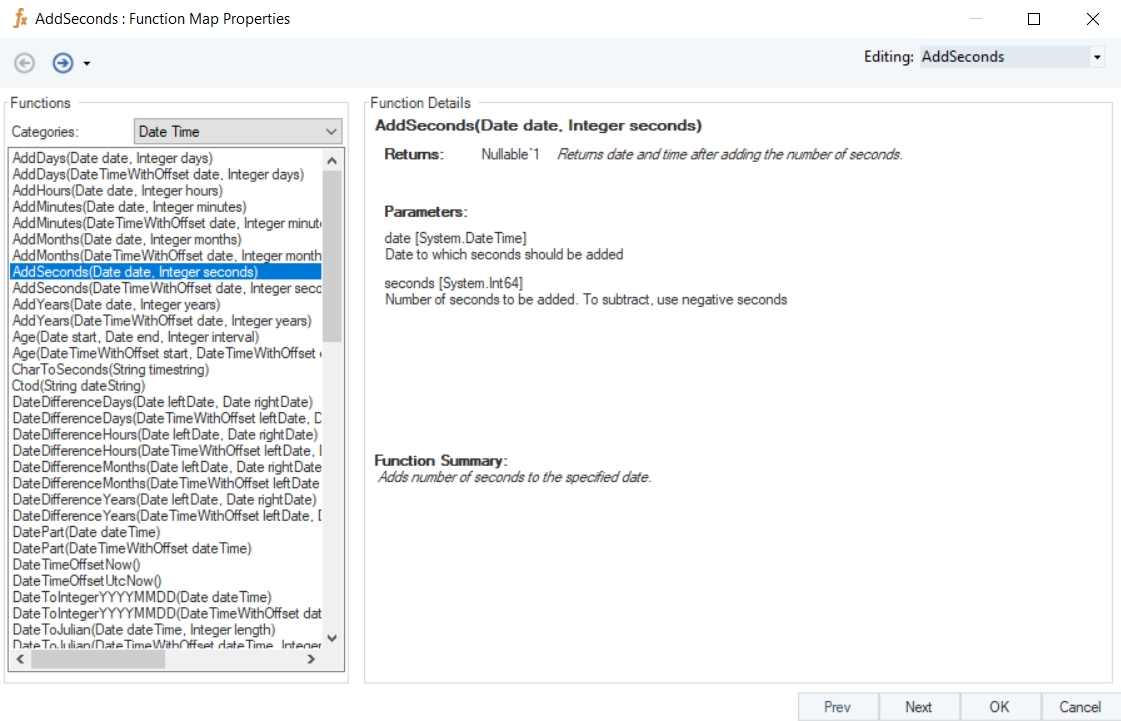
AddSeconds
Syntax
AddSeconds (Date date, Integer seconds)
Purpose
To return the date and time after adding or subtracting the number of seconds.
Description
Adds or subtracts number of seconds to/from the specified datetime value.
Return Type
DateTime
Parameters
date [System.DateTime] – Date to/from which seconds should be added/subtracted
seconds [System.Int64] – Number of seconds to be added. To subtract, use negative seconds
Example
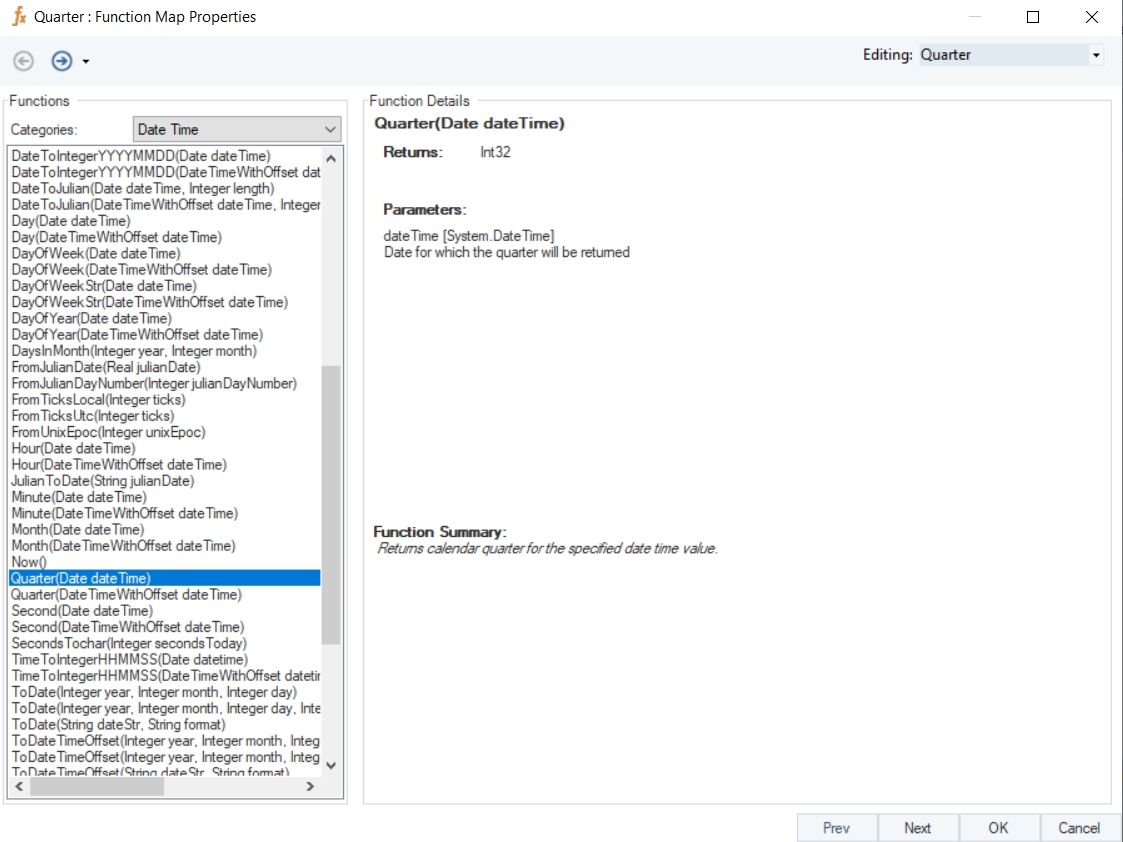
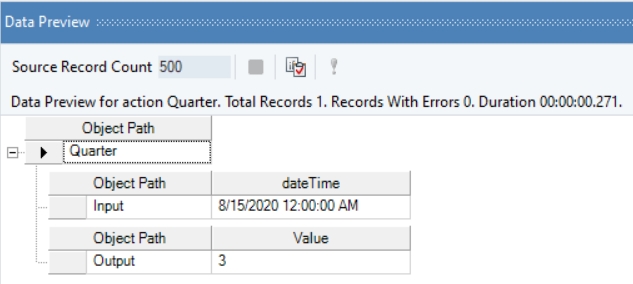
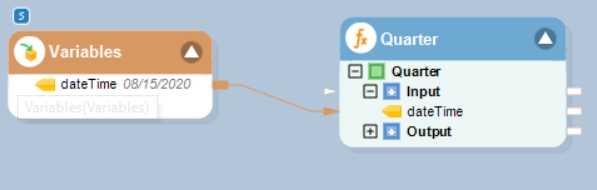
In this example, we will pass a date time value to the function transformation object using a Variables object.
Where,
dateTime = 08/15/2020
In the output window, you can see that the calendar quarter of the provided date time value has been returned.
Name
Quarter
Syntax
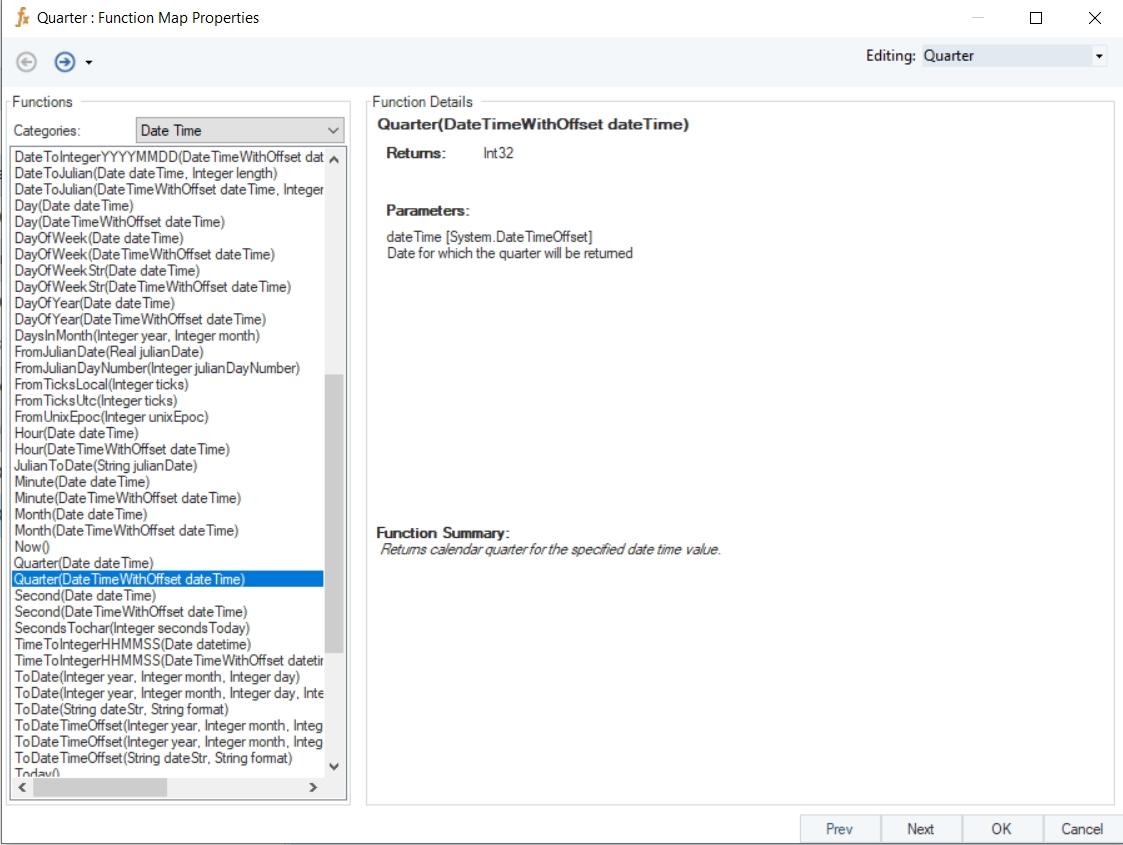
Quarter (Date dateTime)
Purpose
To return the calendar quarter of a provided date time value.
Description
Returns calendar quarter for the specified date time value.
Return Type
Int32
Parameter
dateTime [System.DateTime] – Date for which the quarter will be returned
Example
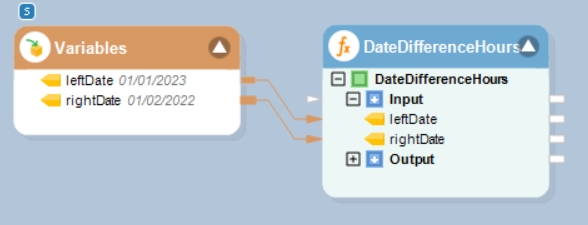
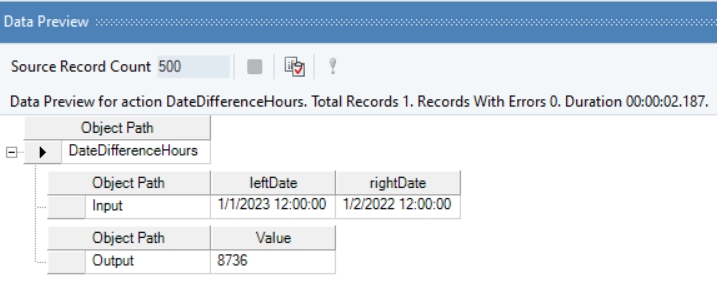
In this example, we will pass date time values to be subtracted to the function transformation object using a Variables object.
Where,
leftDate = 01/01/2023
rightDate = 01/02/2022
In the output window, you can see that the provided datetime values have been subtracted, and the output has been displayed in the form of hours.
Name
DateDifferenceHours
Syntax
DateDifferenceHours (Date leftDate, Date rightDate)
Purpose
To compute the difference between the specified dates in hours.
Description
Subtracts a date time value from another date time value and returns result in hours.
Return Type
Double
Parameters
leftDate [System.DateTime] – Date from which the other date will be subtracted
rightDate [System.DateTime] – Date which will be subtracted
Example
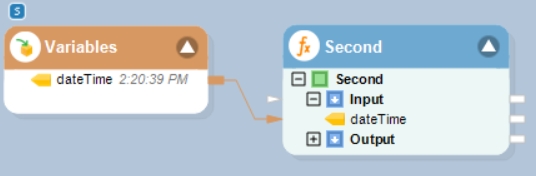
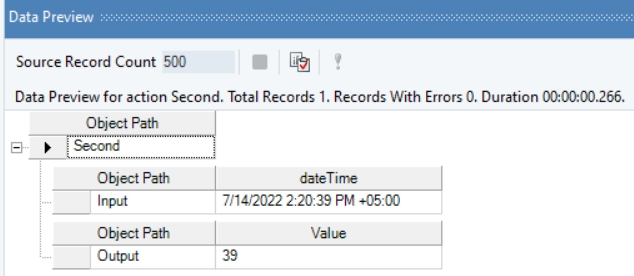
In this example, we will pass a date time offset value to the function transformation object using a Variables object.
Where,
dateTime = 2:20:39 PM
In the output window, you can see that the second part of the provided date time offset value has been returned.
Name
Second with Offset
Syntax
Second (DateTimeWithOffset dateTime)
Purpose
To return the second part of the specified date time offset value.
Description
Returns a value between 0 and 59 representing the second part of the specified date time offset value.
Return Type
Int64
Parameter
dateTime [System.DateTimeOffset] – Date for which the second will be returned
Example
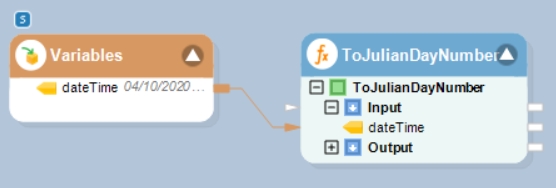
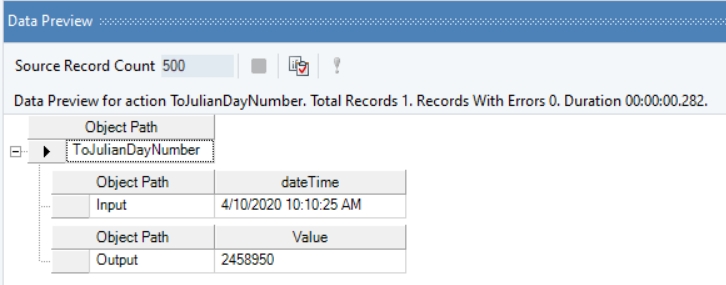
In this example, we will pass a valid date time value to the function transformation object using a Variables object.
Where,
dateTime = 04/10/2020 10:10:25 AM
In the output window, you can see that the provided value has been converted into a Julian day number.
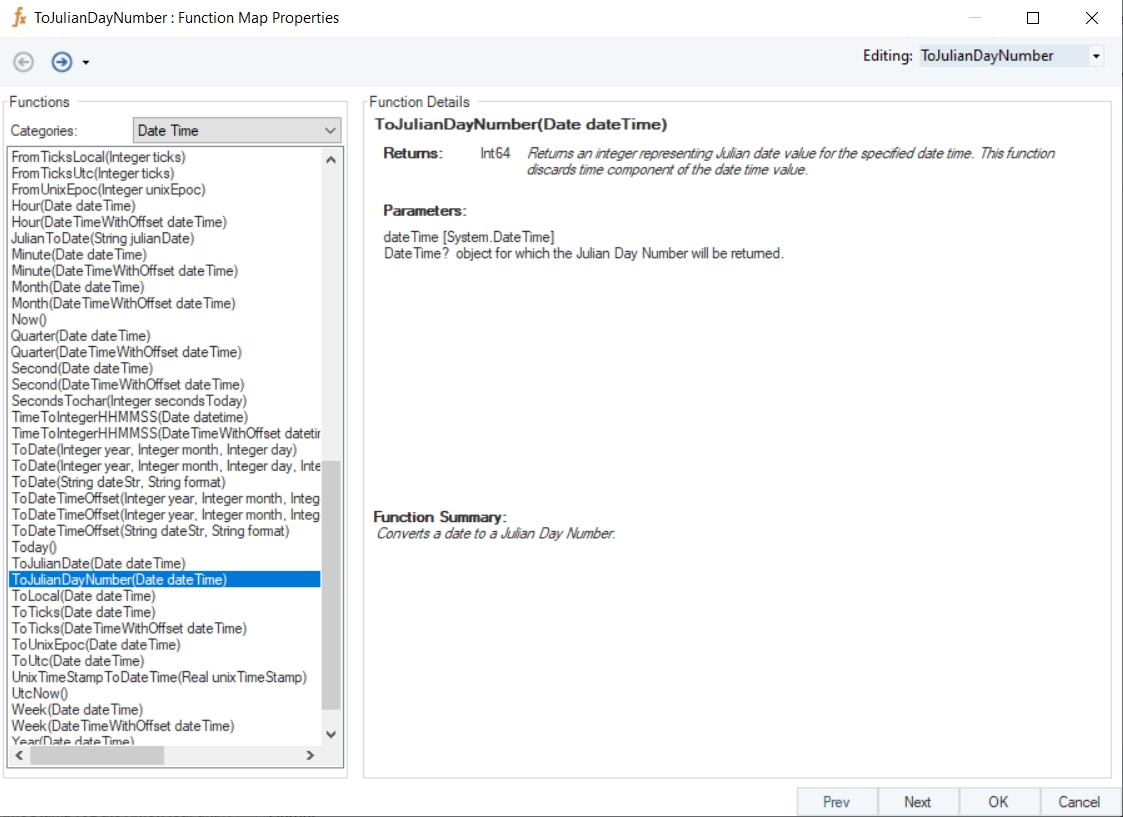
Name
ToJulianDayNumber
Syntax
ToJulianDayNumber (Date dateTime)
Purpose
To convert a date to a Julian day number.
Description
Returns an integer representing Julian day number for the specified date time. This function discards the time component of the date time value.
Return Type
Int64
Parameter
dateTime [System.DateTime] – DateTime object for which the Julian day number will be returned
Example
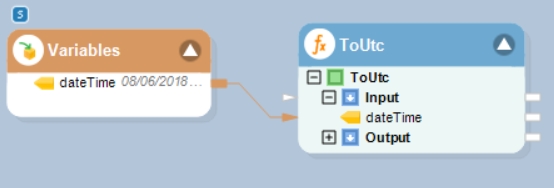
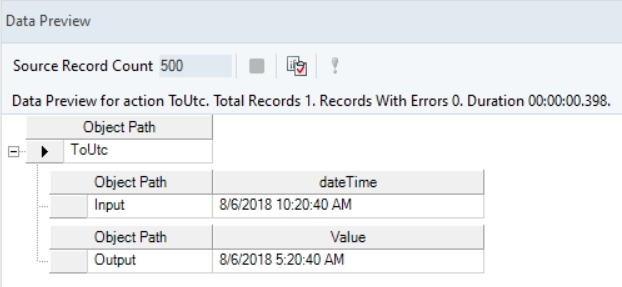
In this example, we will pass a valid date time value to the function transformation object using a Variables object.
Where,
dateTime = 08/06/2018 10:20:40 AM
In the output window, you can see that the provided date time value has been converted into a UTC date time value.
Name
ToUtc
Syntax
ToUtc (Date dateTime)
Purpose
To convert a specified date time value to UTC.
Description
Returns UTC date time value after conversion.
Return Type
DateTime
Parameter
dateTime [System.DateTime] – Date which will be converted to UTC
Example
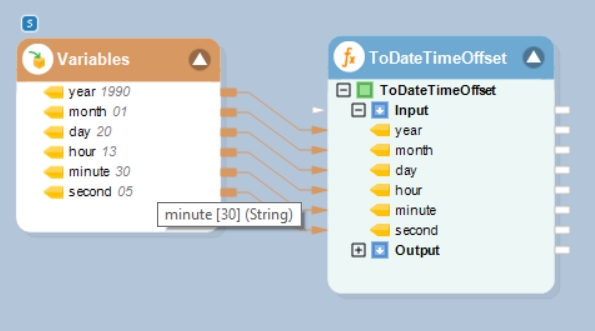
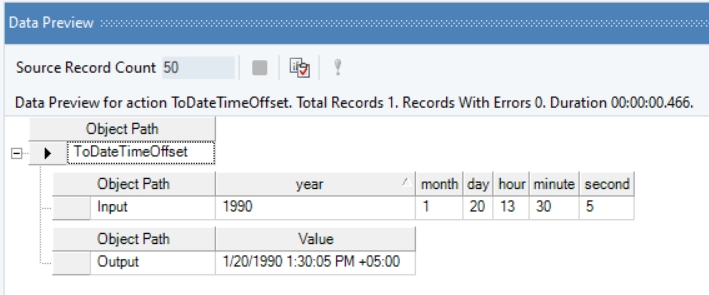
In this example, we will pass valid integer values to the function transformation object using a Variables object.
Where,
year = 1990
month = 01
day = 20
hour = 13
minute = 30
second = 05
In the output window, you can see that the provided values have been converted into a DateTimeOffset value.
Name
ToDateTimeOffset with Time
Syntax
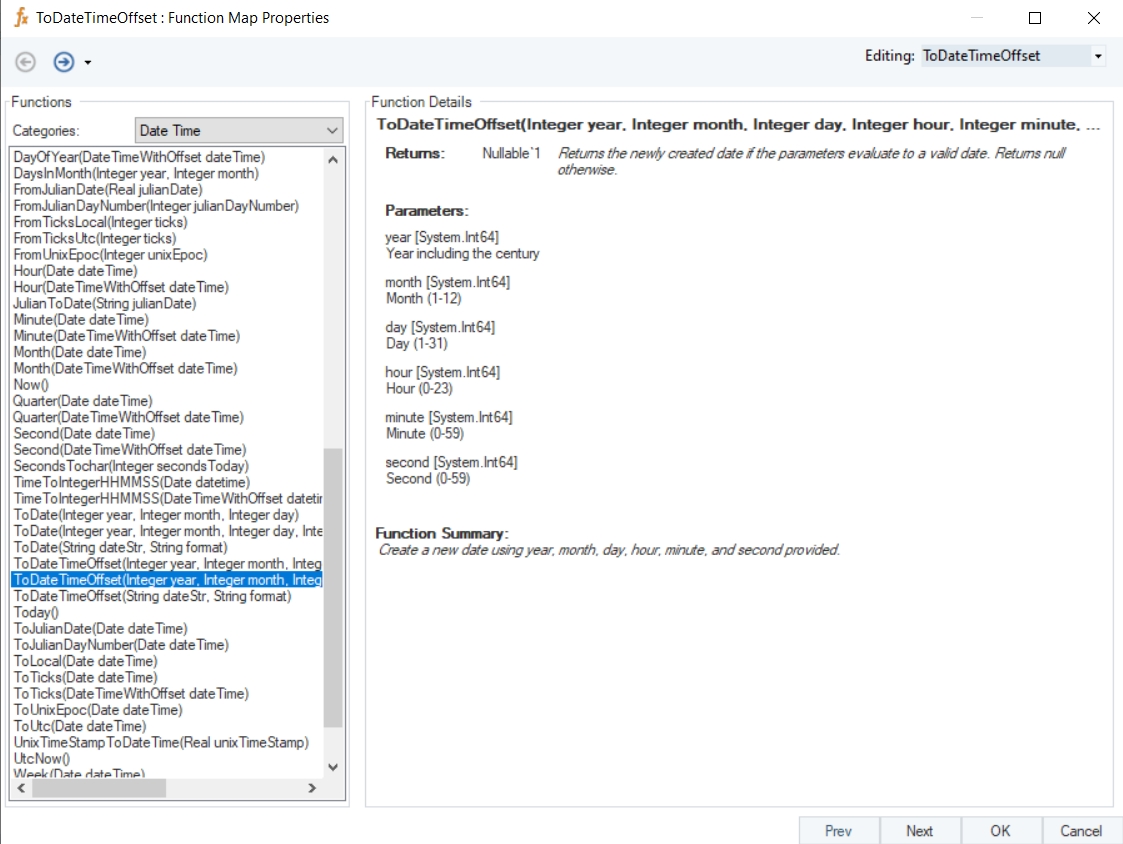
ToDateTimeOffset (Integer year, Integer month, Integer day, Integer hour, Integer minute, Integer second)
Purpose
To create a new date using specified year, month, day, hour, minute, and second.
Description
Returns the newly created date if the parameters evaluate to a valid date. Otherwise returns null.
Return Type
DateTimeOffset
Parameters
year [System.Int64] – Year including the century
month [System.Int64] – Month (1-12)
day [System.Int64] – Day (1-31)
hour [System.Int64] – Hour (0-23)
minute [System.Int64] – Minute (0-59)
second [System.Int64] – Second (0-59)
Example
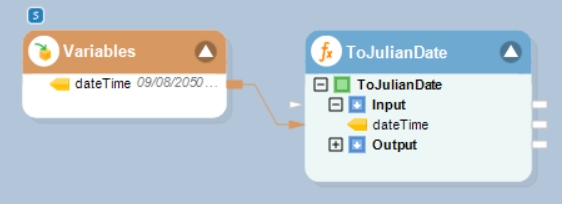
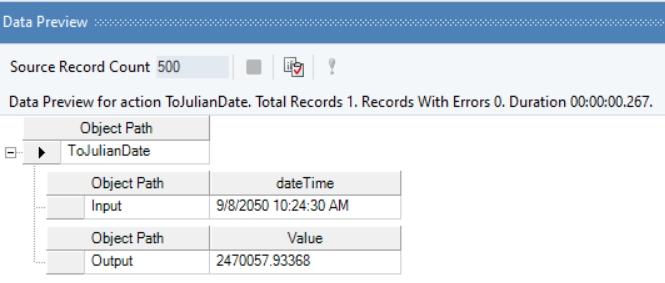
In this example, we will pass a valid date time value to the function transformation object using a Variables object.
Where,
dateTime = 09/08/2050 10:24:30 AM
In the output window, you can see that the provided date time value has been converted into a Julian date.
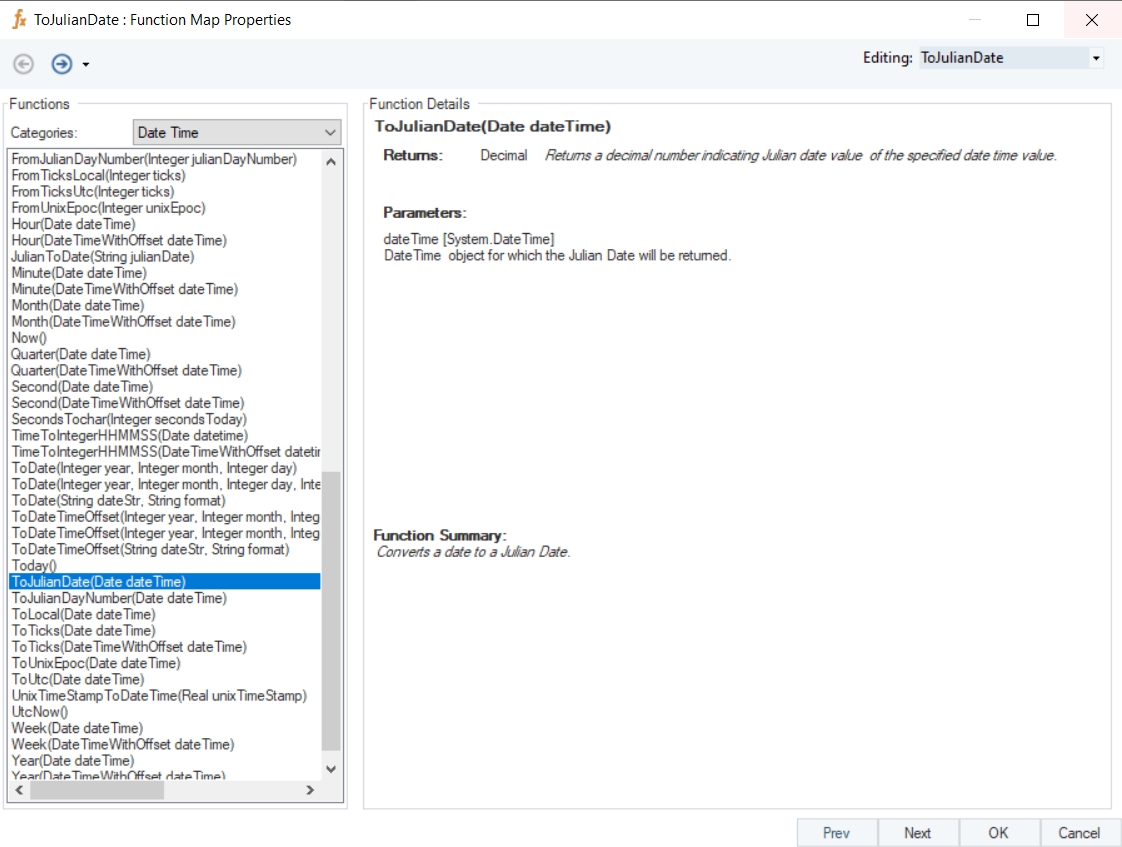
Name
ToJulianDate
Syntax
ToJulianDate (Date dateTime)
Purpose
To convert a date to a Julian date.
Description
Returns a decimal number indicating Julian date value of the specified date time value.
Return Type
Decimal
Parameter
dateTime [System.DateTime] – DateTime object for which the Julian Date will be returned
Example
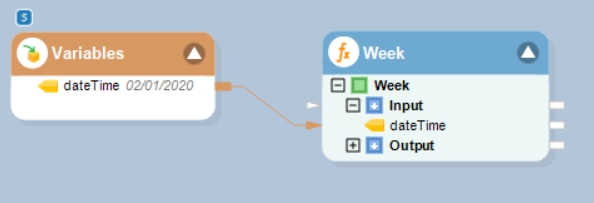
In this example, we will pass a date time offset value to the function transformation object using a Variables object.
Where,
dateTime = 02/01/2020
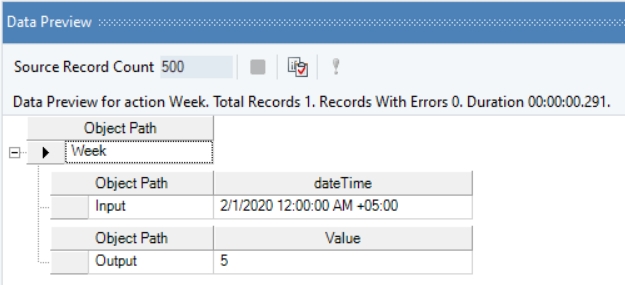
In the output window, you can see that the week part of the provided date time offset value has been returned.
Name
Week with Offset
Syntax
Week (DateTimeWithOffset dateTime)
Purpose
To get week part of the specified date time offset value.
Description
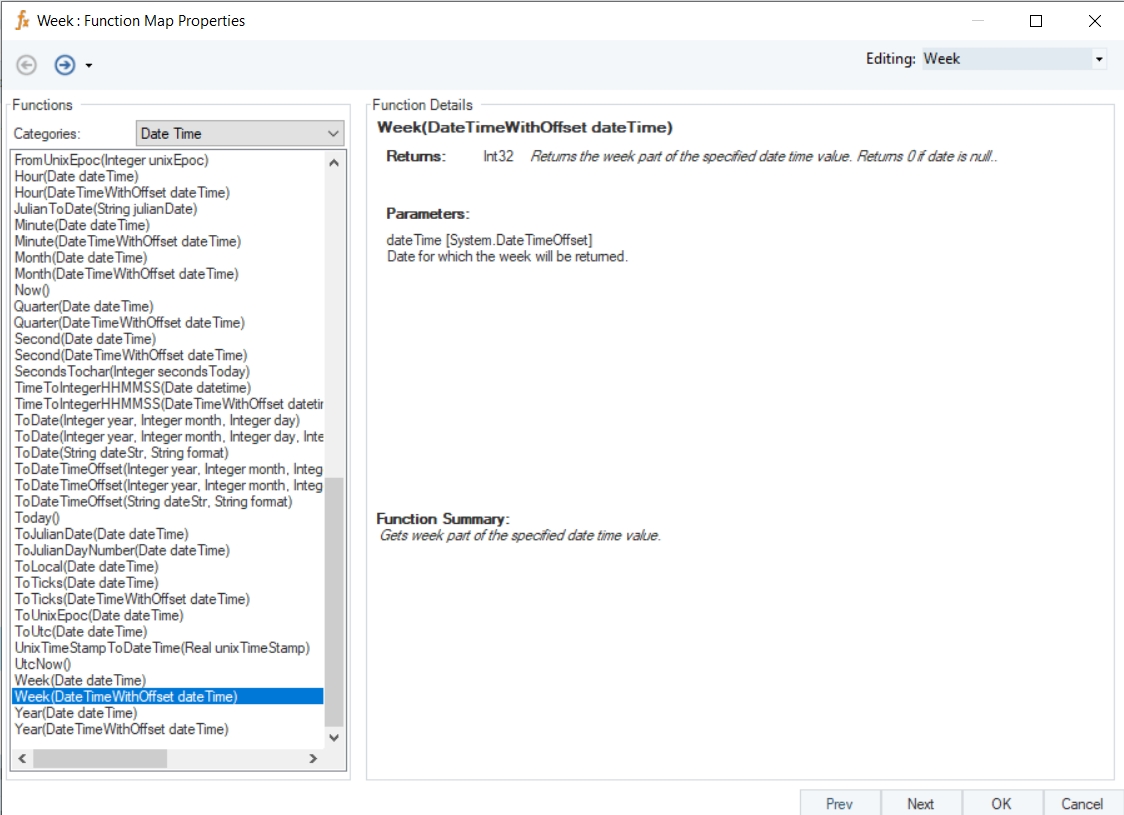
Returns the week part of the specified date time offste value. Returns 0 if date is null.
Return Type
Int32
Parameter
dateTime [System.DateTimeOffset] – Date for which the week will be returned
Example
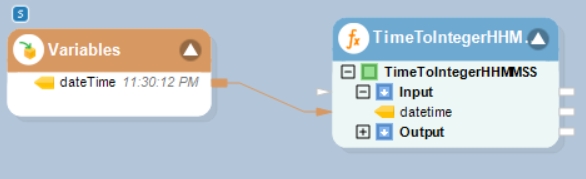
In this example, we will pass a date time value to the function transformation object using a Variables object.
Where,
dateTime = 11:30:12 PM
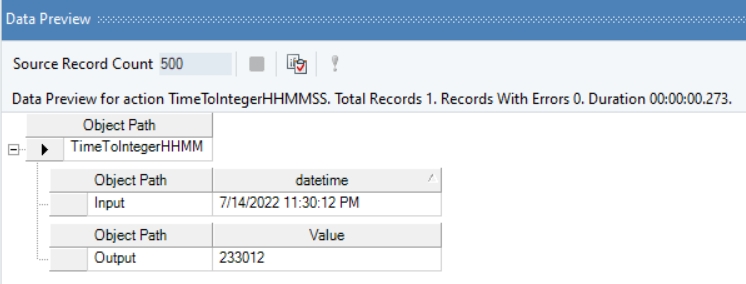
In the output window, you can see that the provided value has been converted into an integer value, representing time.
Name
TimeToIntegerHHMMSS
Syntax
TimeToIntegerHHMMSS (Date dateTime)
Purpose
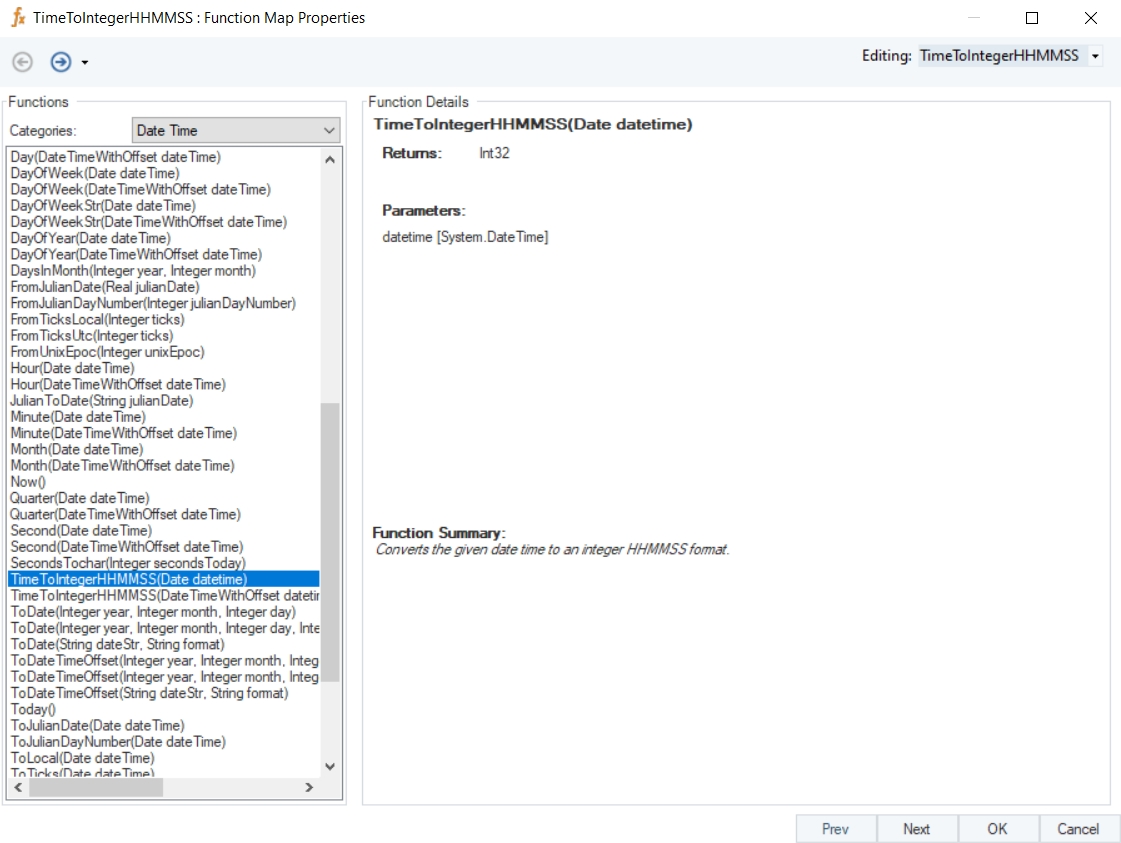
To convert the given date time to an integer.
Description
Converts the given date time value to an integer in the HHMMSS format.
Return Type
Int32
Parameter
dateTime [System.DateTime]
Example
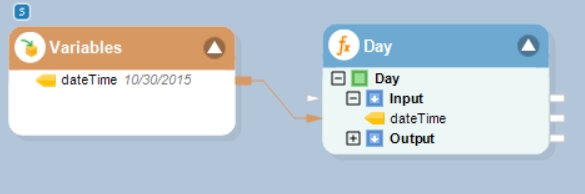
In this example, we will pass a date time value to the function transformation object using a Variables object.
Where,
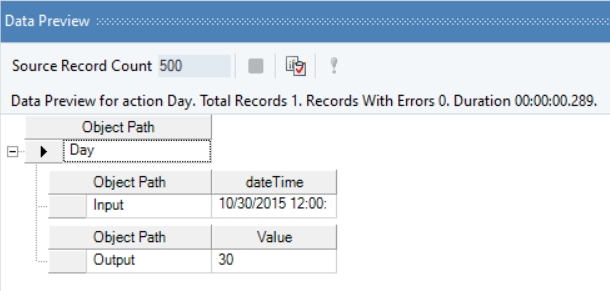
dateTime = 10/30/2015
In the output window, you can see that the day part of the provided date time value has been returned.
Name
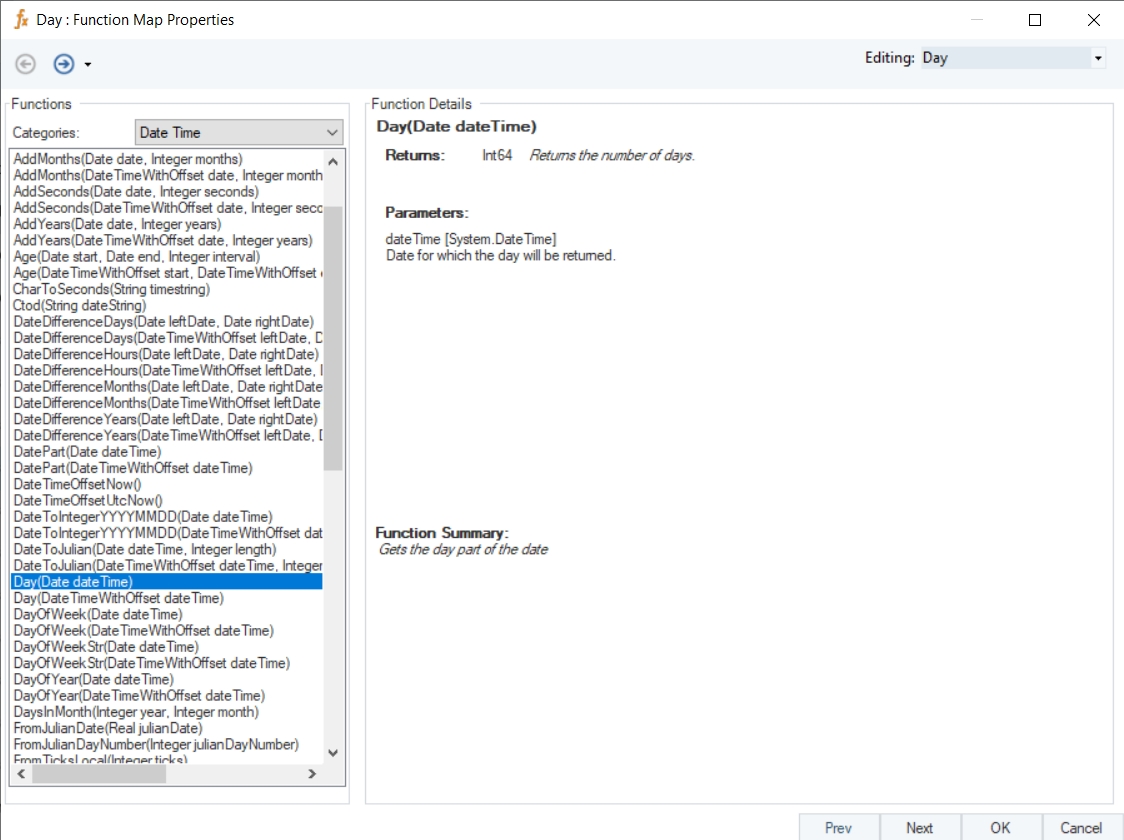
Day
Syntax
Day (Date dateTime)
Purpose
To return the day of the month from the specified datetime value.
Description
Gets the day part of the date time value.
Return Type
Int64
Parameter
dateTime [System.DateTime] – Date for which the day will be returned
Example
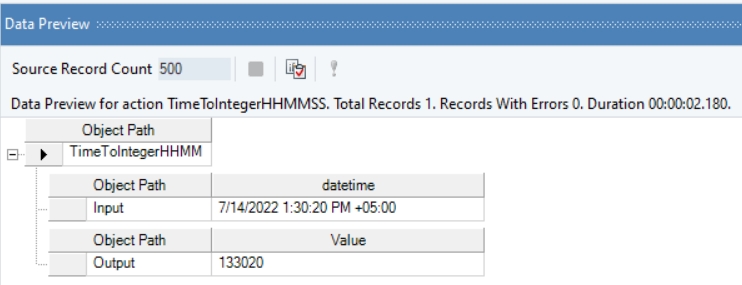
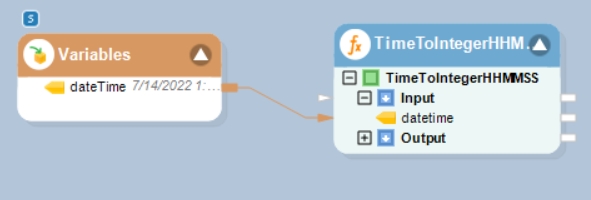
In this example, we will pass a date time offset value to the function transformation object using a Variables object.
Where,
dateTime = 7/14/2022 1:30:20 PM
In the output window, you can see that the provided value has been converted into an integer value, representing time.
Name
TimeToIntegerHHMMSS with Offset
Syntax
TimeToIntegerHHMMSS (DateTimeWithOffset dateTime)
Purpose
To convert the given date time offset to an integer.
Description
Converts the given date time offset value to an integer in the HHMMSS format.
Return Type
Int32
Parameter
dateTime [System.DateTimeOffset]
Example
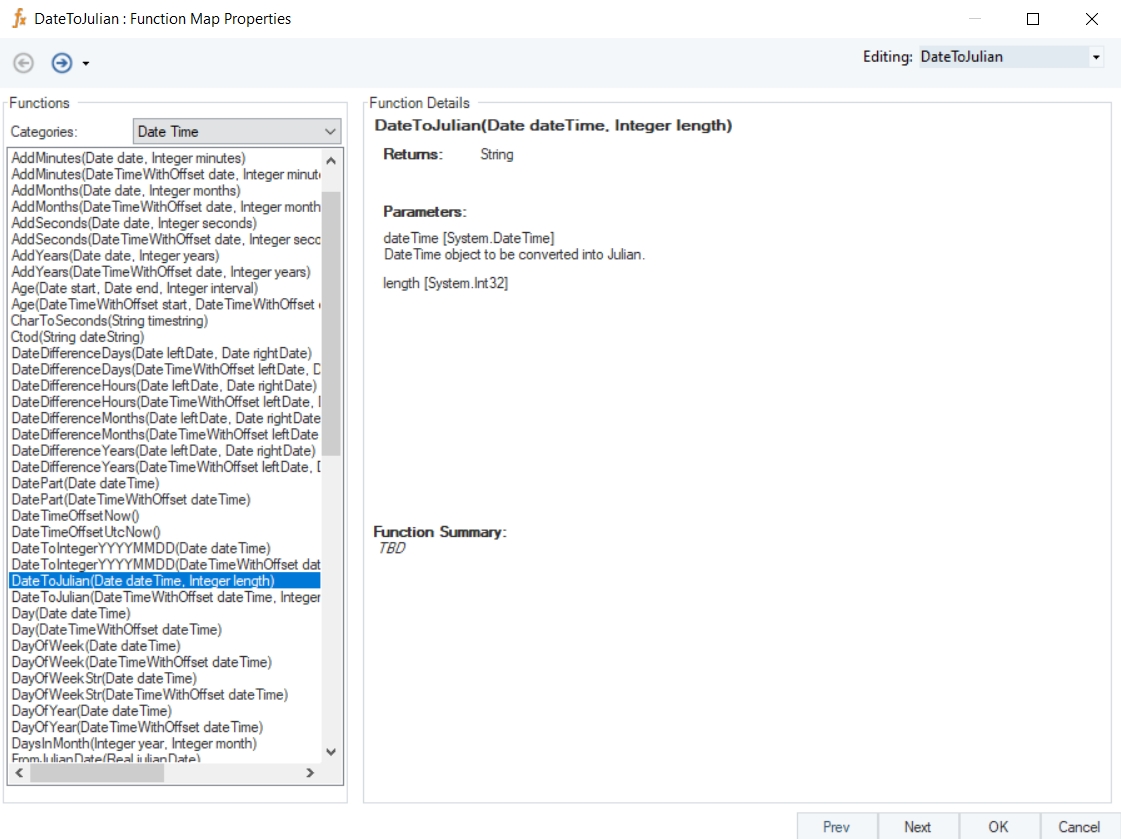
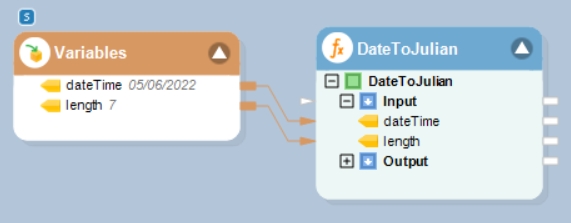
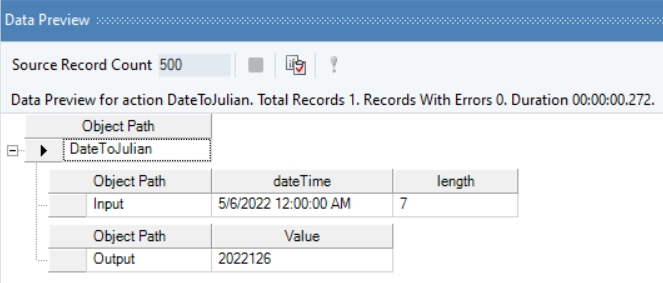
In this example, we will pass a date time value and an integer value to the function transformation object using a Variables object.
Where,
dateTime = 05/06/2022
length = 7
In the output window, you can see that the provided date time value has been converted into Julian format of the specified length.
Name
DateToJulian
Syntax
DateToJulian (Date dateTime, Integer length)
Purpose
To convert the given date time value to Julian format of specified length.
Description
Convert the given date time value to Julian format.
Return Type
String
Parameters
dateTime [System.DateTime] – Date Time object to be converted into Julian
length [System.Int32]
Example
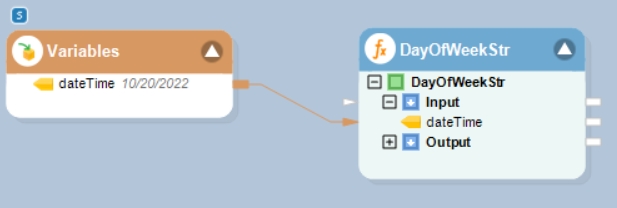
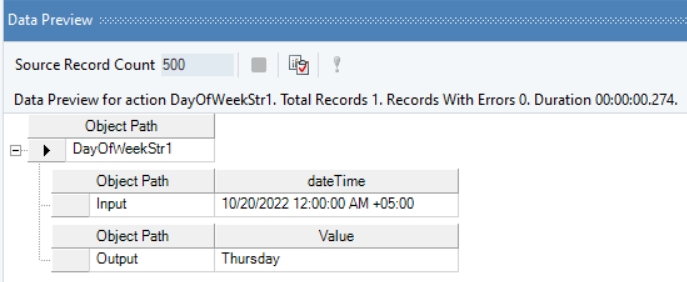
In this example, we will pass a date time offset value to the function transformation object using a Variables object.
Where,
dateTime = 10/20/2022
In the output window, you can see that the day of the week, Thursday, has been returned.
Name
DayOfWeekStr with Offset
Syntax
DayOfWeekStr (DateTimeWithOffset dateTime)
Purpose
To return the name of the day of the week for the specified date.
Description
Returns the name of the day of week for the specified date time offset value.
Return Type
String
Parameter
dateTime [System.DateTimeOffset] – Date for which the day will be returned
Example
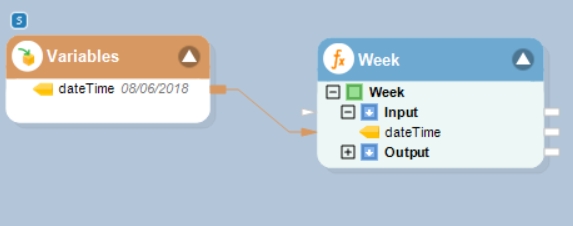
In this example, we will pass a date time value to the function transformation object using a Variables object.
Where,
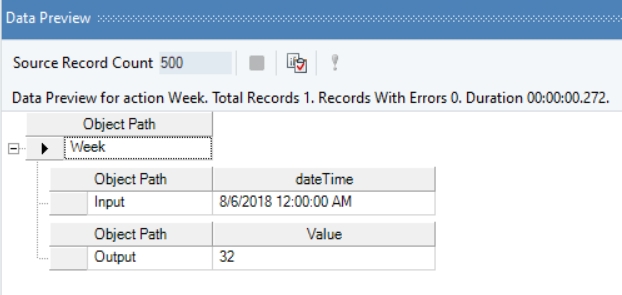
dateTime = 08/06/2018
In the output window, you can see that the week part of the provided date time value has been returned.
Name
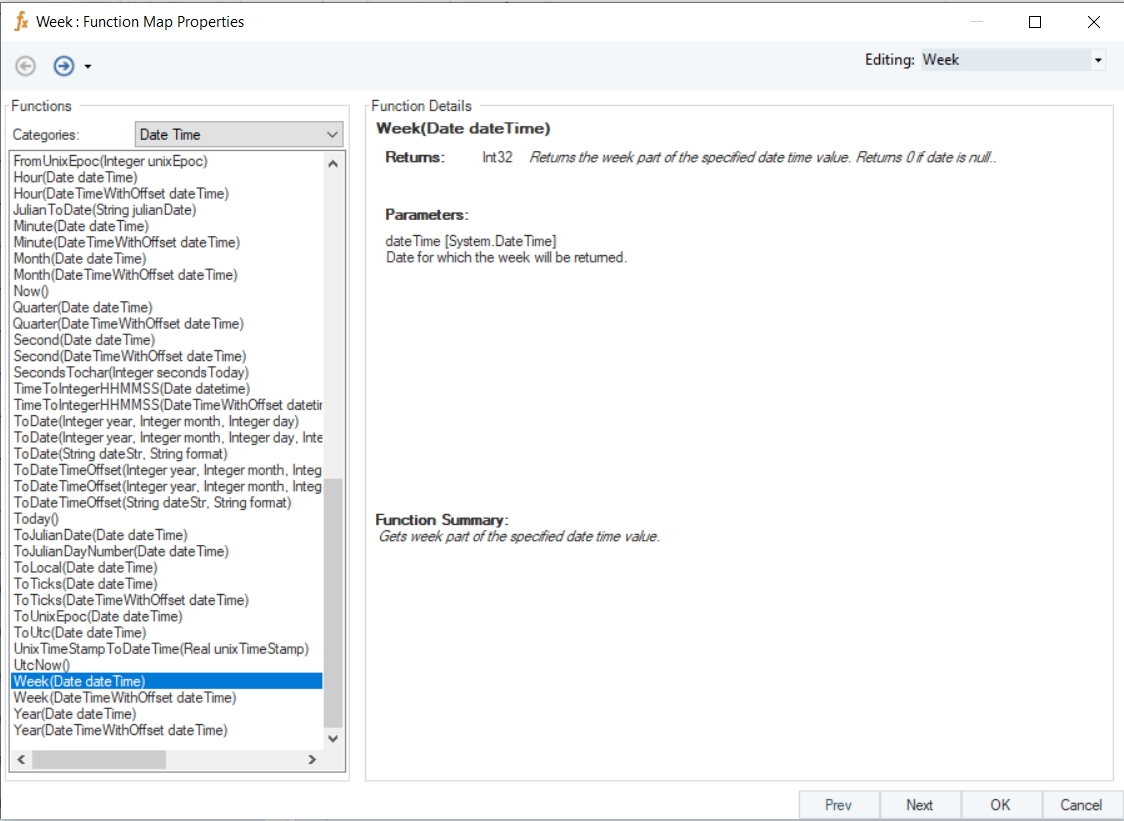
Week
Syntax
Week (Date dateTime)
Purpose
To get week part of the specified date time value.
Description
Returns the week part of the specified date time value. Returns 0 if date is null.
Return Type
Int32
Parameter
dateTime [System.DateTime] – Date for which the week will be returned
Example
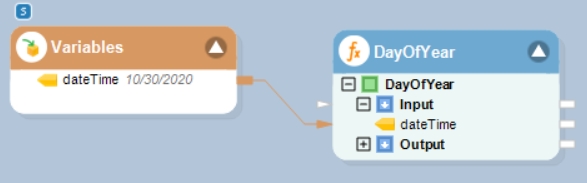
In this example, we will pass a date time offset value to the function transformation object using a Variables object.
Where,
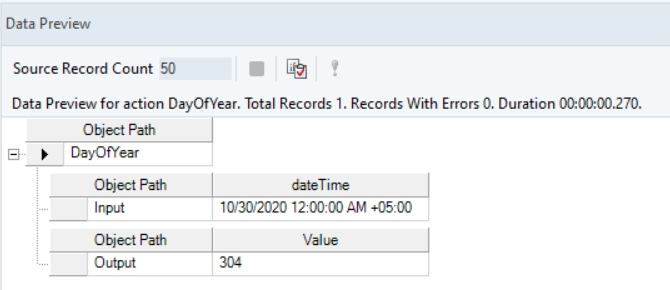
dateTime = 10/30/2020
In the output window you can see that the day of the year has been returned for the specified date time offset value.
Name
DayOfYear with Offset
Syntax
DayOfYear (DateTimeWithOffset dateTime)
Purpose
To get the day of the year.
Description
Returns an integer between 1 and 366 representing the day of year as an integer.
Return Type
Int64
Parameter
dateTime [System.DateTimeOffset] – Date for which the day will be returned
Example
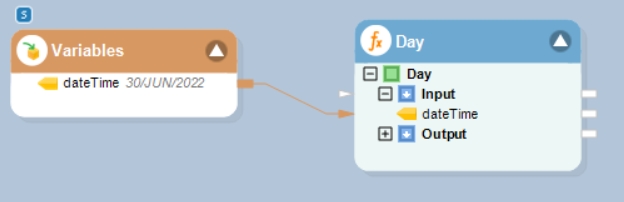
In this example, we will pass a date time offset value to the function transformation object using a Variables object.
Where,
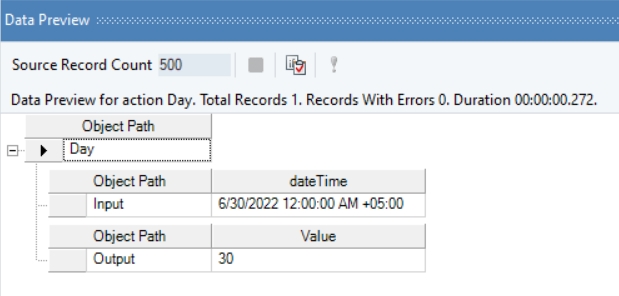
dateTime = 30/JUN/2022
In the output window, you can see that the day part of the provided date time offset value has been returned.
Name
Day with Offset
Syntax
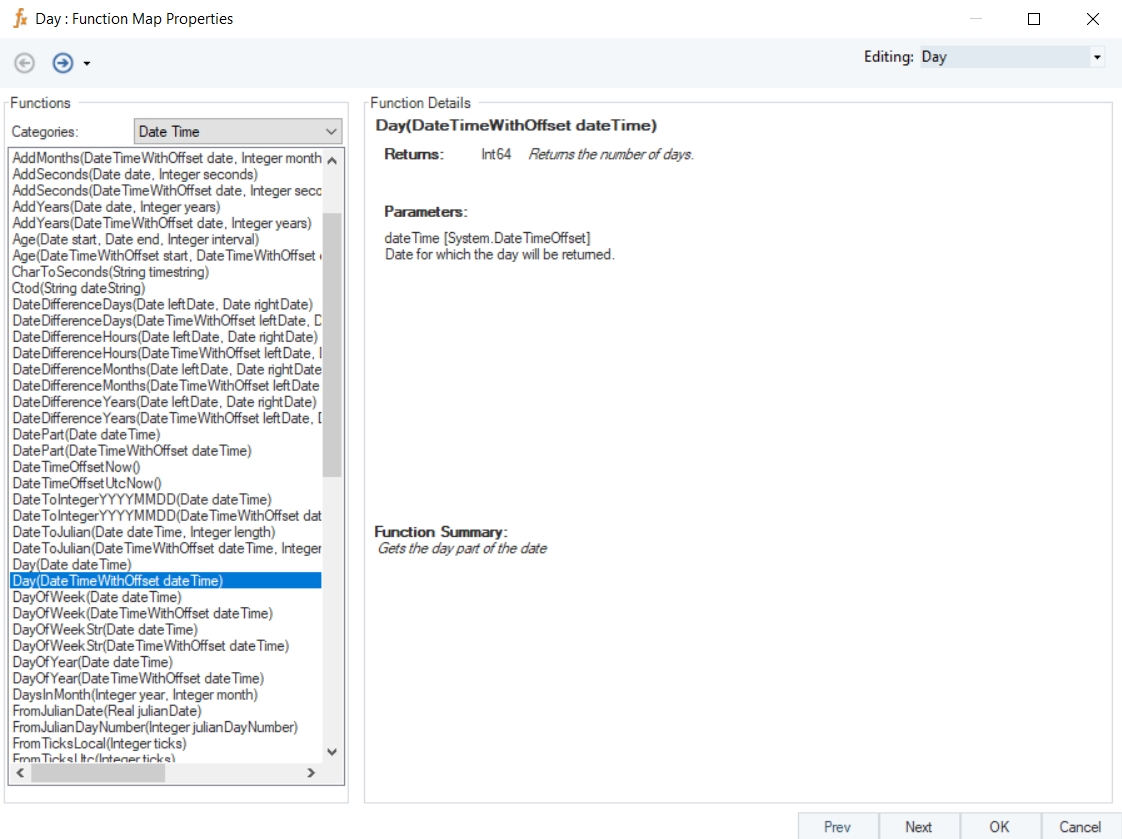
Day (DateTimeWithOffset dateTime)
Purpose
To return the number of days.
Description
Gets the day part of the date time offset value.
Return Type
Int64
Parameter
dateTime [System.DateTimeOffset] – Date for which the day will be returned
Example
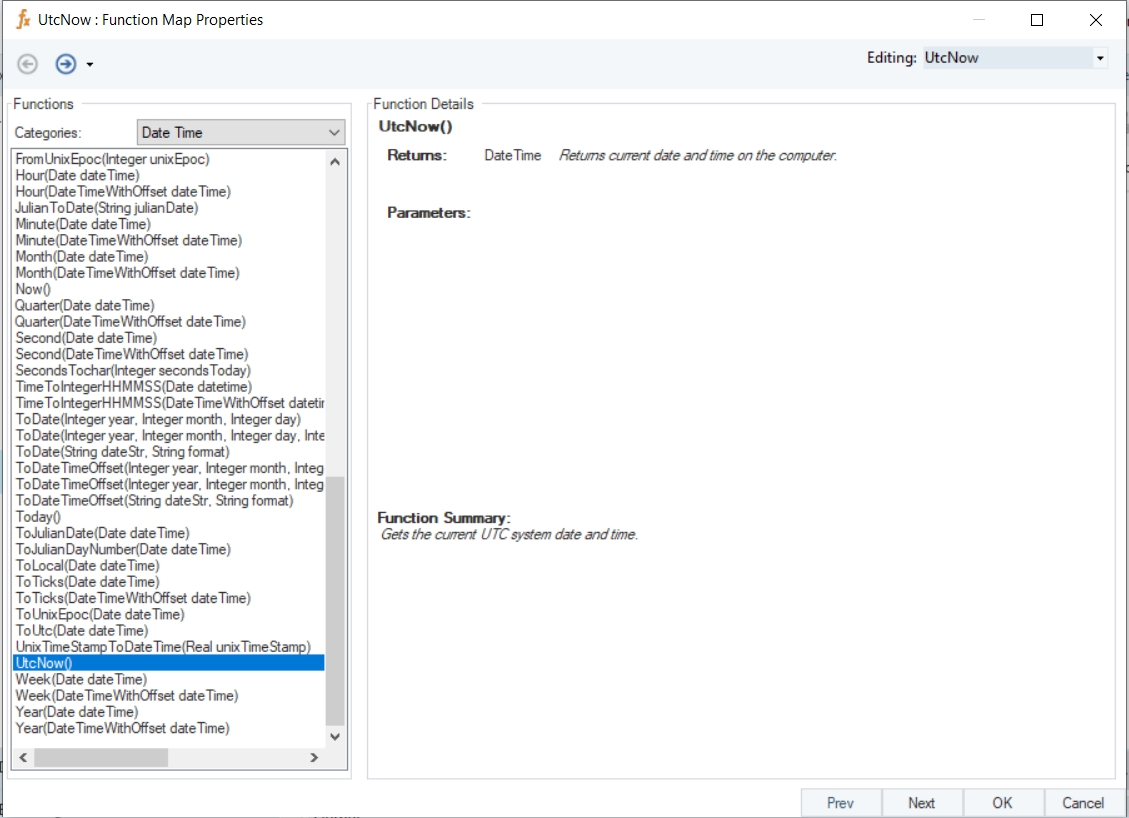
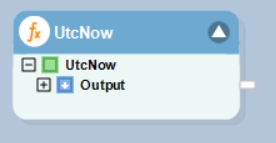
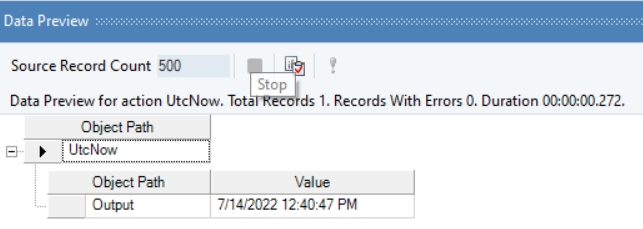
In this example, we will drag-and-drop the UtcNow function transformation object to the dataflow designer window.
Right-click on the function transformation object and select Preview Output. You can see that Astera Data Stack has returned the current UTC system date and time value.
Name
UtcNow
Syntax
UtcNow ()
Purpose
To get current UTC system date and time.
Description
Returns current UTC system date and time.
Return Type
Date Time
Parameter
-
Example
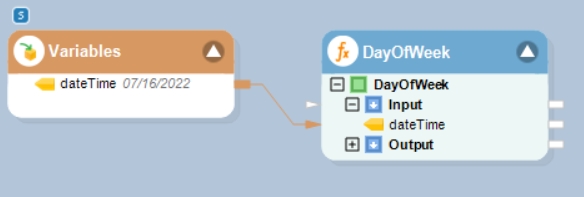
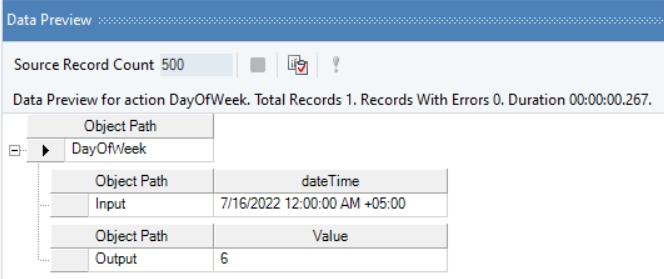
In this example, we will pass a date time offset value to the function transformation object using a Variables object.
Where,
dateTime = 07/16/2022
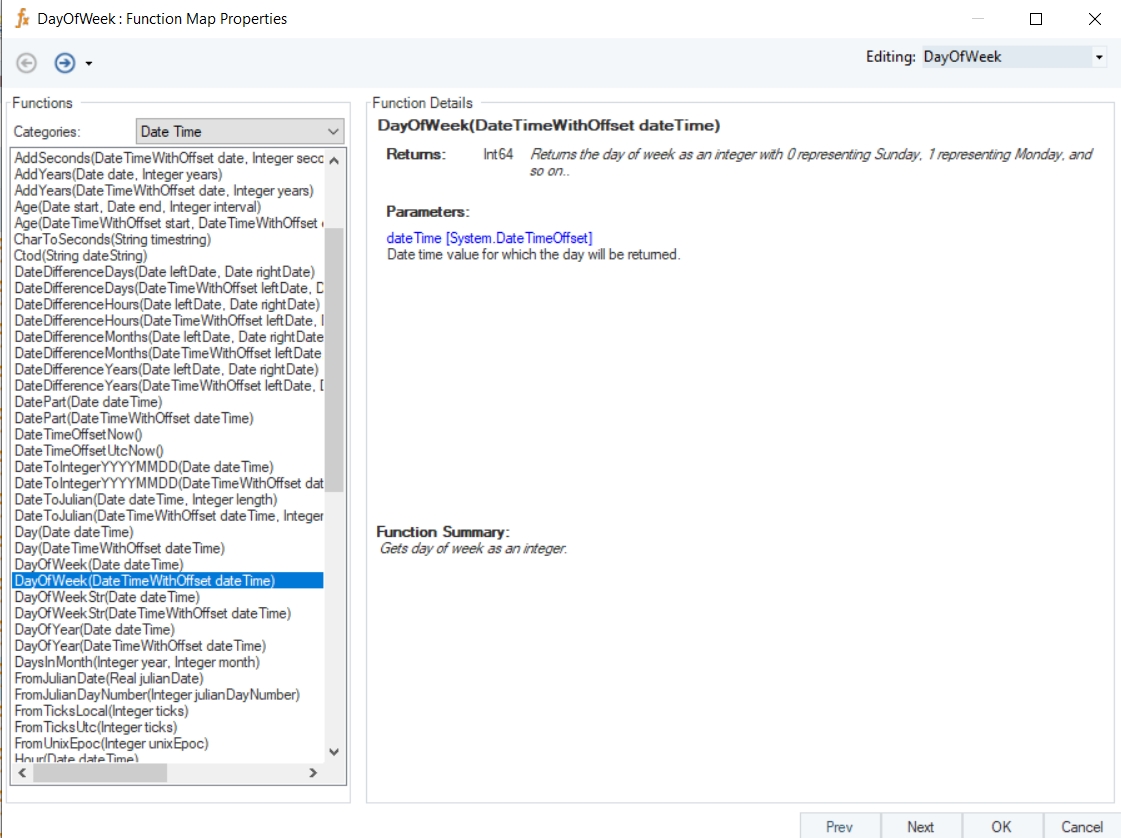
In the output window, you can see that the day of the week, Saturday, has been returned in its integer form, 6.
Name
DayOfWeek with Offset
Syntax
DayOfWeek (DateTimeWithOffset dateTime)
Purpose
To return the day of week as an integer.
Description
Returns the day of week as an integer with 0 representing Sunday, 1 representing Monday, and so on.
Return Type
Int64
Parameter
dateTime [System.DateTimeOffset] – Date for which the day will be returned
Example
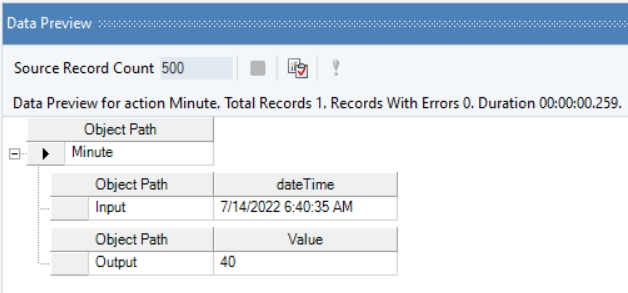
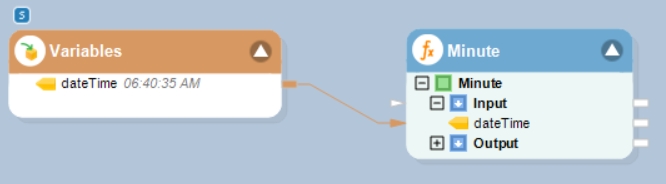
In this example, we will pass a date time value to the function transformation object using a Variables object.
Where,
dateTime = 06:40:35 AM
In the output window, you can see that the minute part of the provided date time value has been returned.
Name
Minute
Syntax
Minute (Date dateTime)
Purpose
To return the minute part of the specified date time value.
Description
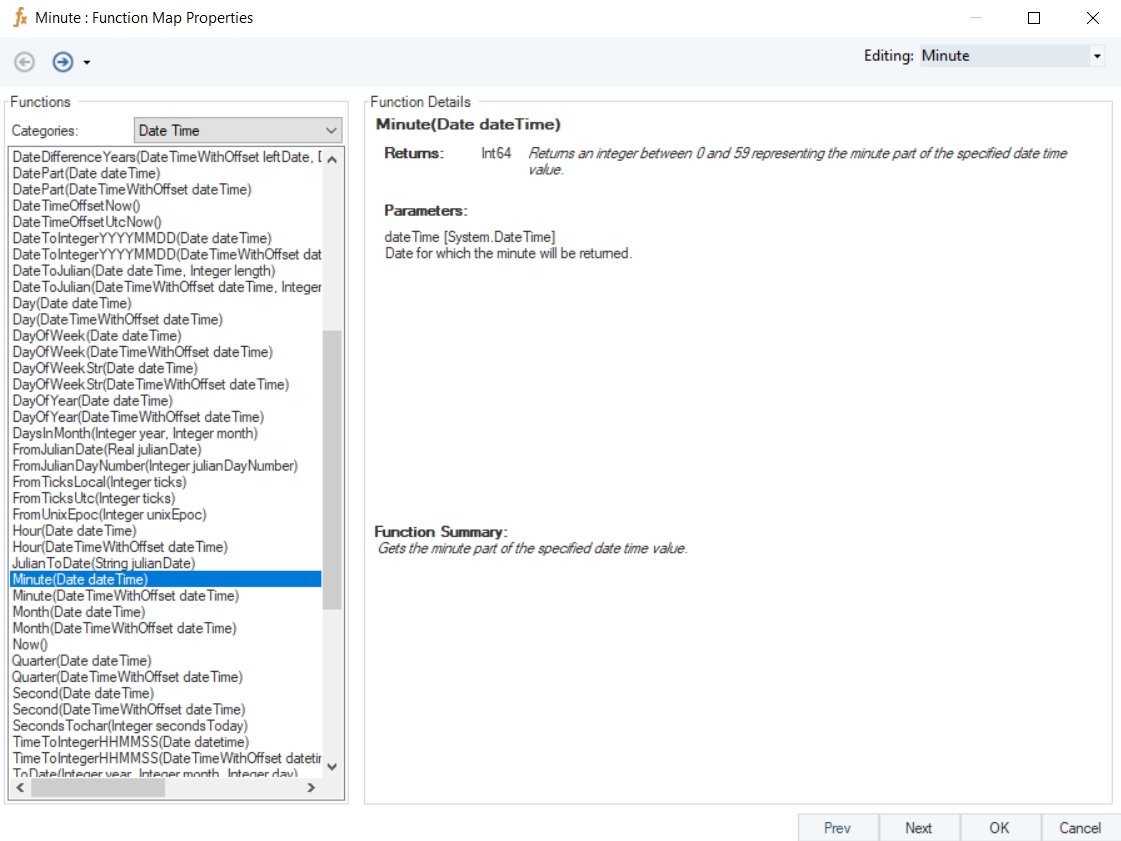
Returns a value between 0 and 59 representing the minute part of the specified date time value.
Return Type
Int64
Parameter
dateTime [System.DateTime] – Date for which the minute will be returned
Example
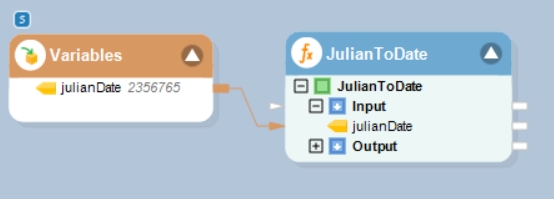
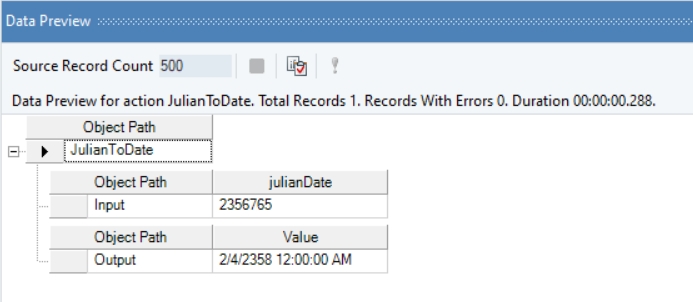
In this example, we will pass a Julian date string to the function transformation object using a Variables object.
Where,
julianDate = 2356765
In the output window, you can see that the provided value has been converted into a date time value.
Name
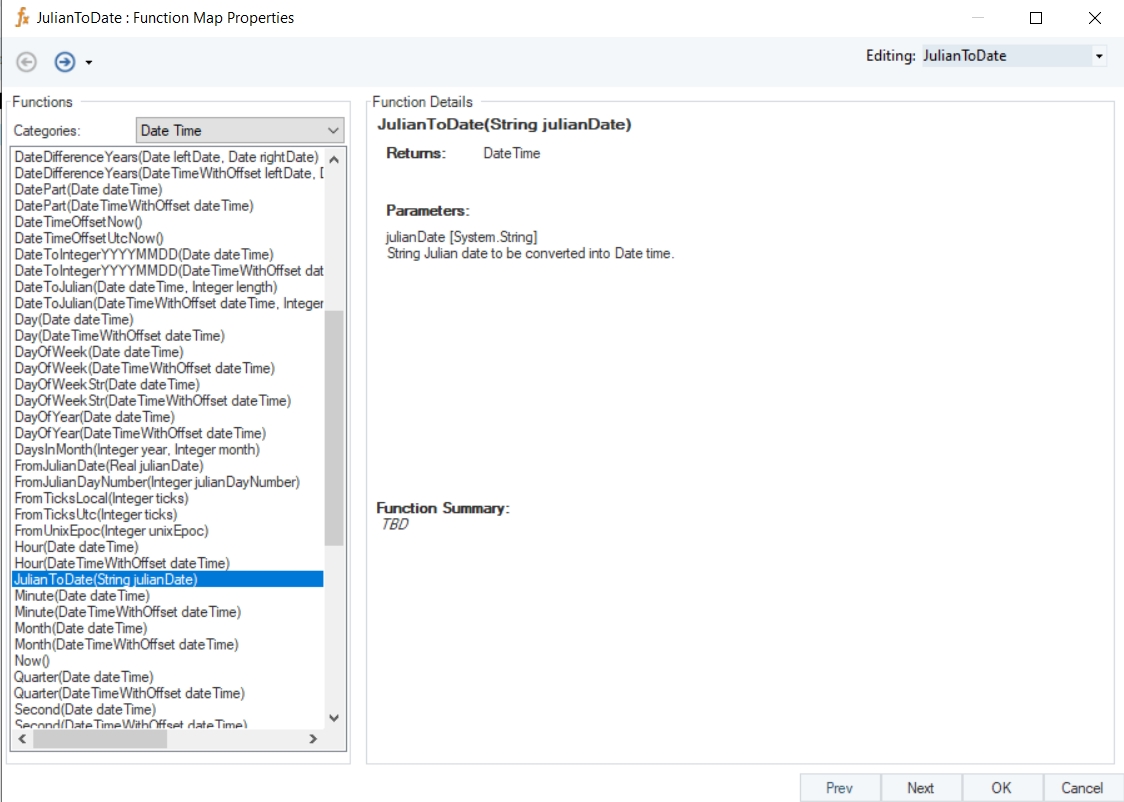
JulianToDate
Syntax
JulianToDate (String julianDate)
Purpose
To convert the given Julian date string to a date time value.
Description
Converts the specified Julian date string into a DateTime value.
Return Type
DateTime
Parameter
julianDate [System.String] – String Julian date to be converted into Date time
Example
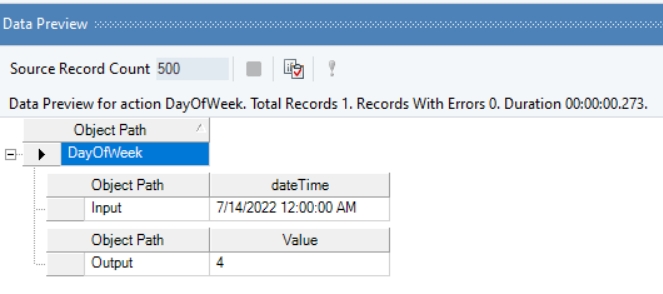
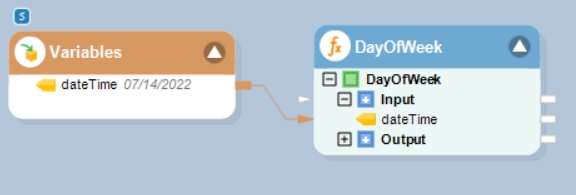
In this example, we will pass a date time value to the function transformation object using a Variables object.
Where,
dateTime = 07/14/2022
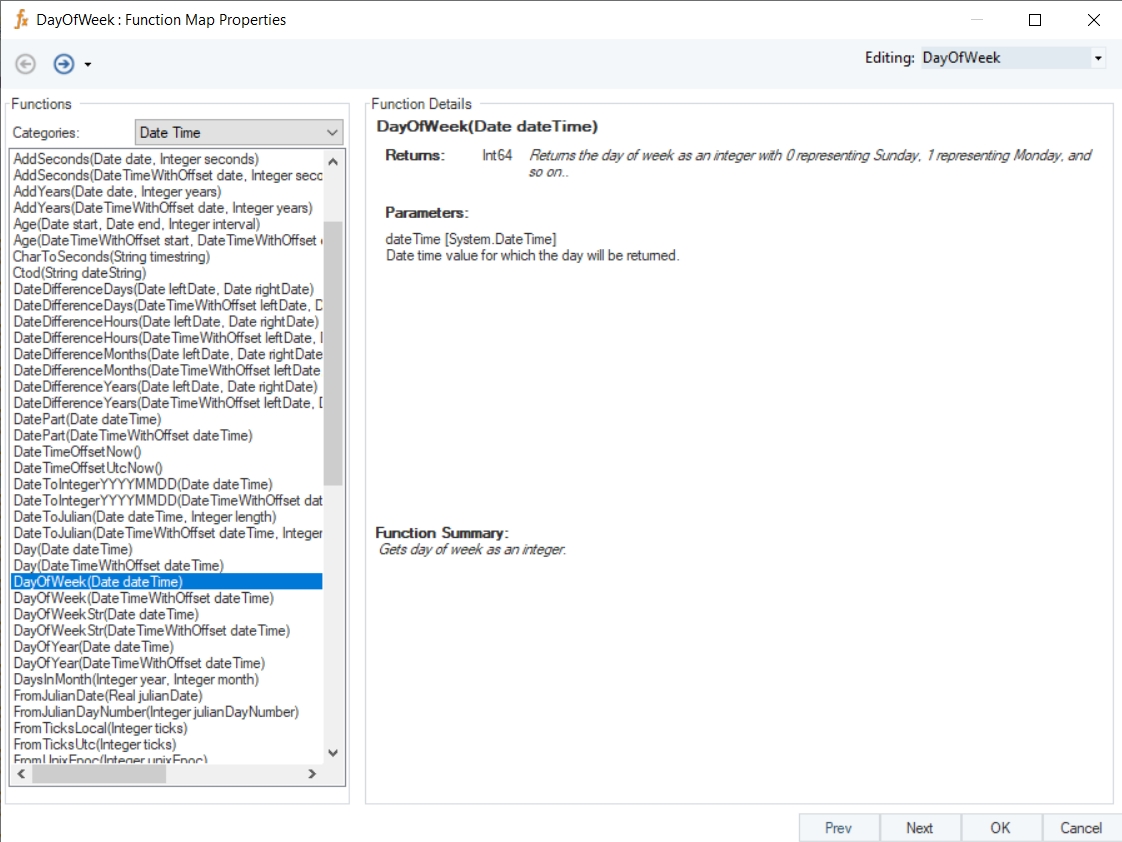
In the output window, you can see that the day of the week, Thursday, has been returned in its integer form, 4.
Name
DayOfWeek
Syntax
DayOfWeek (Date dateTime)
Purpose
To return the day of week as an integer.
Description
Returns the day of week as an integer with 0 representing Sunday, 1 representing Monday, and so on.
Return Type
Int64
Parameter
dateTime [System.DateTime] – Date for which the day will be returned
Example
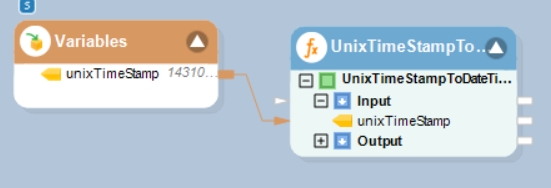
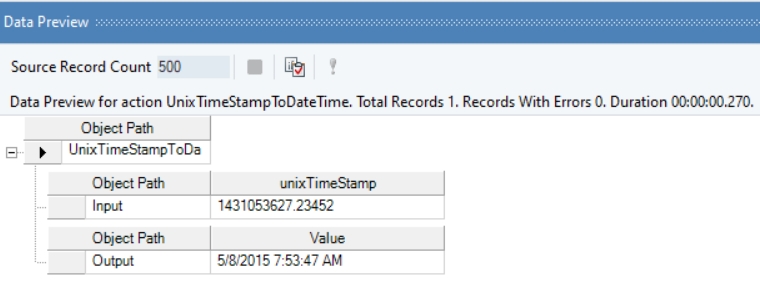
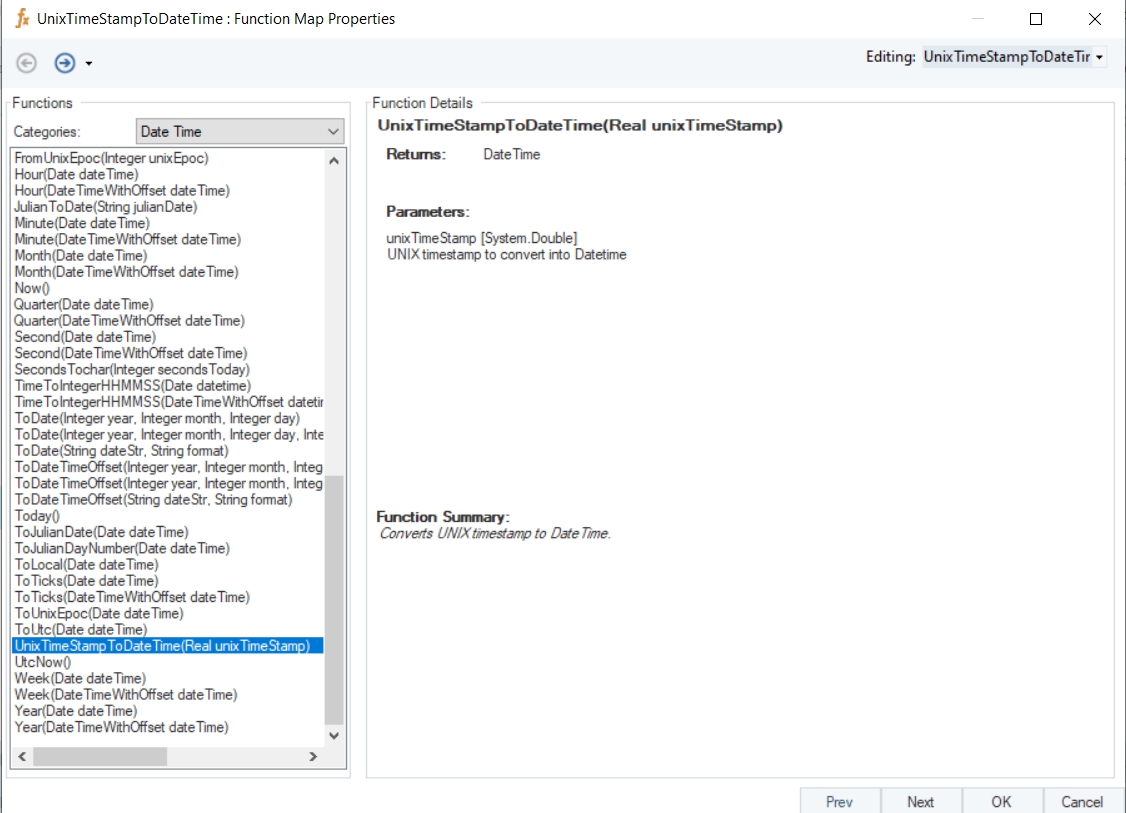
In this example, we will pass a Unix time stamp value to the function transformation object using a Variables object.
Where,
unixTimeStamp = 1431053627.234523
In the output window, you can see that the provided Unix time stamp value has been converted into a date time value.
Name
UnixTimeStampToDateTime
Syntax
UnixTimeStampToDateTime (Real unixTimeStamp)
Purpose
To convert a Unix time stamp to a date time value.
Description
Converts Unix time stamp to a date time value.
Return Type
Real
Parameter
unixTimeStamp [System.Double] – UNIX timestamp to convert into Datetime
Example
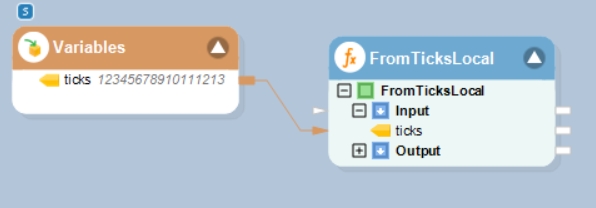
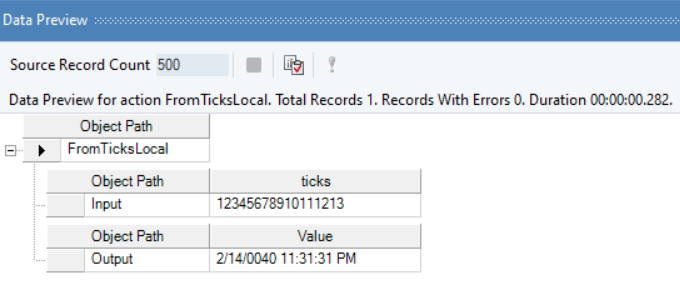
In this example, we will pass an integer value, representing ticks, to the function transformation object using a Variables object.
Where,
ticks = 123456789101111213
In the output window you can see that the specified ticks value has been converted into a date time value.
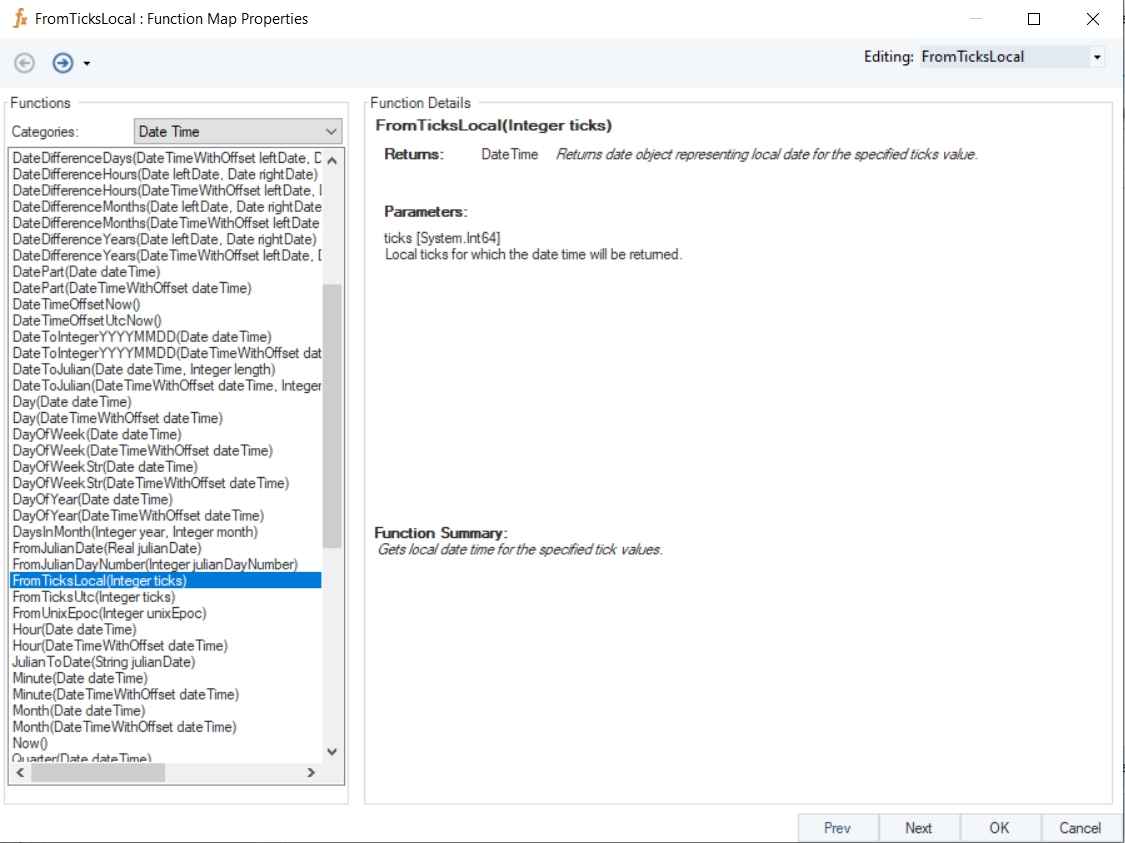
Name
FromTicksLocal
Syntax
FromTicksLocal(Integer ticks)
Purpose
To get local date time for the specified tick value.
Description
Returns date object representing local date for the specified ticks value.
Return Type
DateTime
Parameter
ticks [System.Int64] – Local ticks for which the date time will be returned
Example
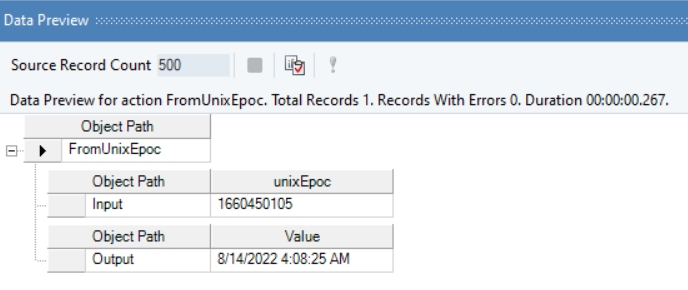
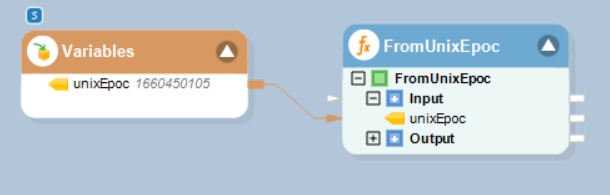
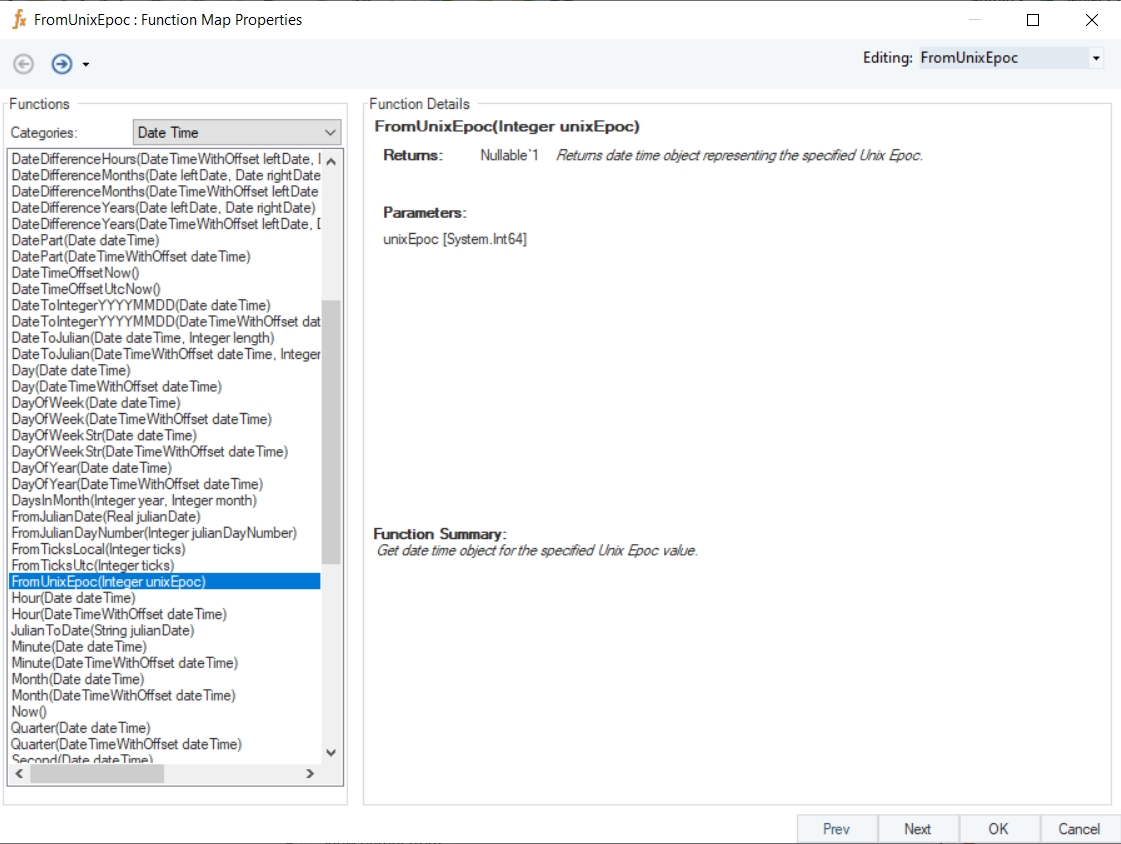
In this example, we will pass an integer value, representing Unix epoch, to the function transformation object using a Variables object.
Where,
unixEpoc = 1660450105
In the output window you can see that the specified Unix epoch value has been converted into a date time value.
Name
FromUnixEpoc
Syntax
FromUnixEpoc(Integer unixEpoc)
Purpose
To get date time object for the specified Unix Epoch value.
Description
Returns date time object representing the specified Unix Epoch.
Return Type
DateTime
Parameter
unixEpoc [System.Int64]
Example
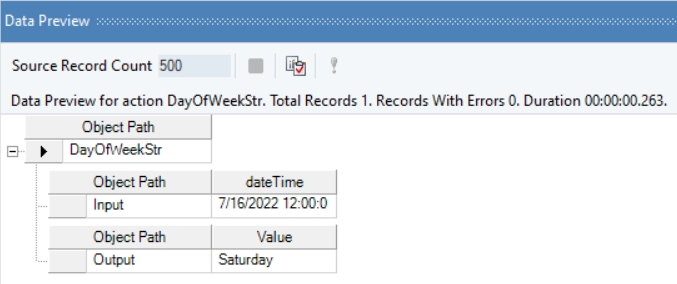
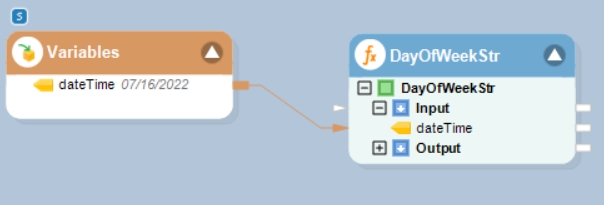
In this example, we will pass a date time value to the function transformation object using a Variables object.
Where,
dateTime = 07/16/2022
In the output window you can see that the day of the week, Saturday, has been returned.
Name
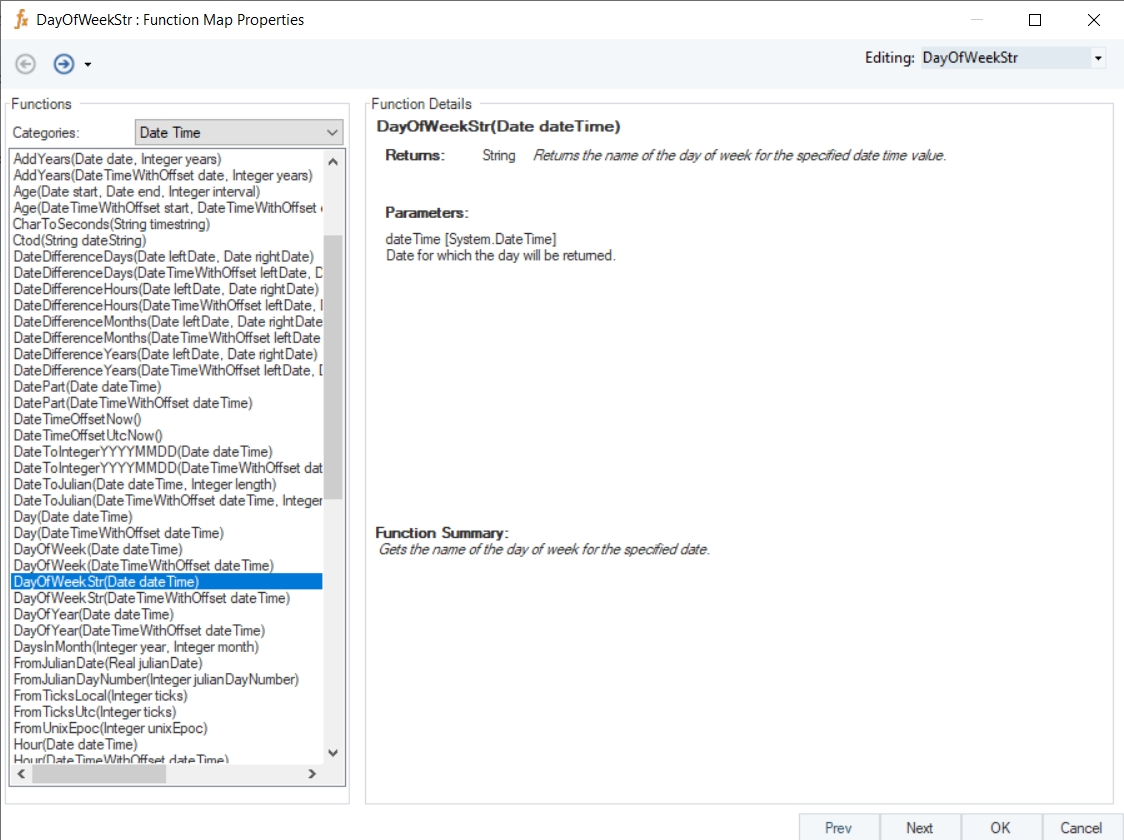
DayOfWeekStr
Syntax
DayOfWeekStr (Date dateTime)
Purpose
To get the name of the day of week for the specified date.
Description
Returns the name of the day of week for the specified date time value.
Return Type
String
Parameter
dateTime [System.DateTime] – Date for which the day will be returned
Example
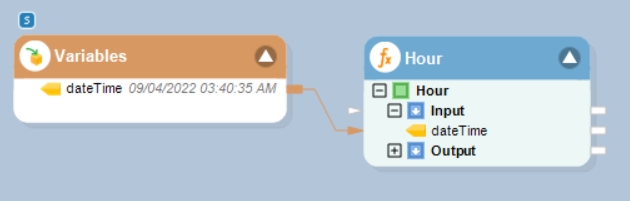
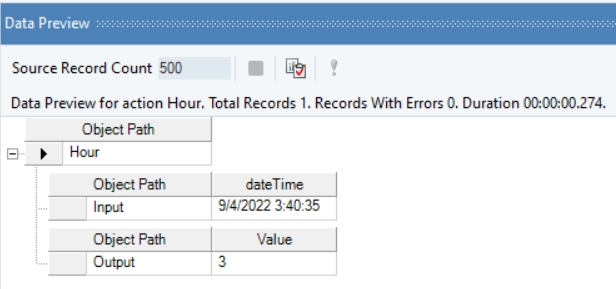
In this example, we will pass a date time value to the function transformation object using a Variables object.
Where,
dateTime = 09/04/2022 03:40:35 AM
In the output window, you can see that the hour part of the provided date time value has been returned.
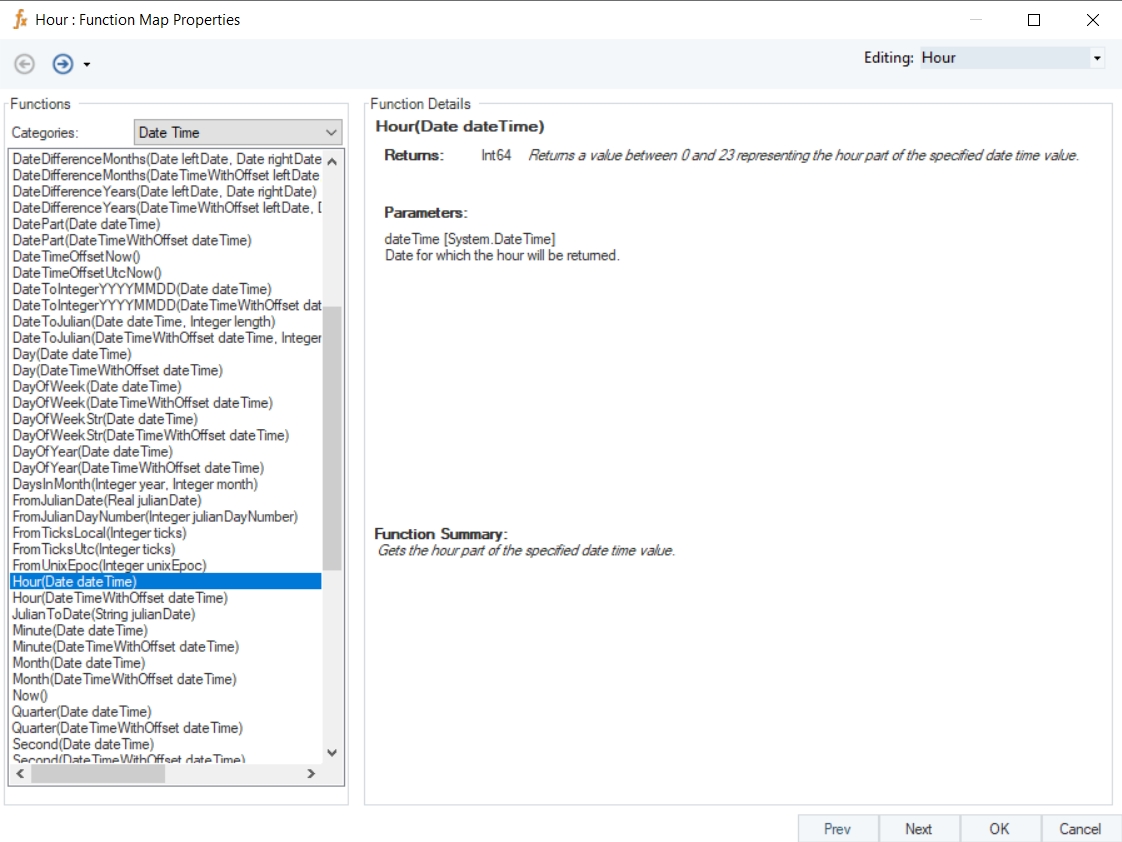
Name
Hour
Syntax
Hour (Date dateTime)
Purpose
To return the hour part of the specified date time value.
Description
Returns a value between 0 and 23 representing the hour part of the specified date time value.
Return Type
Int64
Parameter
dateTime [System.DateTime] – Date for which the hour will be returned
dateTime [System.DateTime] – date from which the time part will be stripped
dateTime [System.DateTimeOffset] – date from which the time-offset part will be stripped
Name
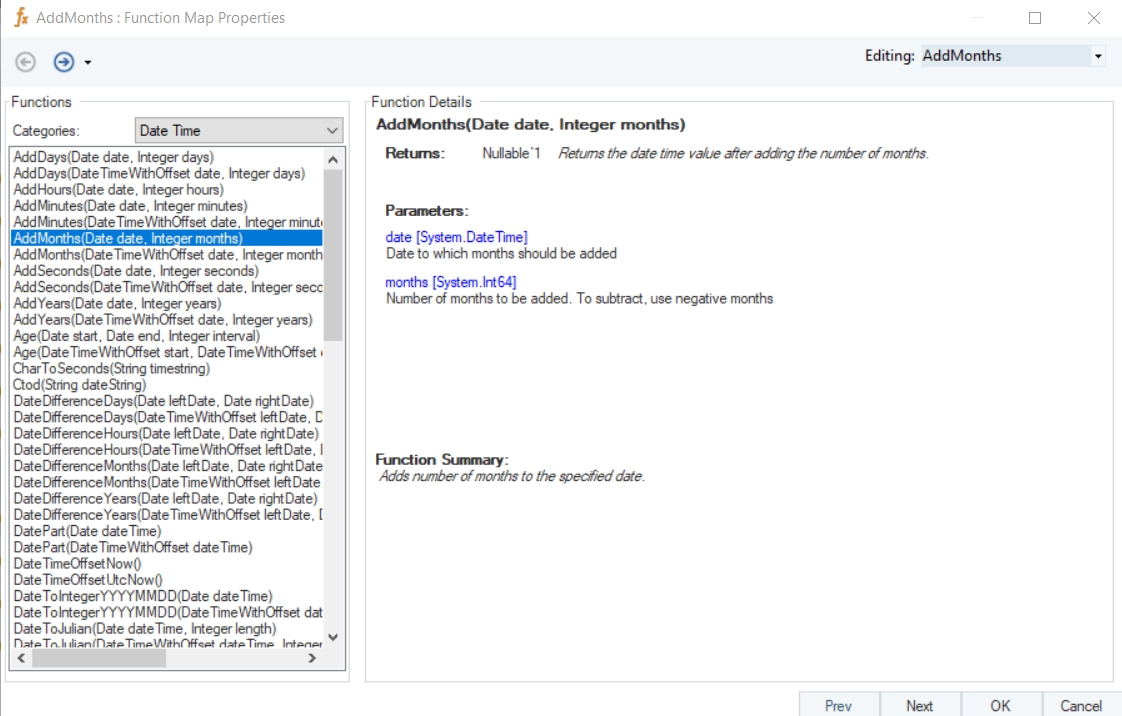
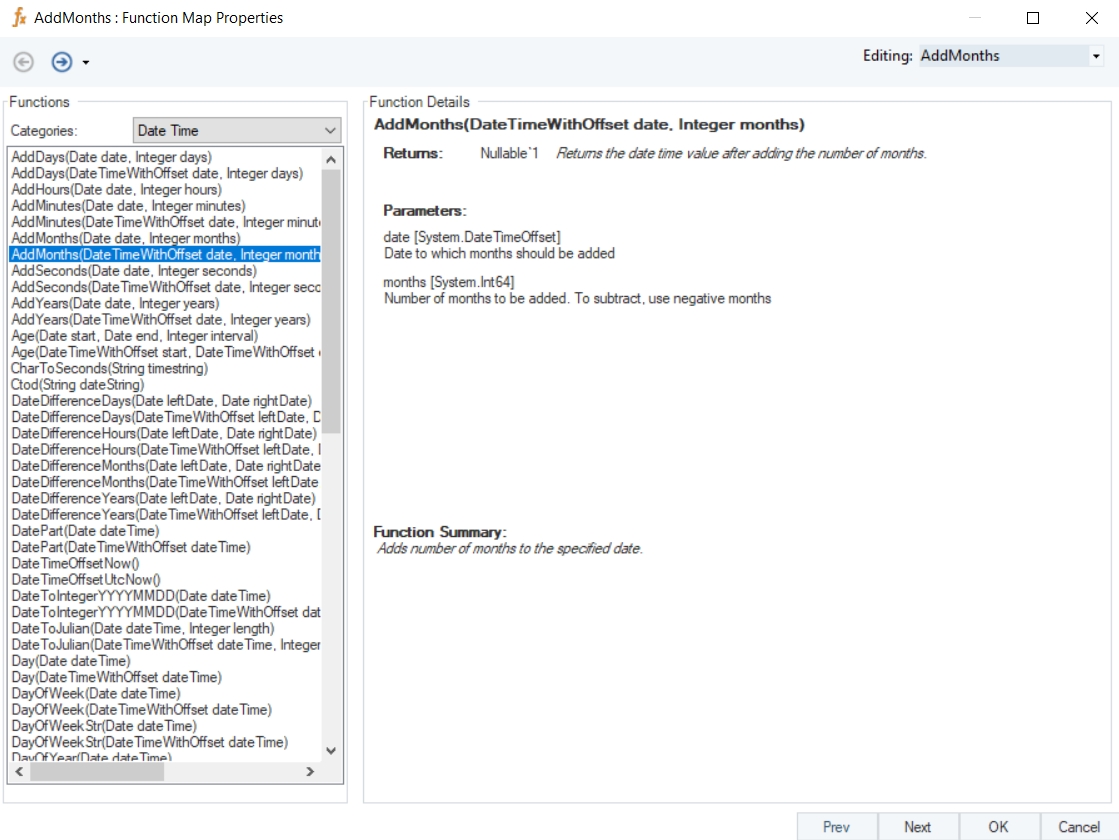
AddMonths
Syntax
AddMonths (Date date, Integer months)
Purpose
To return the date and time after adding or subtracting the number of months.
Description
Adds or subtracts number of months to/from the specified datetime value.
Return Type
DateTime
Parameters
Example
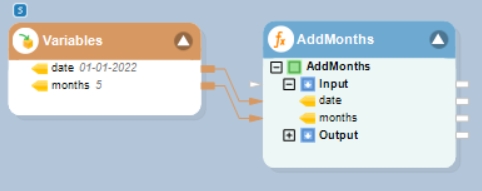
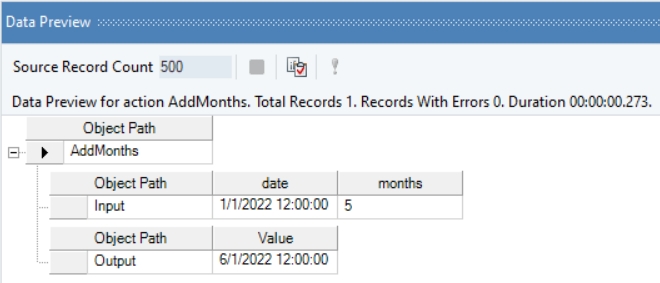
In this example, we will pass a date time value, and an integer value (indicating months to be added or subtracted) to the function transformation object using a Variables object.
Where,
date = 01-01-2022
months = 5
In the output window, you can see that the provided integer value, indicating months, has been added to the given date time value.
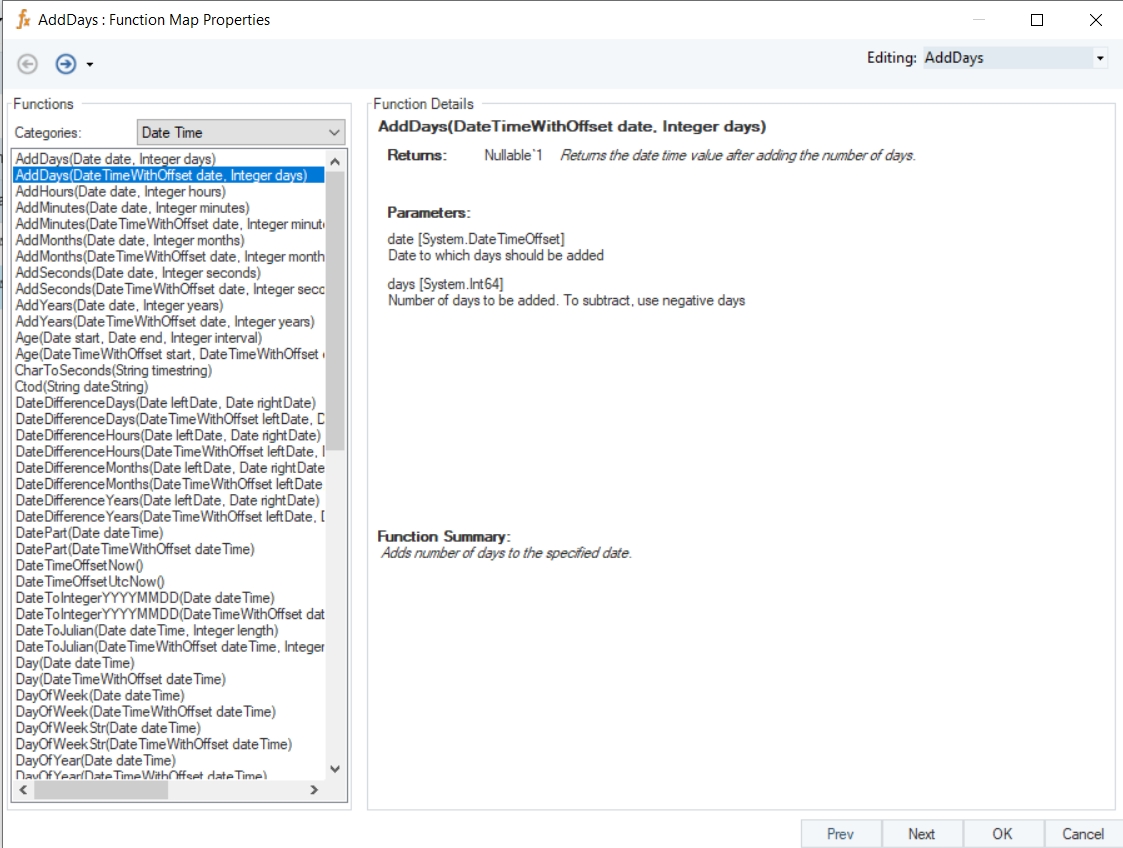
Name
AddDays with Offset
Syntax
AddDays (DateTimeWithOffset date, Integer days)
Purpose
To return the date time value after adding the number of days.
Description
Adds or subtracts number of days to the specified date.
Return Type
DateTimeOffset
Parameters
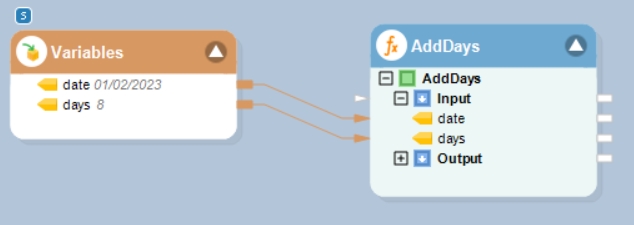
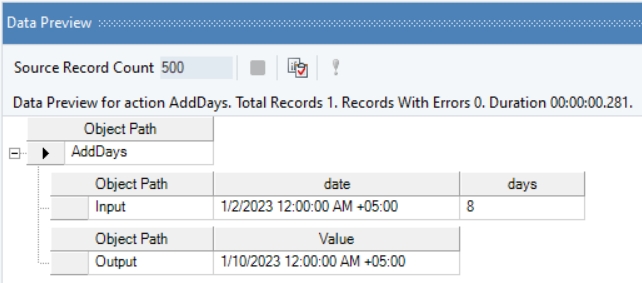
Example
In this example, we will pass a date time offset value, and an integer value (indicating days to be added or subtracted) to the function transformation object using a Variables object.
Where,
date = 01-02-2023
days = 8
In the output window, you can see that the provided integer value, indicating the number of days, has been added to the given date time offset value.
Name
Quarter with Offset
Syntax
Quarter (DateTimeWithOffset dateTime)
Purpose
To return the calendar quarter of a provided date time offset value.
Description
Returns calendar quarter for the specified date time offset value.
Return Type
Int32
Parameter
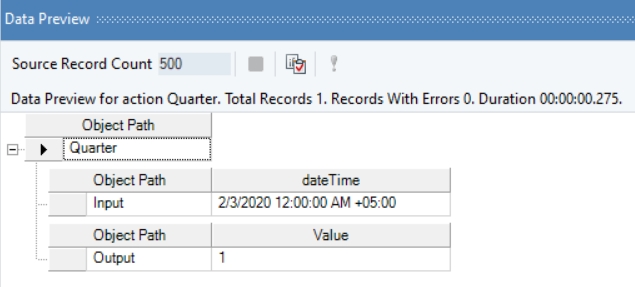
Example
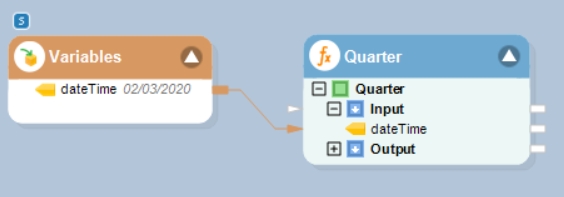
In this example, we will pass a date time offset value to the function transformation object using a Variables object.
Where,
dateTime = 02/03/2020
In the output window, you can see that the calendar quarter of the provided date time offset value has been returned.
Name
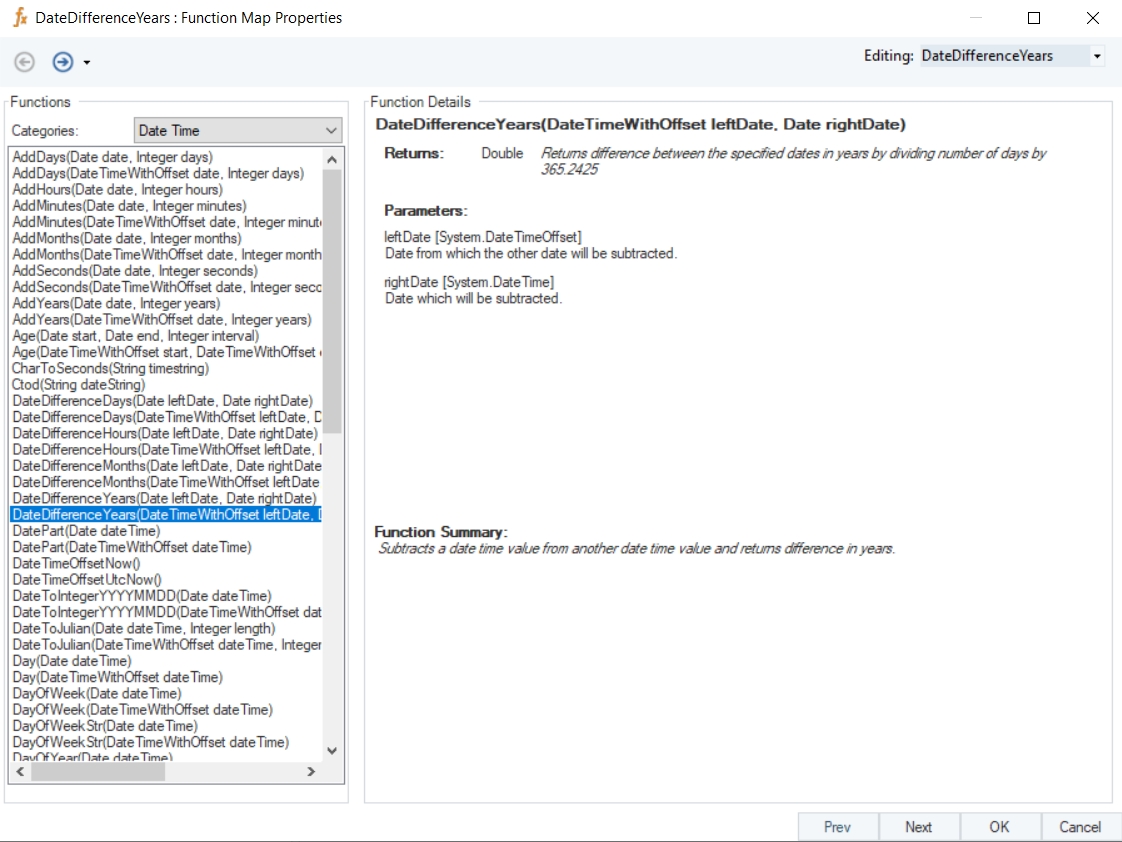
DateDifferenceYears with Offset
Syntax
DateDifferenceYears (DateTimeWithOffset leftDate, Date rightDate)
Purpose
To compute the difference between the specified dates in years.
Description
Subtracts a date time offset value from another date time value and returns result in years by dividing number of days by 365.2425.
Return Type
Double
Parameters
Example
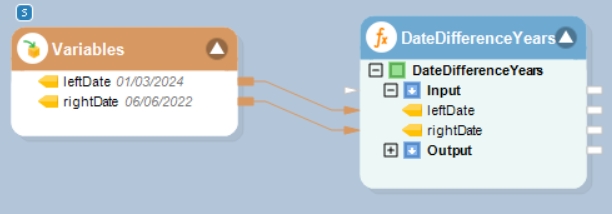
In this example, we will pass date time values to be subtracted to the function transformation object using a Variables object.
Where,
leftDate = 01/03/2024
rightDate = 06/06/2022
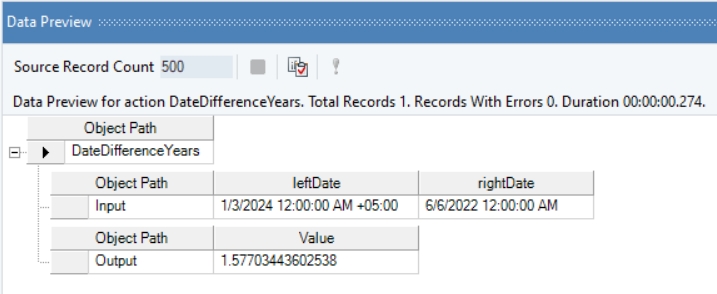
In the output window, you can see that the difference between the provided date time offset, and date time values has been displayed in the form of years.
Name
AddSeconds With Offset
Syntax
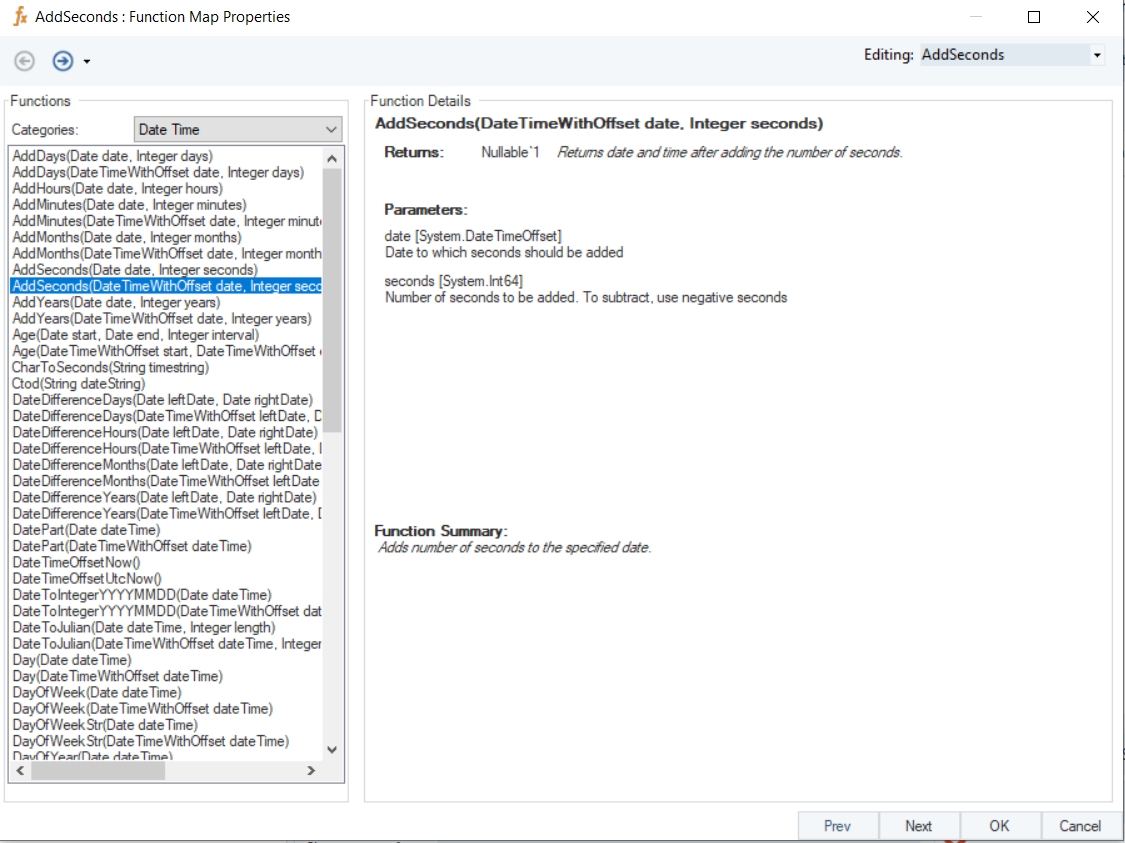
AddSeconds (DateTimeWithOffset date, Integer seconds)
Purpose
To return the date and time after adding or subtracting the number of seconds.
Description
Adds or subtracts number of seconds to/from the specified datetime offset value.
Return Type
DateTimeOffset
Parameters
Example
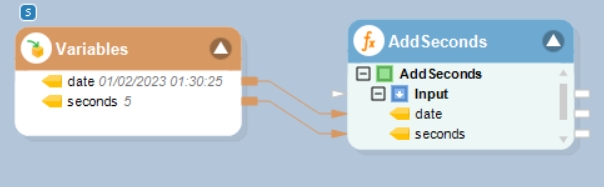
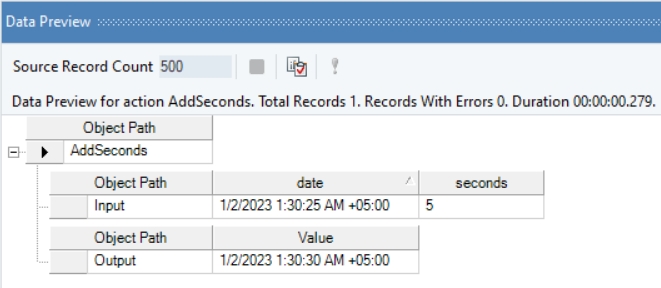
In this example, we will pass a date time offset value, and an integer value (indicating seconds to be added or subtracted) to the function transformation object using a Variables object.
Where,
date = 01/02/2023 01:30:25
seconds = 5
In the output window, you can see that the provided integer value, indicating seconds, has been added to the given date time offset value.
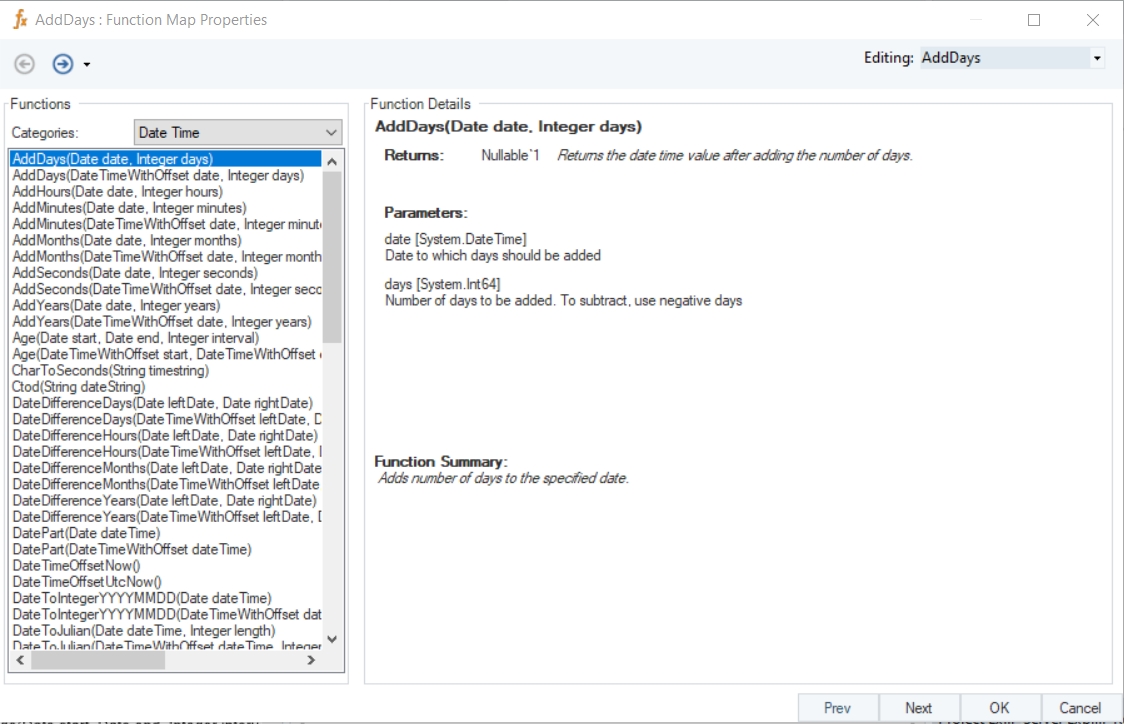
Name
AddDays
Syntax
AddDays (Date date, Integer days)
Purpose
To return the date time value after adding the number of days.
Description
Adds or subtracts number of days to the specified date.
Return Type
DateTime
Parameters
Example
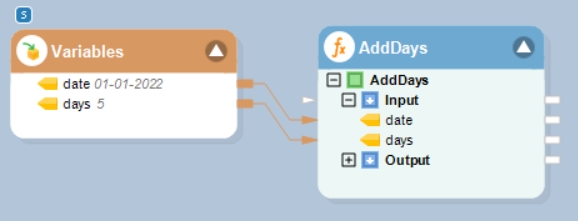
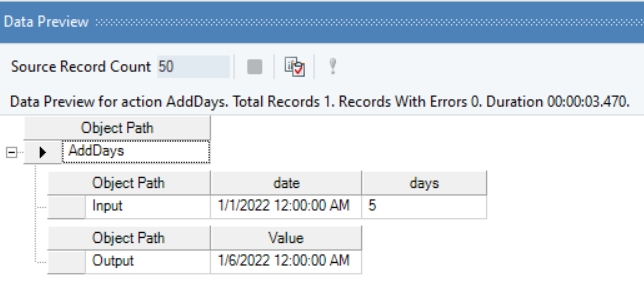
In this example, we will pass a date time value, and an integer value (indicating days to be added or subtracted) to the function transformation object using a Variables object.
Where,
date = 01-01-2022
days = 5
In the output window, you can see that the provided integer value, indicating the number of days, has been added to the given date time value.
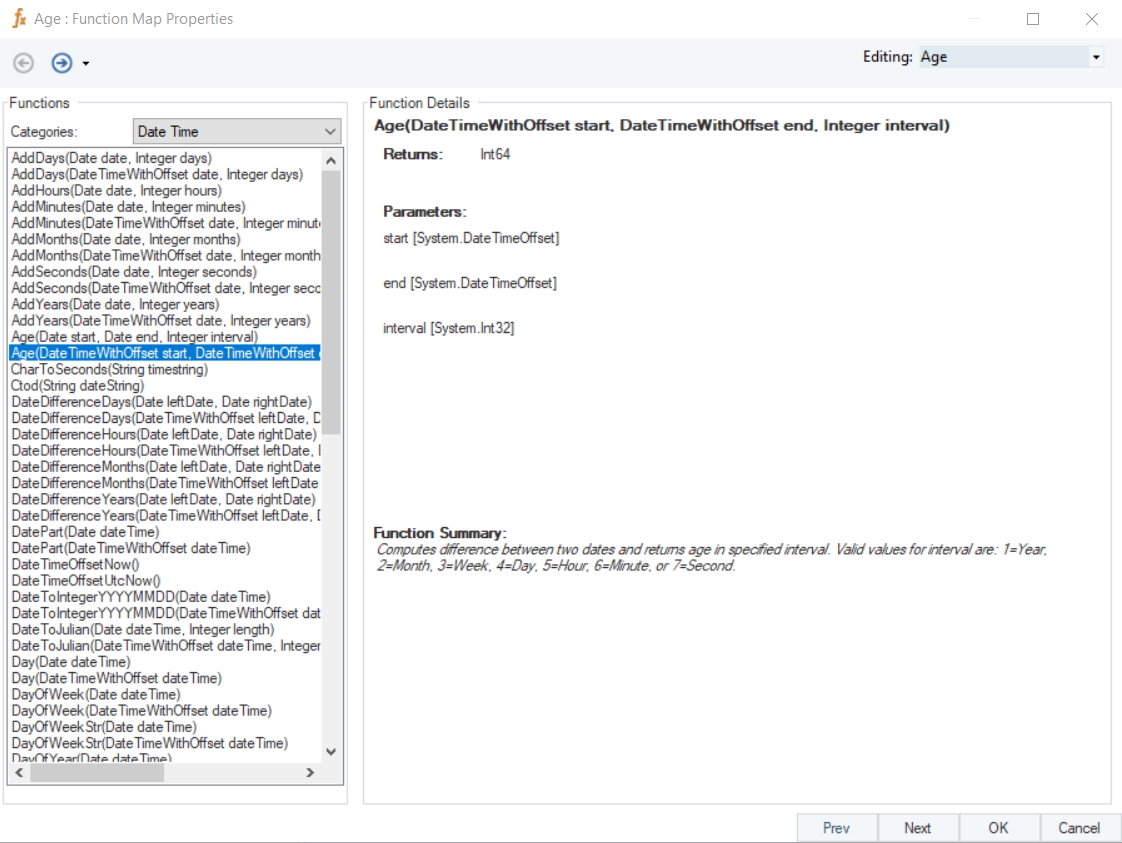
Name
Age With Offset
Syntax
Age (DateTimeWithOffset start, DateTimeWithOffset end, Integer interval)
Purpose
To compute the difference between two specified date time offset values, based on interval type (year, Month etc.) provided in integer form.
Description
Compute the difference between two dates and return age in a specified interval. Valid values for interval: 1=Year, 2=Month, 3=Week, 4=Day, 5=Hour, 6=Minute, or 7=Second
Return Type
Int64
Parameters
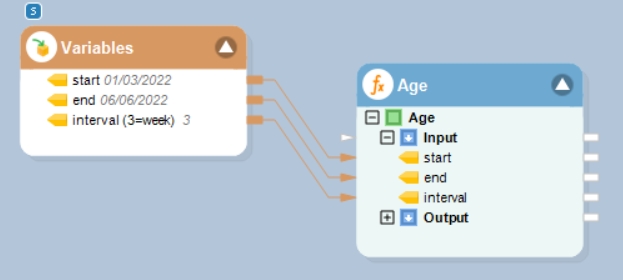
Example
In this example, we will pass date time offset values, and an integer value (indicating a specific interval) to the function transformation object using a Variables object.
Where,
start = 01/03/2022
end = 06/06/2022
interval (3=week) = 3
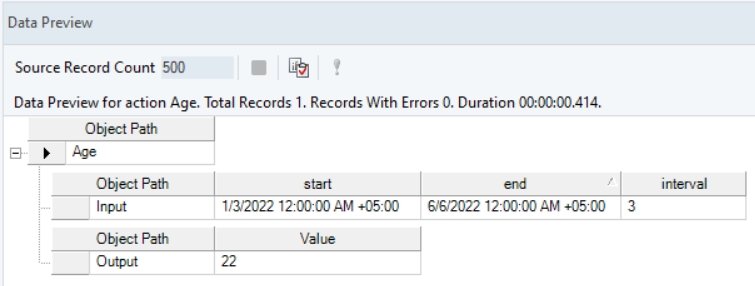
In the output window, you can see that the provided interval value, indicating weeks, has been used to compute the age between the two specified date time offset values.
Name
SecondsToChar
Syntax
SecondsToChar (Integer secondsToday)
Purpose
To compute time of day for the specified integer value representing seconds.
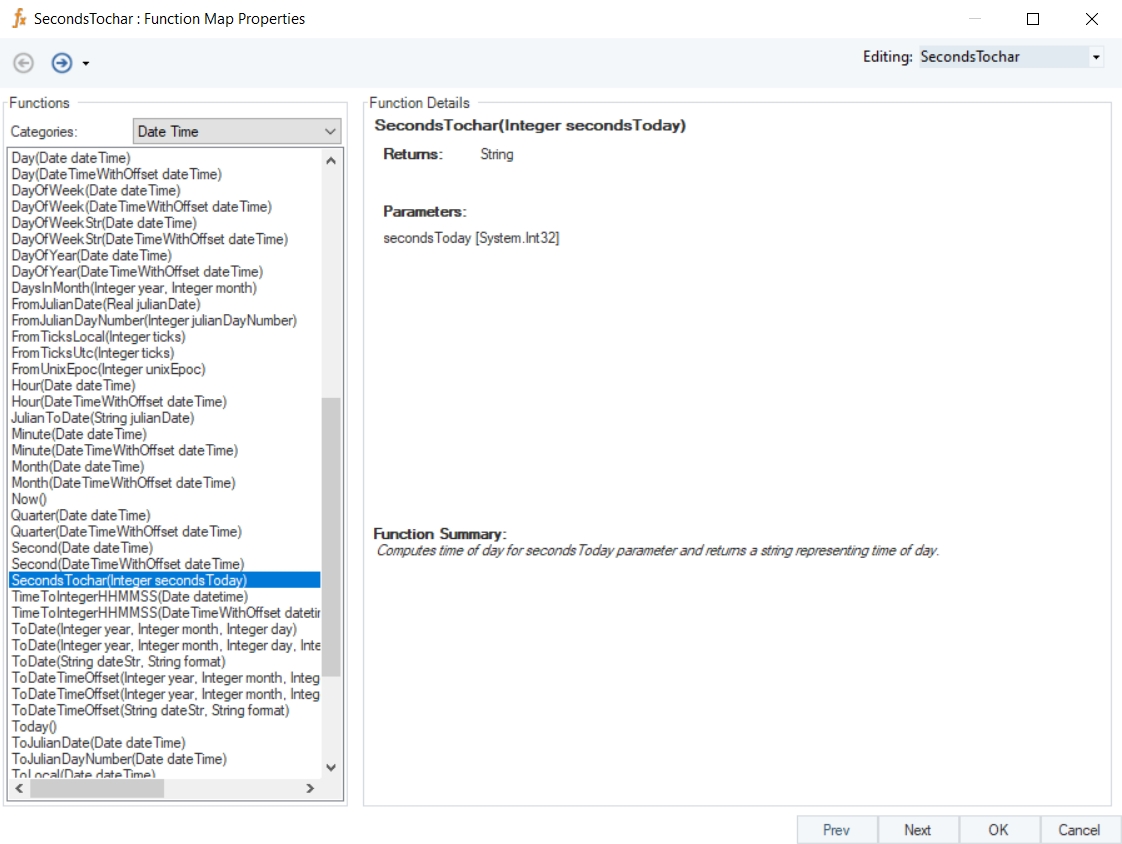
Description
Computes time of day for seconds Today parameter and returns a string representing time of day.
Return Type
String
Parameter
Example
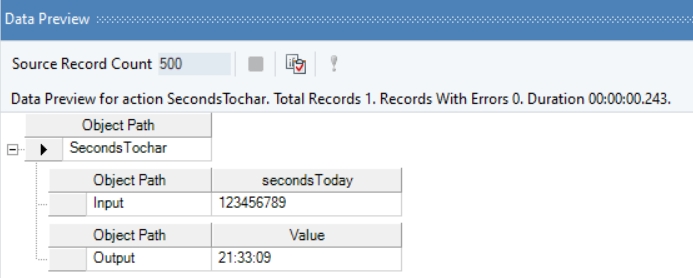
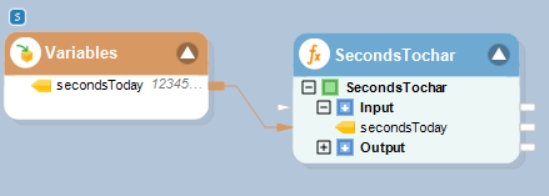
In this example, we will pass an integer value, representing seconds, to the function transformation object using a Variables object.
Where,
secondsToday = 123456789
In the output window, you can see that the provided value has been converted into a string value, representing the computed time.
Name
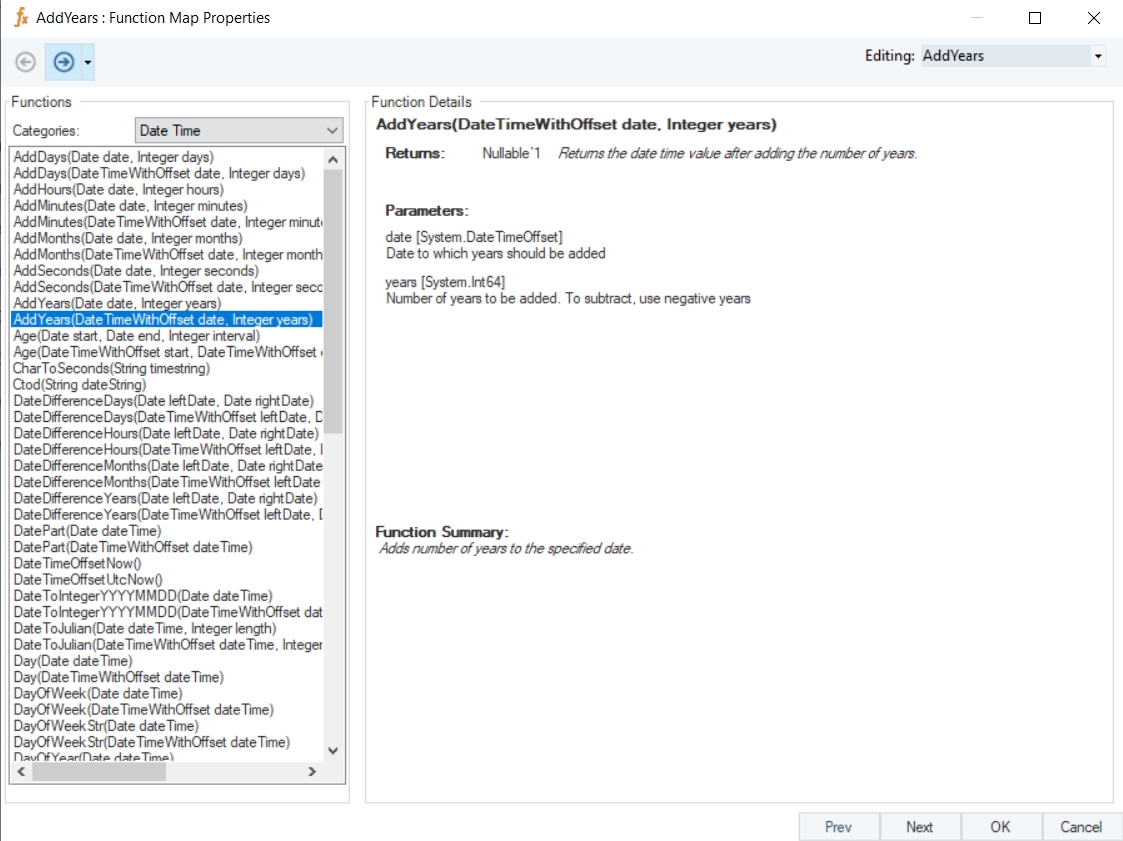
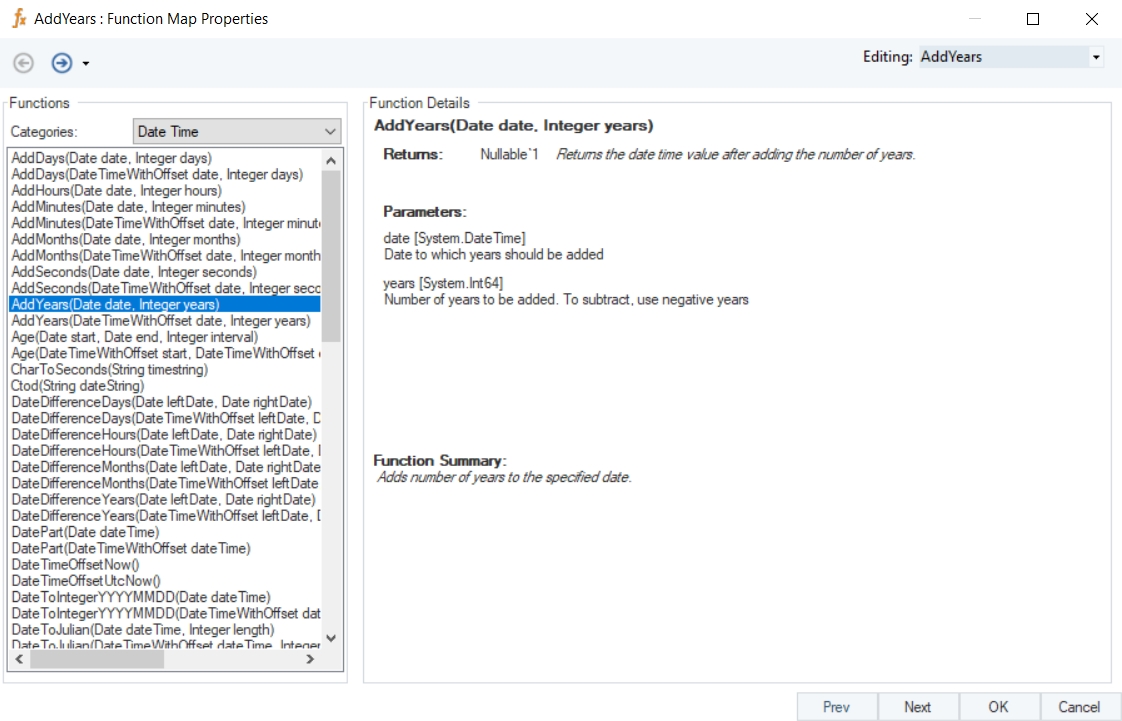
AddYears
Syntax
AddYears (Date date, Integer years)
Purpose
To return the date and time after adding or subtracting the number of years.
Description
Adds or subtracts number of years to/from the specified datetime value.
Return Type
DateTime
Parameters
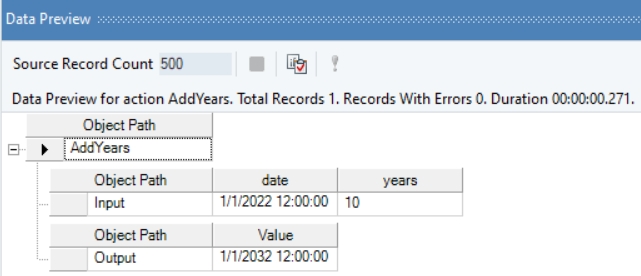
Example
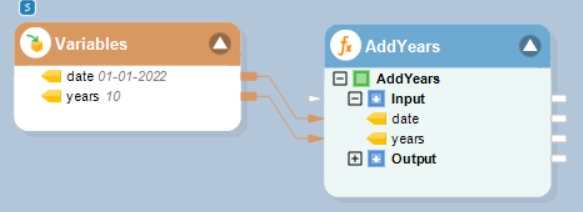
In this example, we will pass a date time value, and an integer value (indicating years to be added or subtracted) to the function transformation object using a Variables object.
Where,
date = 01-01-2022
years = 10
In the output window, you can see that the provided integer value, indicating years, has been added to the given date time value.
Name
AddMonths With Offset
Syntax
AddMonths (DateTimeWithOffset date, Integer months)
Purpose
To return the date and time after adding or subtracting the number of months.
Description
Adds or subtracts number of months to/from the specified datetime offset value.
Return Type
DateTimeOffset
Parameters
Example
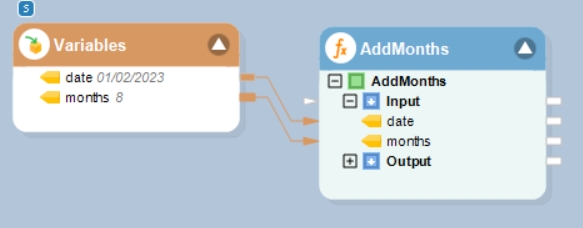
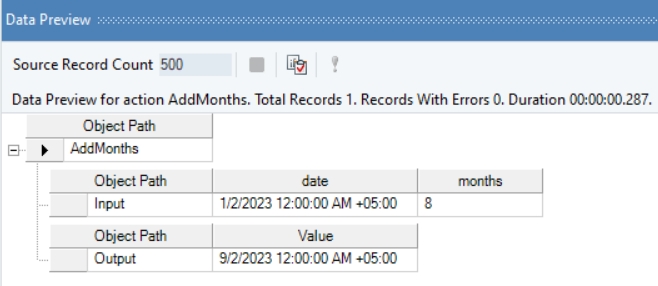
In this example, we will pass a date time offset value, and an integer value (indicating months to be added or subtracted) to the function transformation object using a Variables object.
Where,
date = 01-02-2023
months = 8
In the output window, you can see that the provided integer value, indicating months, has been added to the given date time offset value.
Note
Name
Now
Syntax
Now()
Purpose
To return the current date and time on the computer.
Description
Gets the current system date and time.
Return Type
Date Time
Parameter
Example
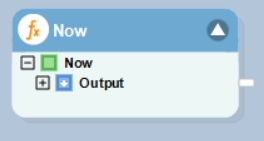
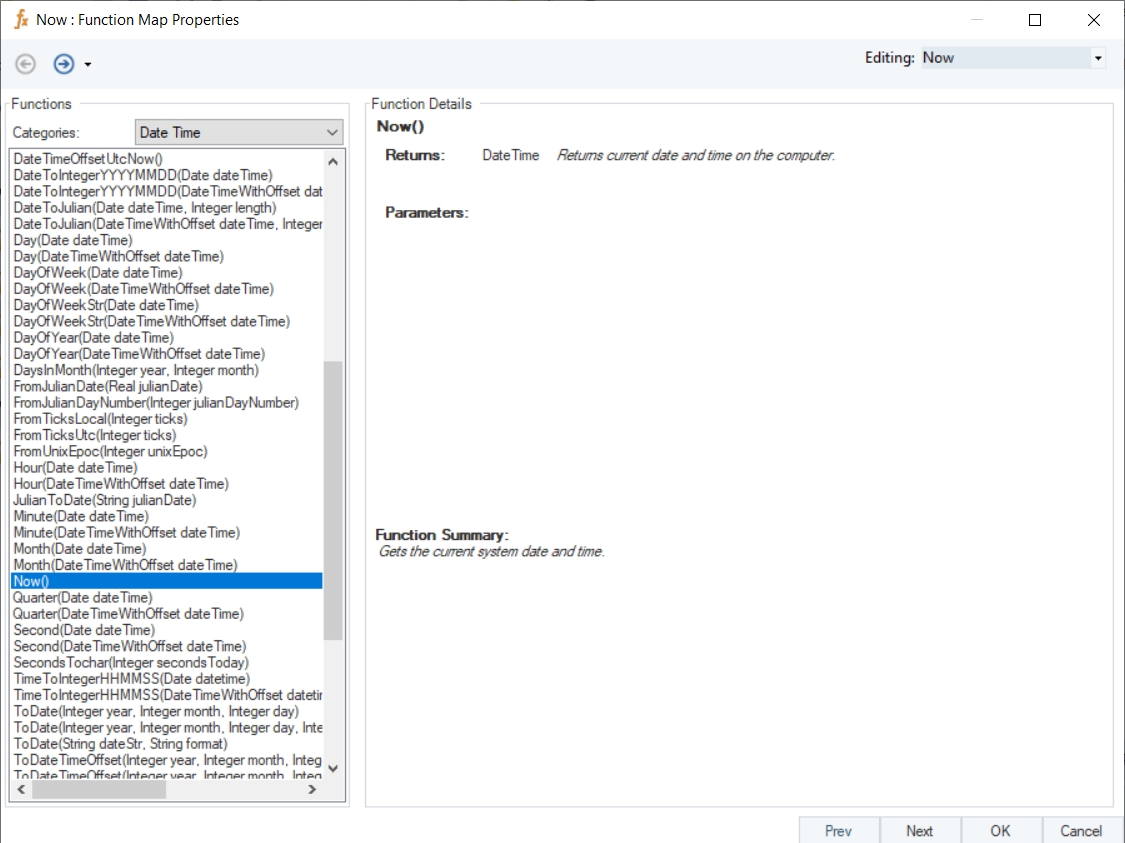
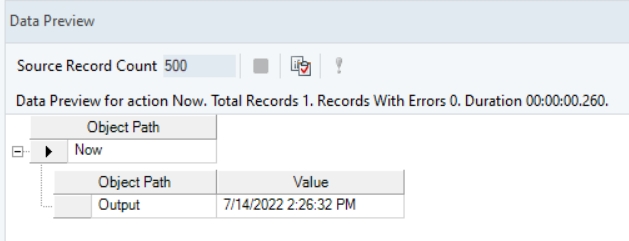
In this example, we will drag-and-drop the Now function transformation object to the dataflow designer window.
Right-click on the function transformation object and select Preview Output. You can see that Astera has returned the current system date time value.
Name
ToDate
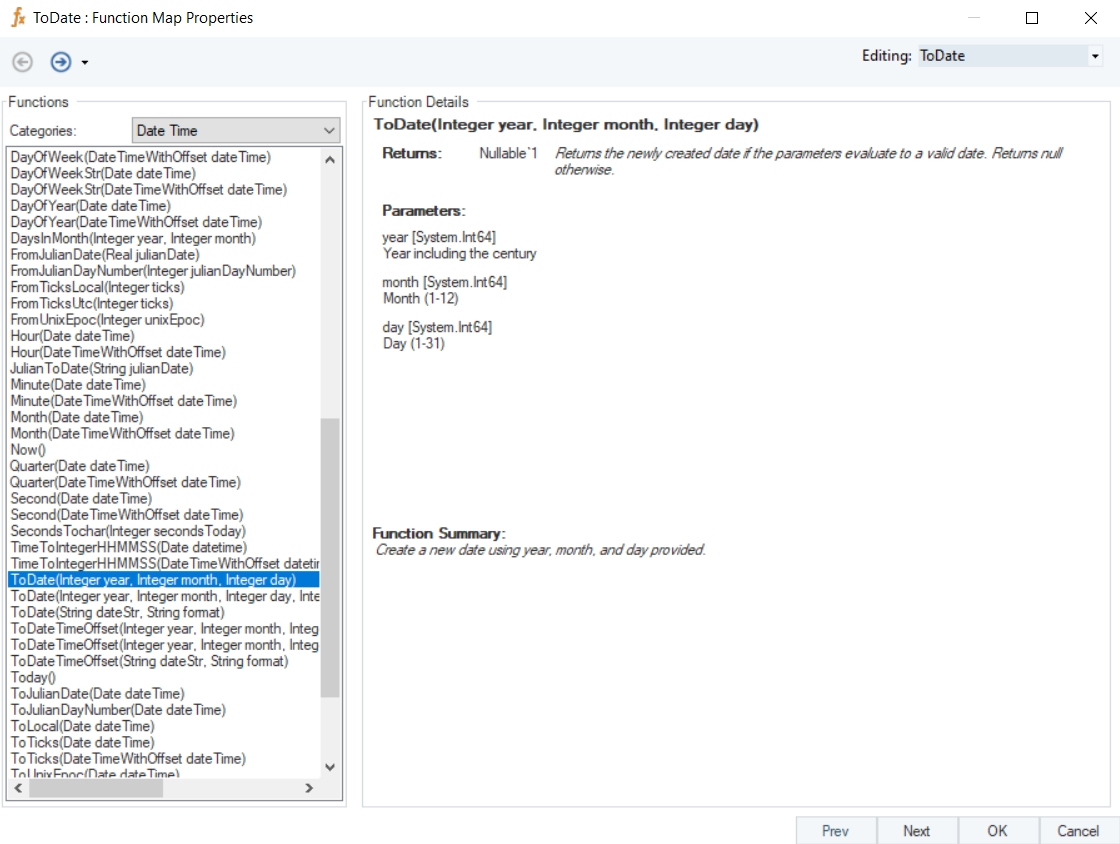
Syntax
ToDate (Integer year, Integer month, Integer day)
Purpose
To create a new date using specified year, month, and day.
Description
Returns the newly created date if the parameters evaluate to a valid date. Otherwise returns null.
Return Type
DateTime
Parameters
Example
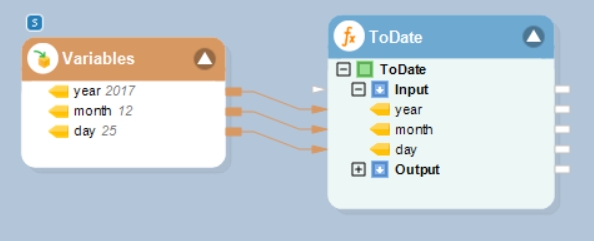
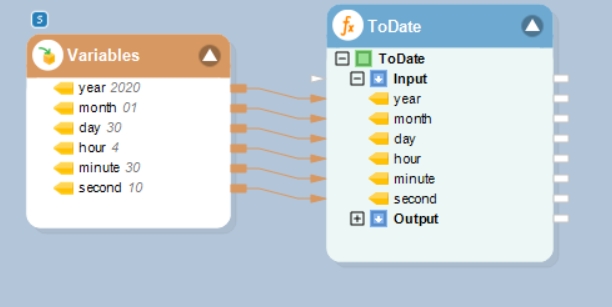
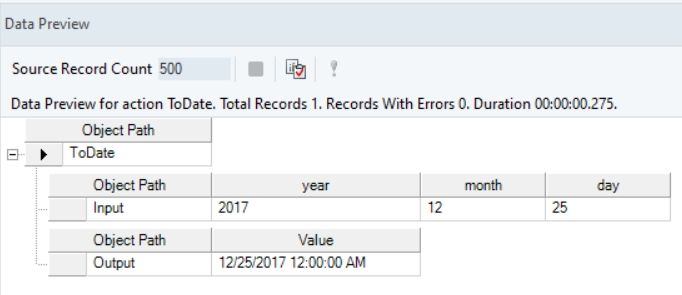
In this example, we will pass valid integer values to the function transformation object using a Variables object.
Where,
year = 2017
month = 12
day = 25
In the output window, you can see that the provided values have been converted into a DateTime value.
Name
AddYears With Offset
Syntax
AddYears (DateTimeWithOffset date, Integer years)
Purpose
To return the date and time after adding the number of years.
Description
Adds or subtracts number of years to/from the specified datetime offset value.
Return Type
DateTimeOffset
Parameters
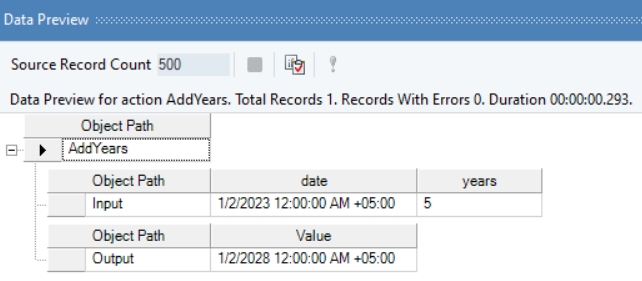
Example
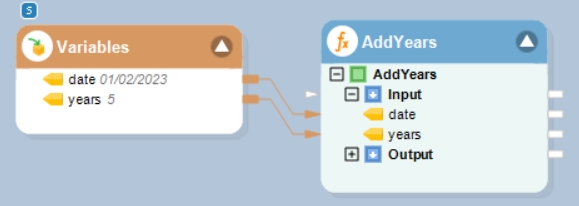
In this example, we will pass a date time offset value, and an integer value (indicating years to be added or subtracted) to the function transformation object using a Variables object.
Where,
date = 01/02/2023
years = 5
In the output window, you can see that the provided integer value, indicating years, has been added to the given date time offset value.
Name
DateTimeOffsetUtcNow
Syntax
DateTimeOffsetUtcNow ()
Purpose
To return the current UTC date and time of the machine (computer).
Description
Gets the system’s current UTC date and time.
Return Type
Date TimeOffset
Parameter
Example
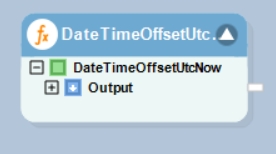
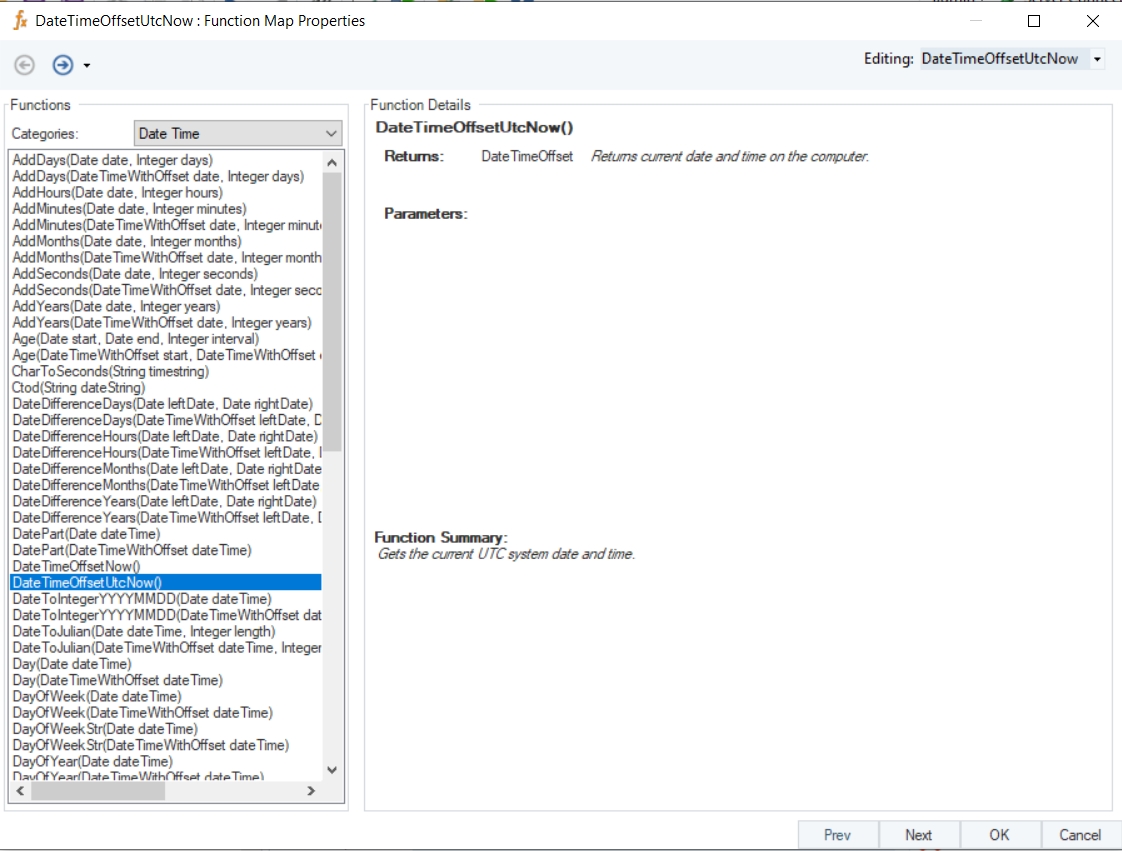
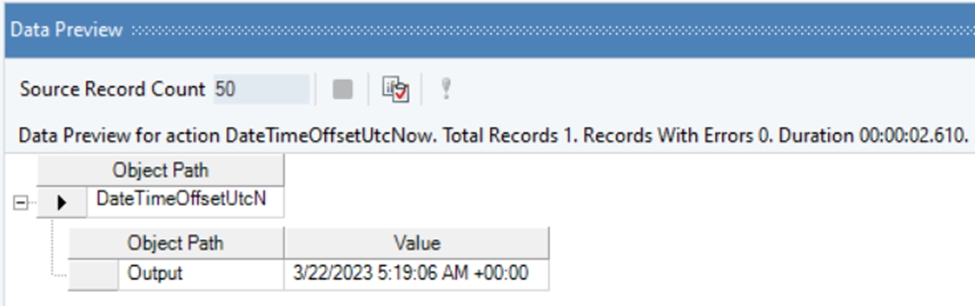
In this example, we will drag-and-drop the DateTimeOffsetUtcNow function transformation object to the dataflow designer window.
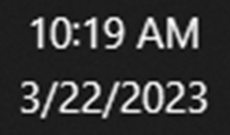
Current system time:
Right-click on the function transformation object and select Preview Output. You can see that Astera Data Stack has returned the current UTC system date and time.
Name
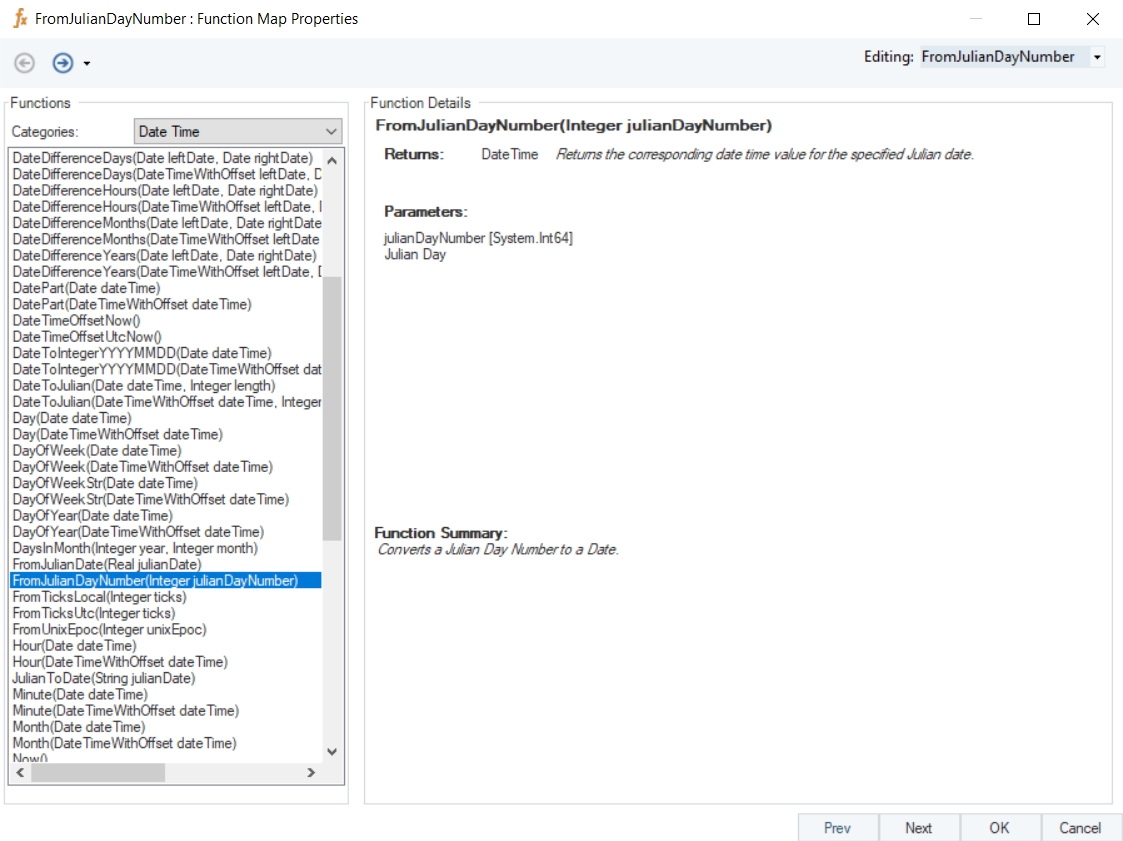
FromJulianDayNumber
Syntax
FromJulianDayNumber (Integer julianDayNumber)
Purpose
To convert a Julian day number to a date.
Description
Returns the corresponding date time value for the specified Julian date.
Return Type
DateTime
Parameter
Example
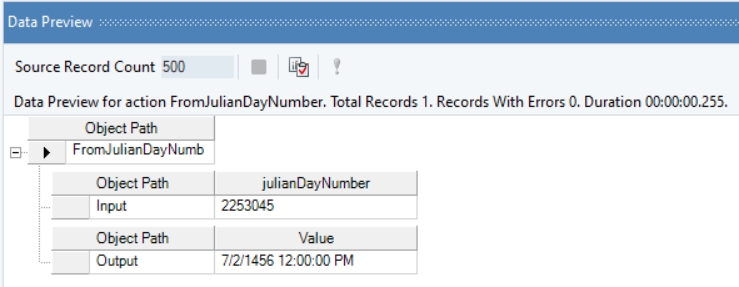
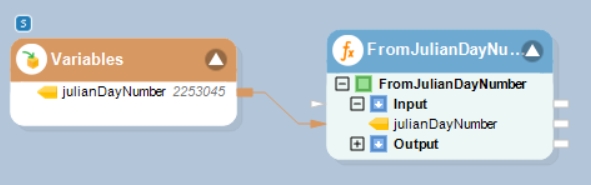
In this example, we will pass an integer value, representing a Julian day, to the function transformation object using a Variables object.
Where,
julianDayNumber = 2253045
In the output window you can see that the specified Julian day has been converted into a date time value.
Name
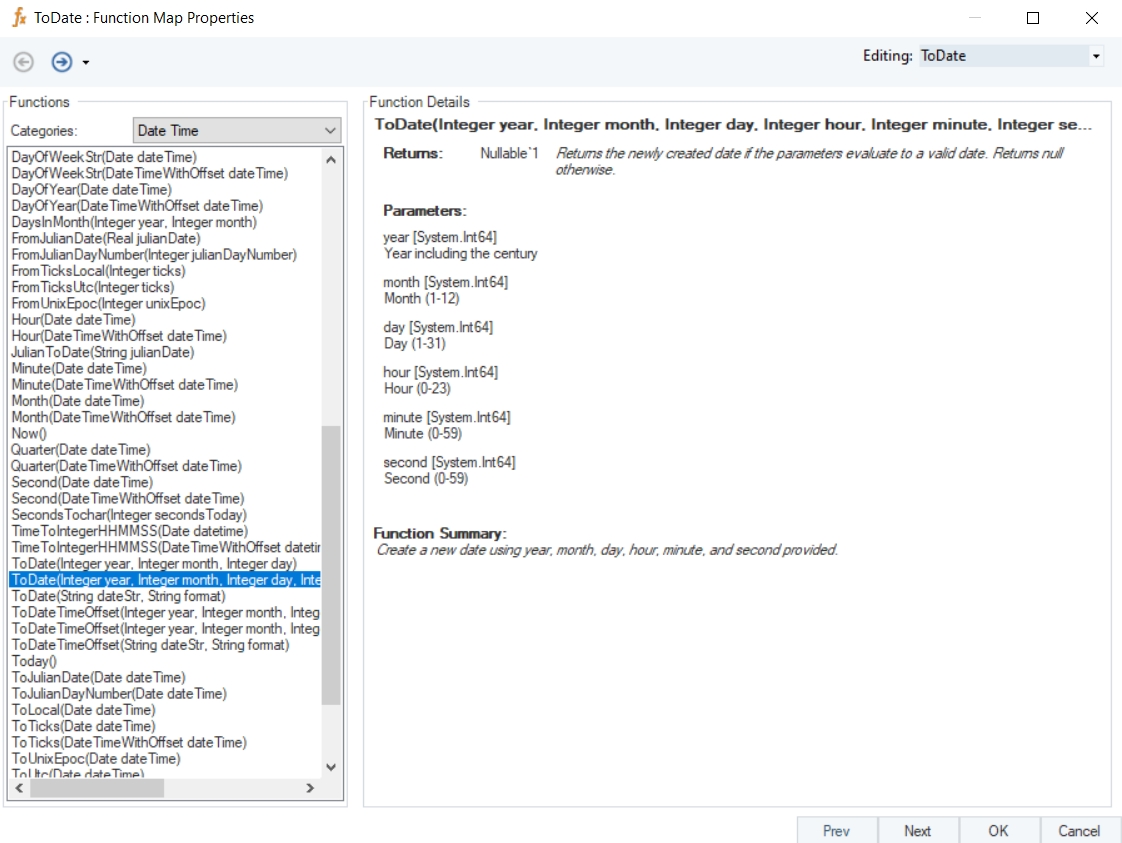
ToDate with Time
Syntax
ToDate (Integer year, Integer month, Integer day, Integer hour, Integer minute, Integer second)
Purpose
To create a new date using specified year, month, day, hour, minute, and second.
Description
Returns the newly created date if the parameters evaluate to a valid date. Otherwise returns null.
Return Type
DateTime
Parameters
Example
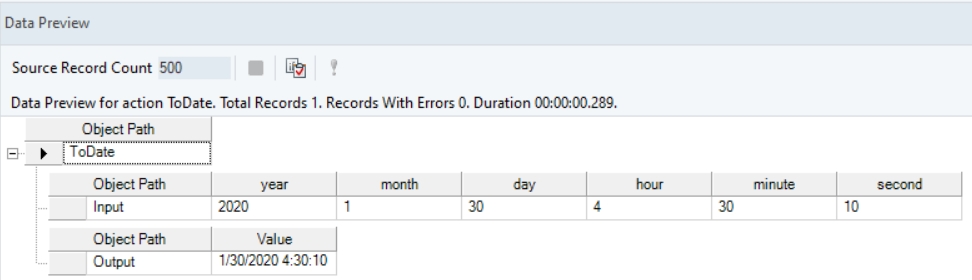
In this example, we will pass valid integer values to the function transformation object using a Variables object.
Where,
year = 2020
month = 01
day = 30
hour = 4
minute = 30
second = 10
In the output window, you can see that the provided values have been converted into a DateTime value.
Name
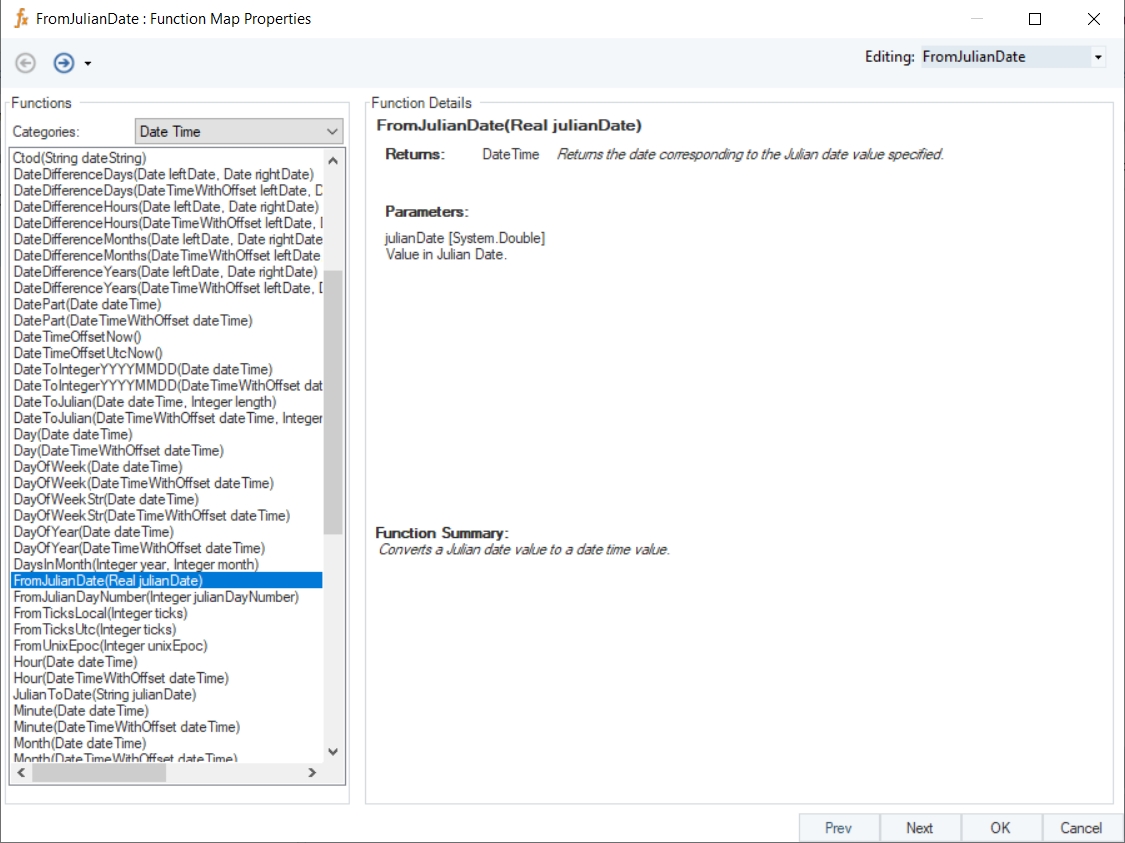
FromJulianDate
Syntax
FromJulianDate (Real julianDate)
Purpose
To convert a Julian date value to a date time value.
Description
Returns the date corresponding to the Julian date value specified.
Return Type
Real
Parameter
Example
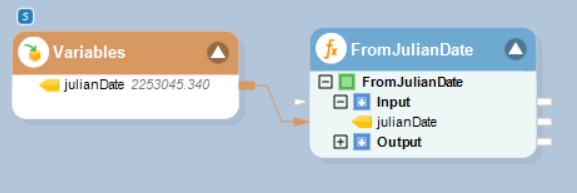
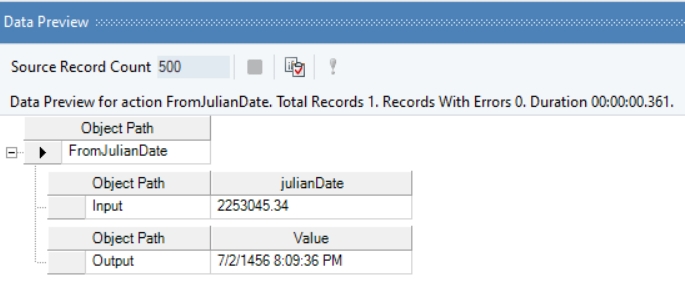
In this example, we will pass a real value, representing a Julian date, to the function transformation object using a Variables object.
Where,
julianDate = 2253045.340
In the output window you can see that the specified Julian date has been converted into a date time value.
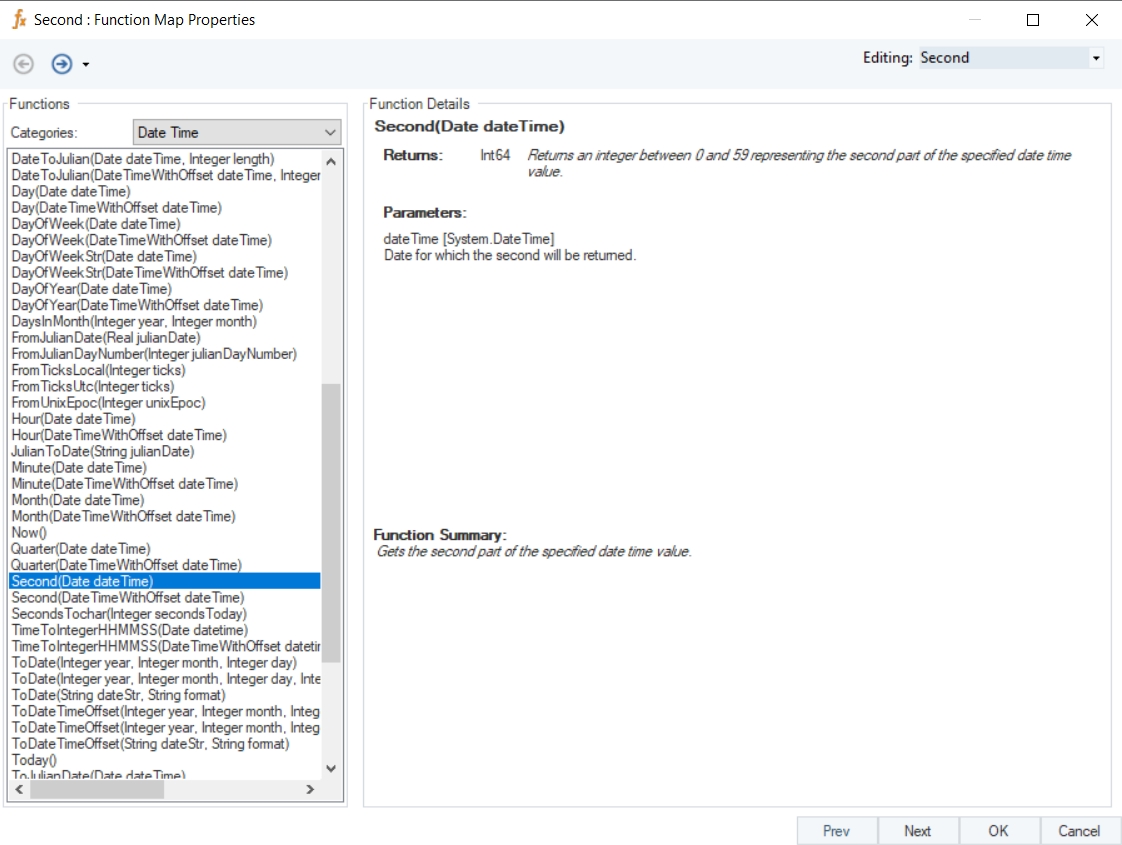
Name
Second
Syntax
Second (Date dateTime)
Purpose
To return the second part of the specified date time value.
Description
Returns a value between 0 and 59 representing the second part of the specified date time value.
Return Type
Int64
Parameter
Example
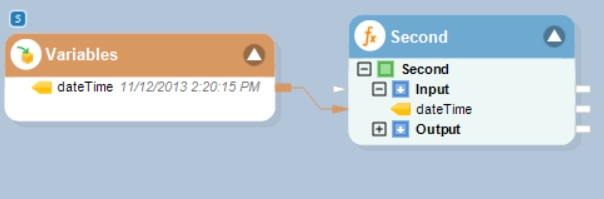
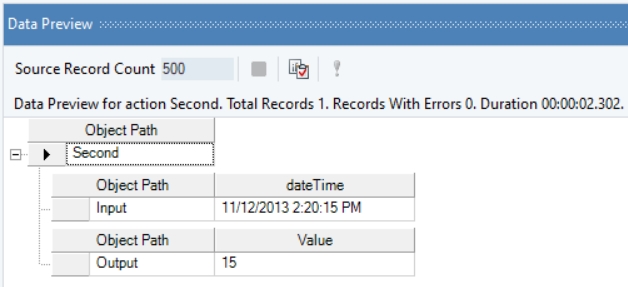
In this example, we will pass a date time value to the function transformation object using a Variables object.
Where,
dateTime = 11/12/2013 2:20:15 PM
In the output window, you can see that the second part of the provided date time value has been returned.
Name
ToLocal
Syntax
ToLocal (Date dateTime)
Purpose
Returns local date time value after conversion from UTC date time value.
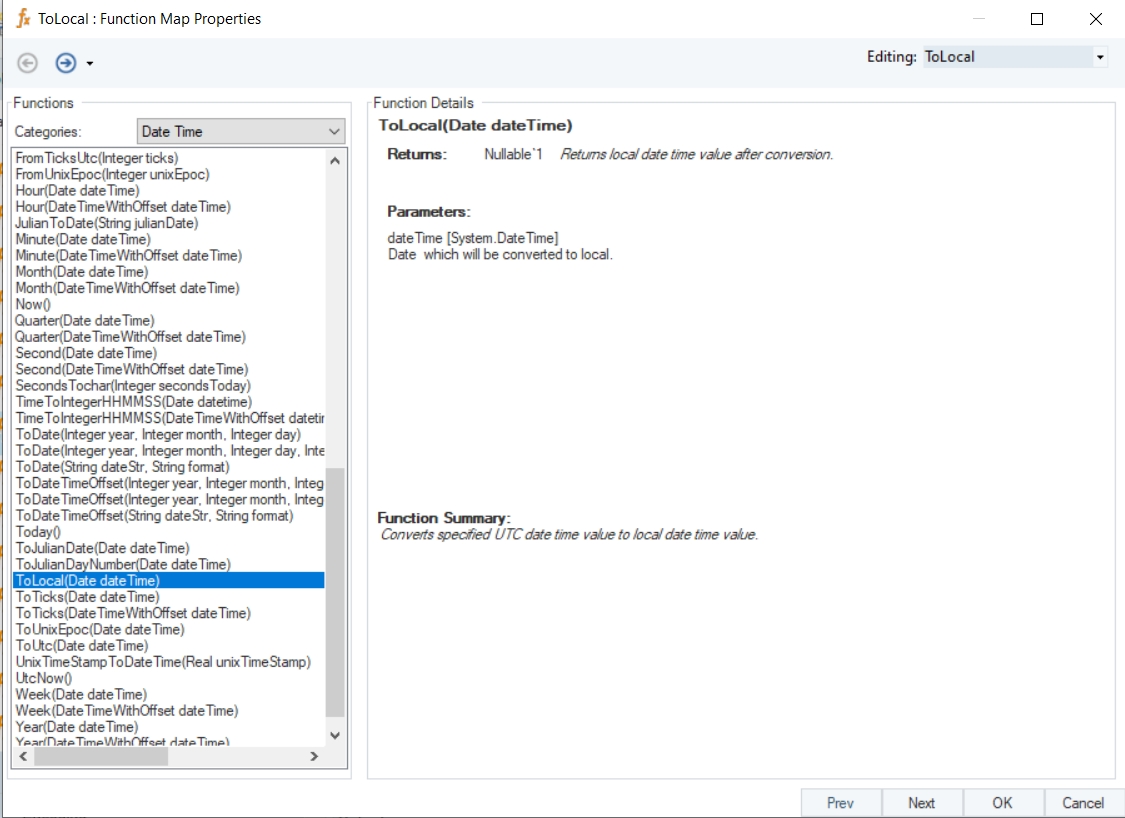
Description
Converts specified UTC date time value to local date time value.
Return Type
DateTime
Parameter
Example
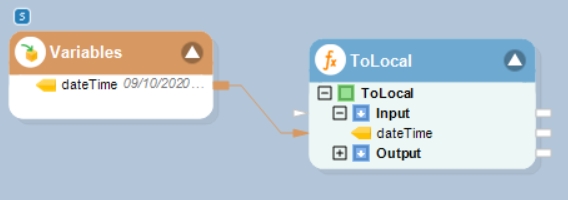
In this example, we will pass a valid UTC date time value to the function transformation object using a Variables object.
Where,
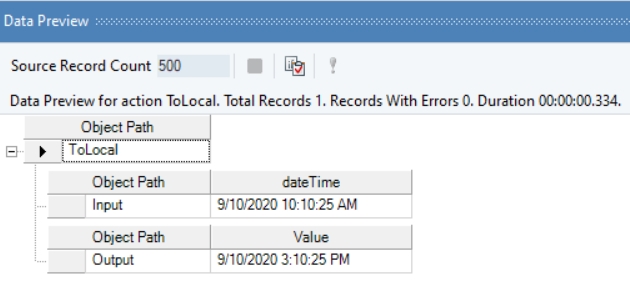
dateTime = 09/10/2020 10:10:25 AM
In the output window, you can see that the provided UTC date time value has been converted into a local date time value.
Name
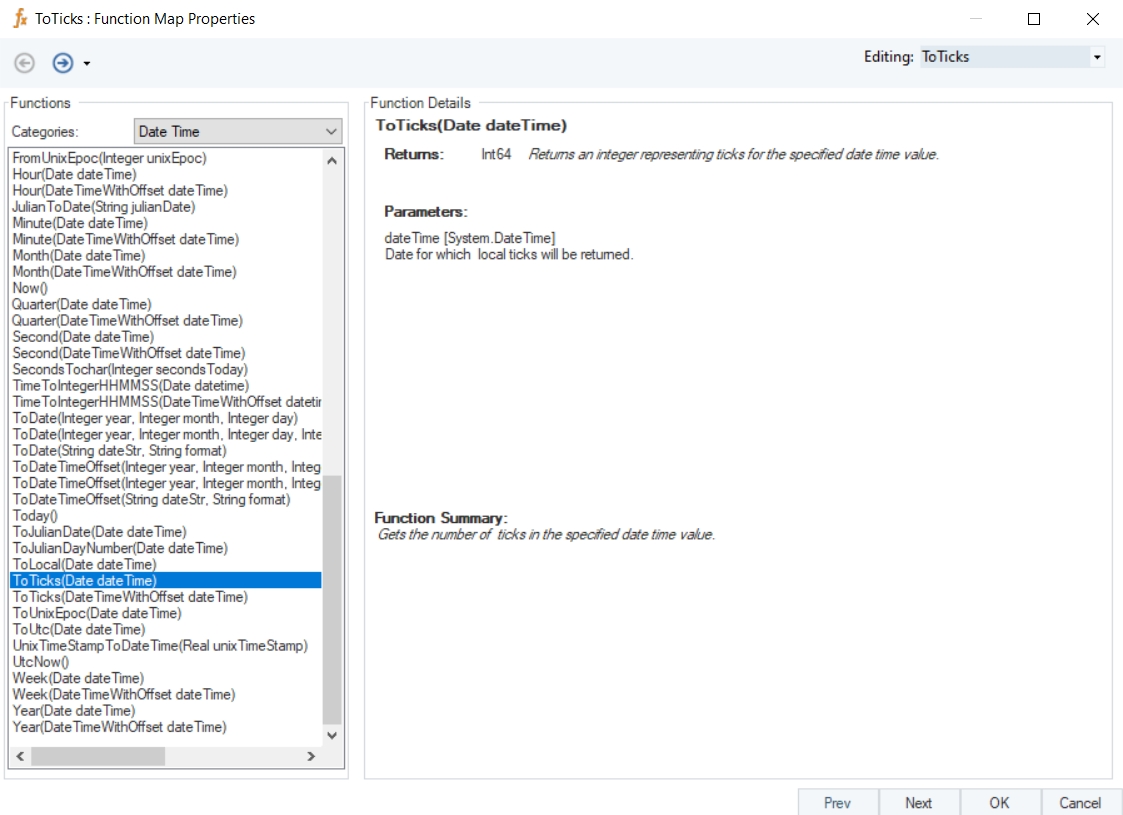
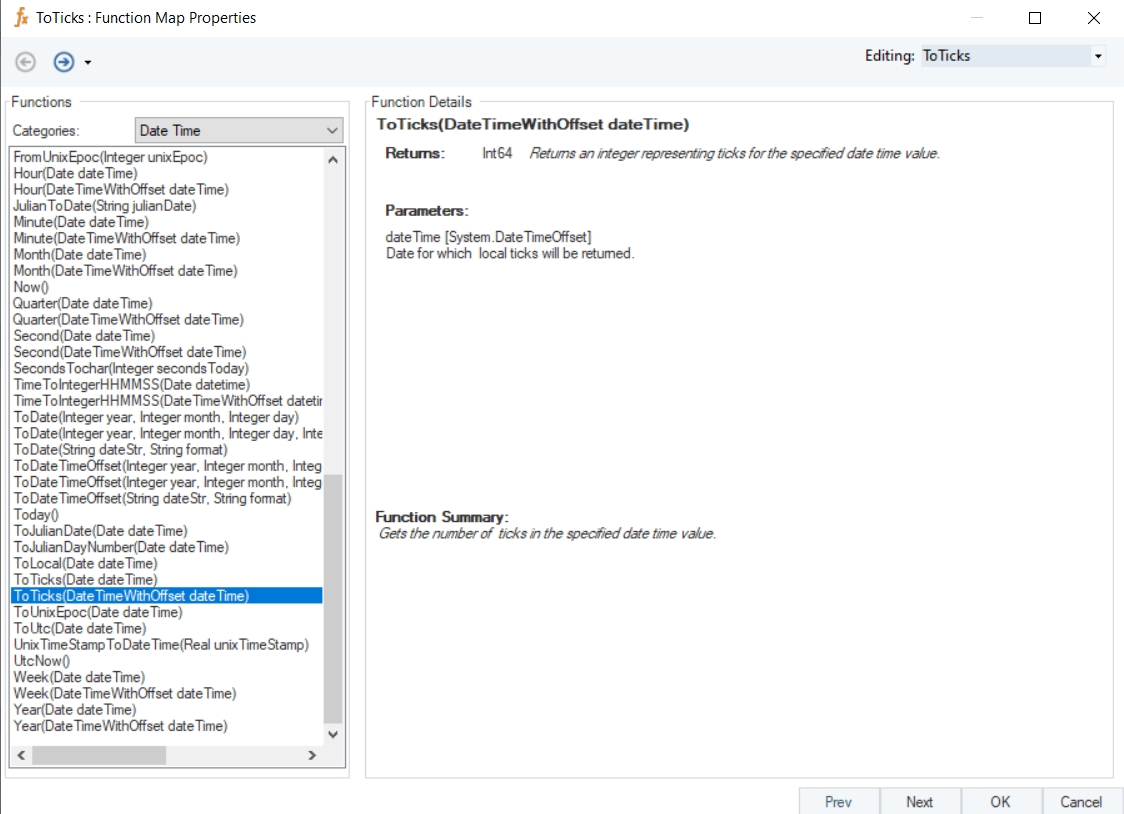
ToTicks
Syntax
ToTicks (Date dateTime)
Purpose
To return an integer representing ticks for the specified date time value.
Description
Gets the number of ticks in the specified date time value.
Return Type
Int64
Parameter
Example
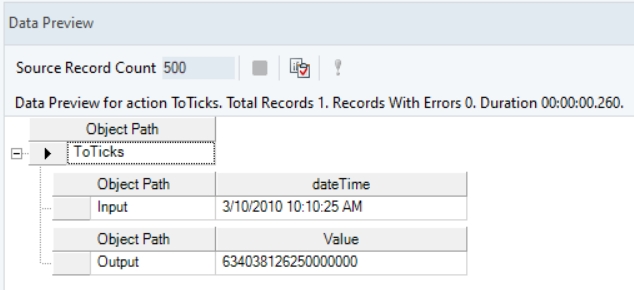
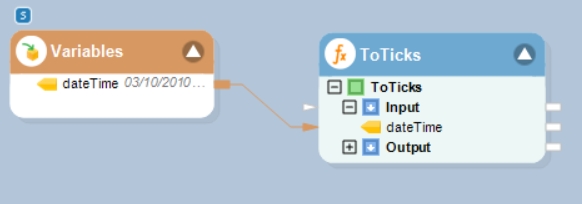
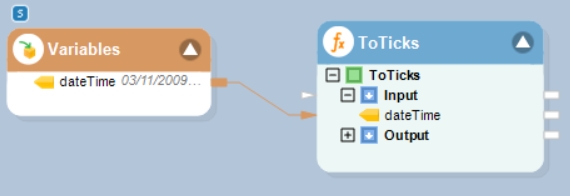
In this example, we will pass a valid date time value to the function transformation object using a Variables object.
Where,
dateTime = 09/10/2020 10:10:25 AM
In the output window, you can see that the provided date time value has been converted into a Ticks value.
Name
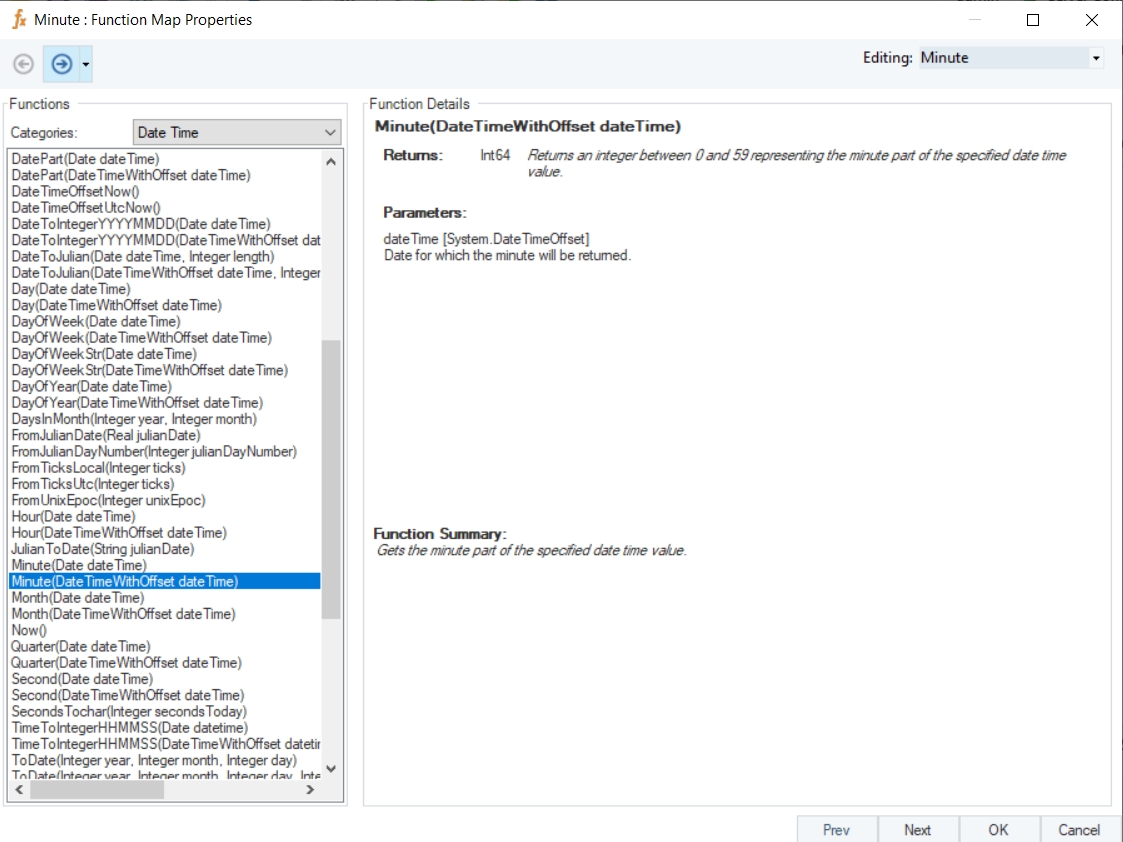
Minute with Offset
Syntax
Minute (DateTimeWithOffset dateTime)
Purpose
To return the minute part of the specified date time offset value.
Description
Returns a value between 0 and 59 representing the minute part of the specified date time offset value.
Return Type
Int64
Parameter
Example
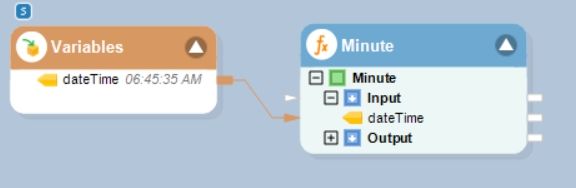
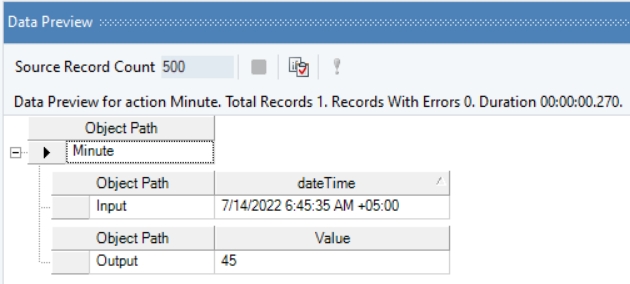
In this example, we will pass a date time offset value to the function transformation object using a Variables object.
Where,
dateTime = 06:45:35 AM
In the output window, you can see that the minute part of the provided date time offset value has been returned.
Name
DateToIntegerYYYYMMDD with Offset
Syntax
DateToIntegerYYYYMMDD (DateTimeWithOffset dateTime)
Purpose
To convert the given date time to an integer.
Description
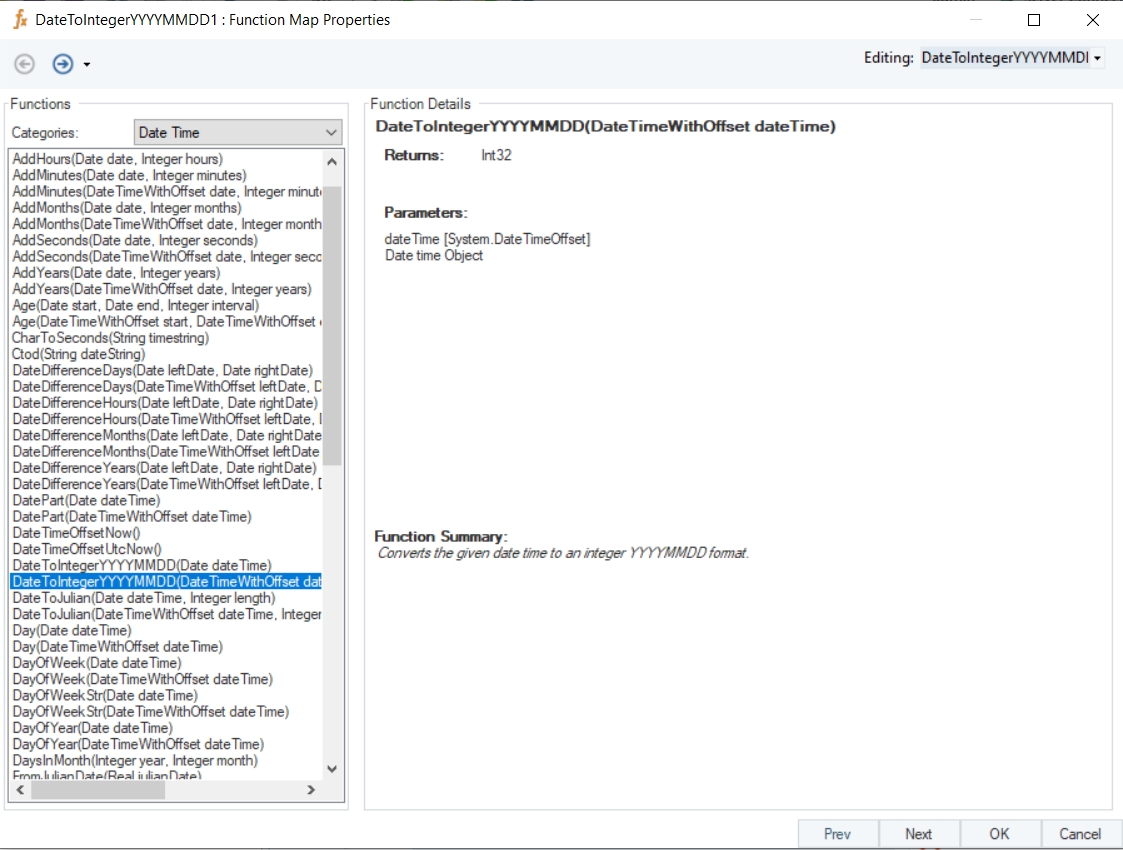
Convert the given date time value to an integer in the YYYYMMDD format.
Return Type
Int32
Example
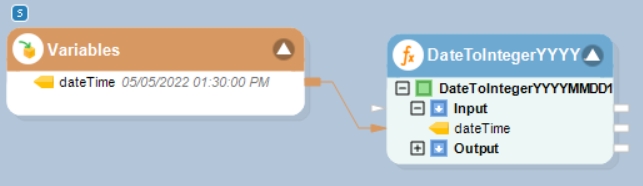
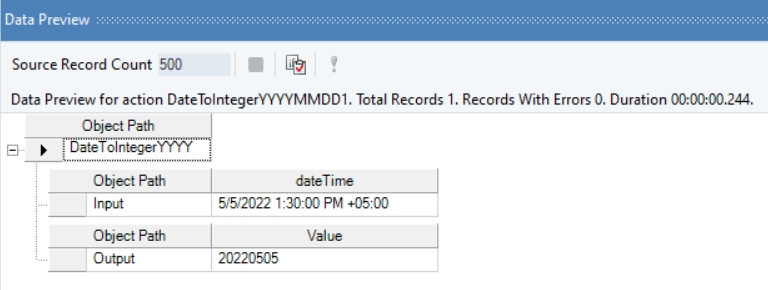
In this example, we will pass a date time value to the function transformation object using a Variables object.
Where,
dateTime = 05/05/2022 01:30:00 PM +05:00
In the output window, you can see that the provided value has been converted into an integer value, representing the specified date.
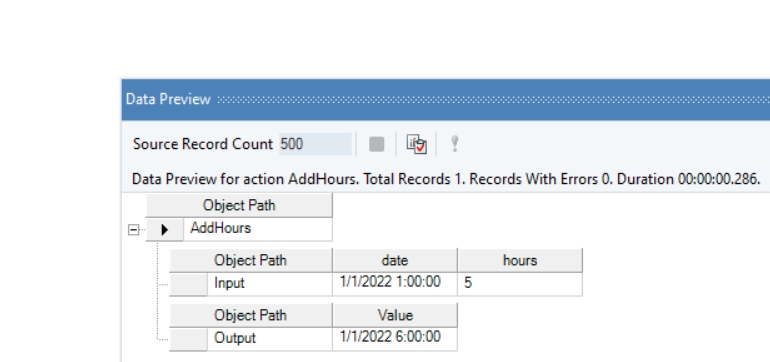
Example
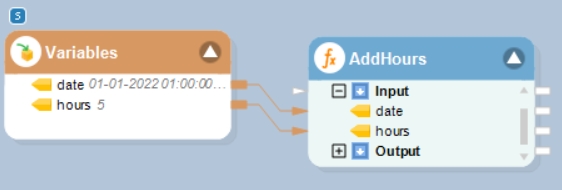
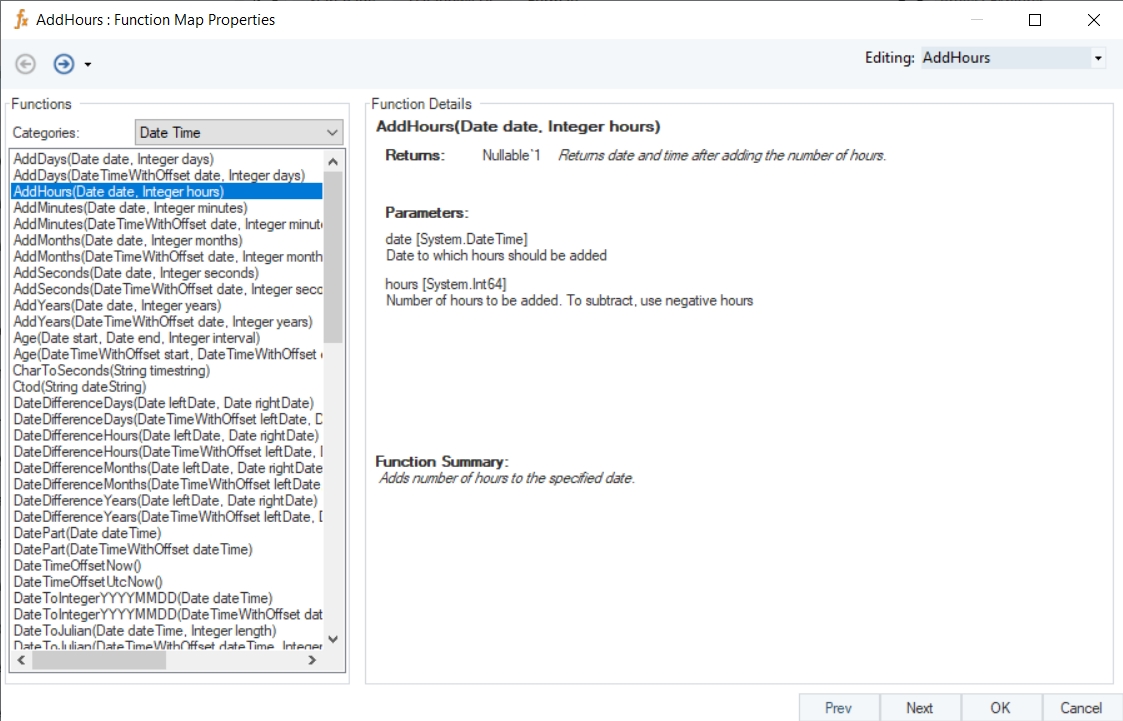
In this example, we will pass a date time value, and an integer value (indicating hours to be added or subtracted) to the function transformation object using a Variables object.
Where,
date = 01-01-2022 01:00:00
hours = 5
In the output window, you can see that the provided integer value, indicating the number of hours, has been added to the given date time value.
Name
AddHours
Syntax
AddHours (Date date, Integer hours)
Purpose
To return the date and time after adding the number of hours.
Description
Adds or subtracts number of hours to/from the specified datetime value.
Return Type
DateTime
Parameters
date [System.DateTime] – Date to which hours should be added
hours [System.Int64] – Number of hours to be added. To subtract, use negative hours.
Example
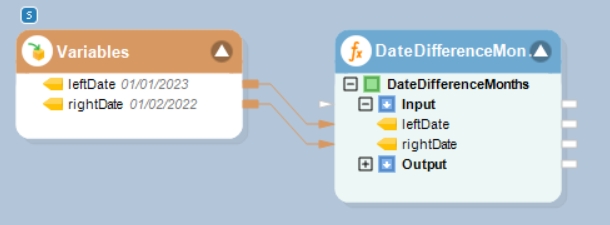
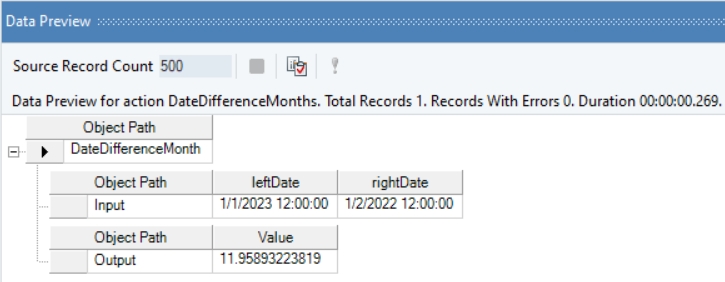
In this example, we will pass date time values to be subtracted to the function transformation object using a Variables object.
Where,
leftDate = 01/01/2023
rightDate = 01/02/2022
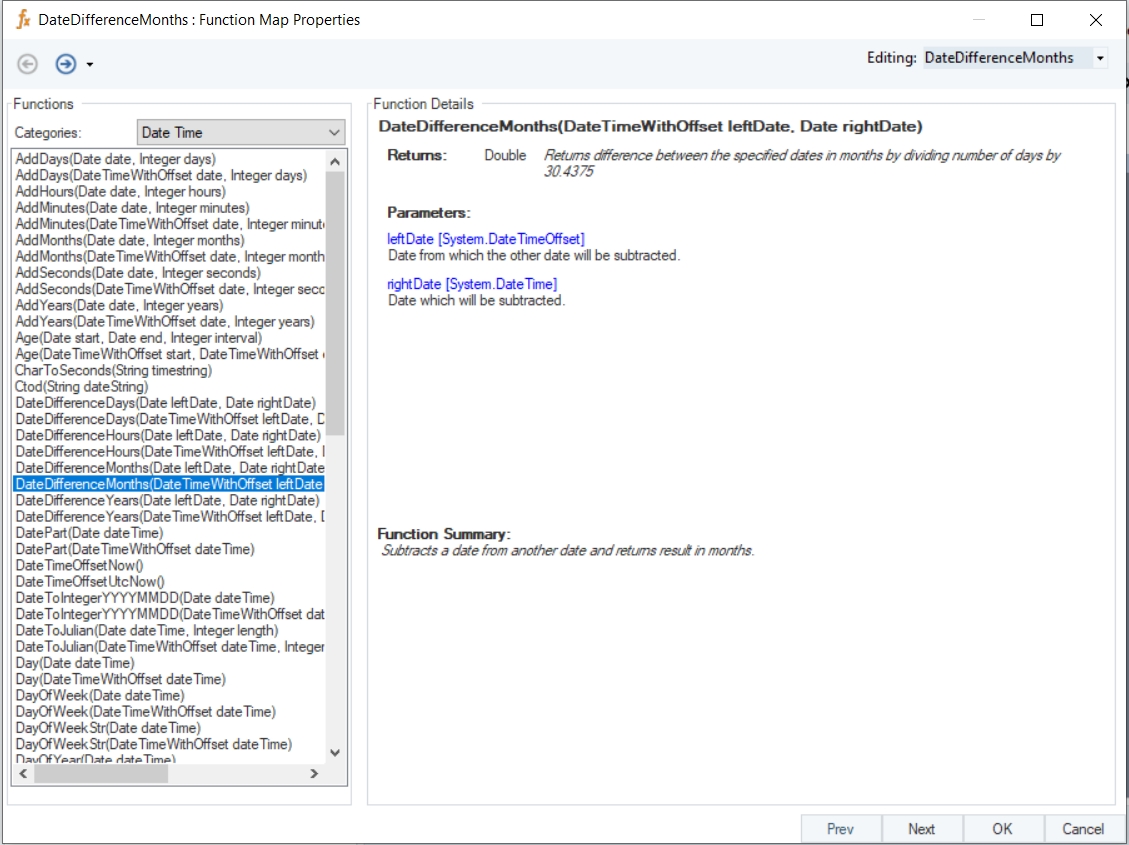
In the output window, you can see that the difference between the provided datetime values has been displayed in the form of months.
Name
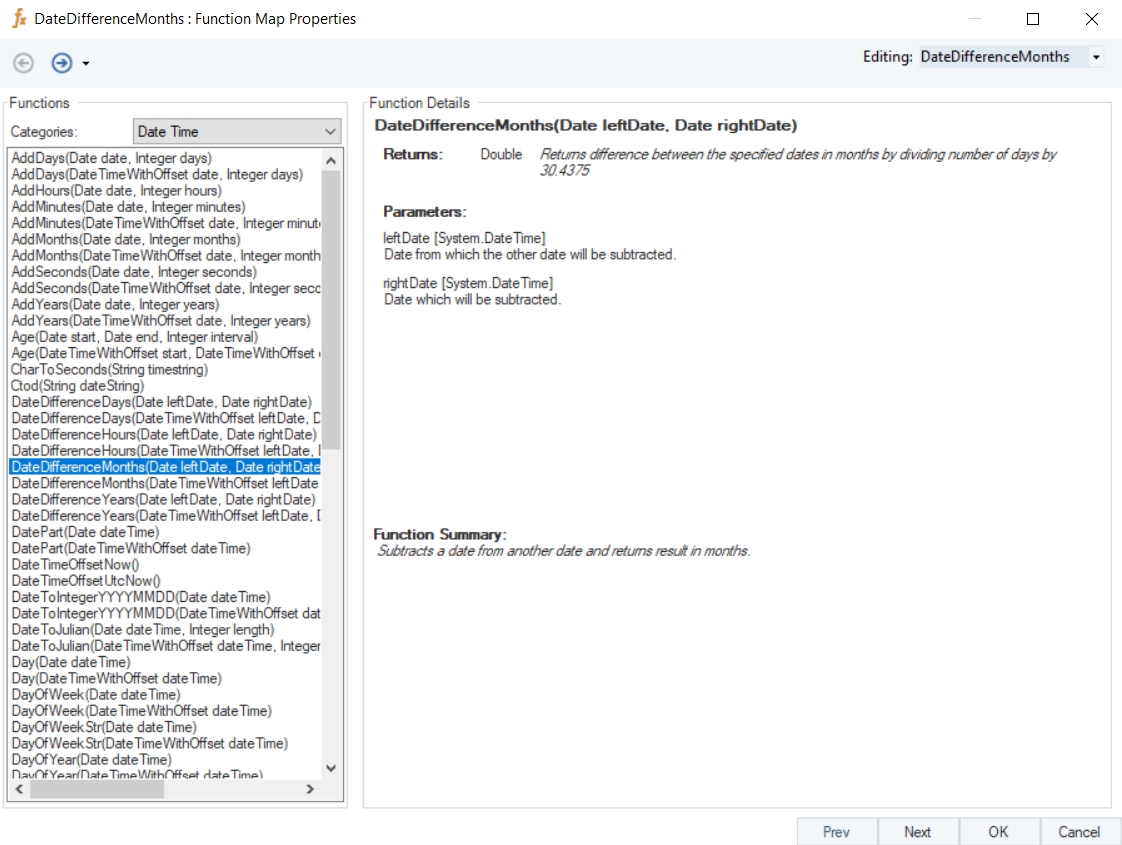
DateDifferenceMonths
Syntax
DateDifferenceMonths (Date leftDate, Date rightDate)
Purpose
To compute the difference between the specified dates in months.
Description
Returns difference between the specified dates in months by dividing number of days by 30.4375.
Return Type
Double
Parameters
leftDate [System.DateTime] – Date from which the other date will be subtracted
rightDate [System.DateTime] – Date which will be subtracted
dateTime [System.DateTimeOffset] – Date Time object to be converted into Julian
length [System.Int32]
Example
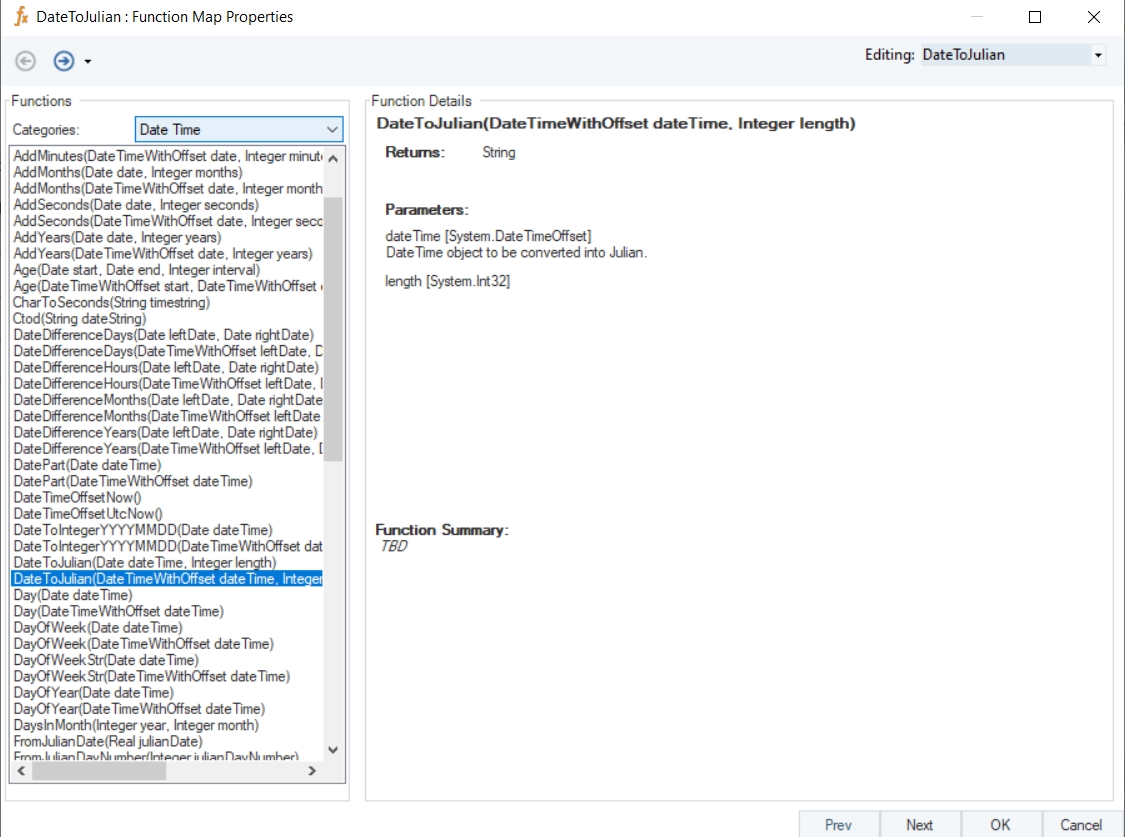
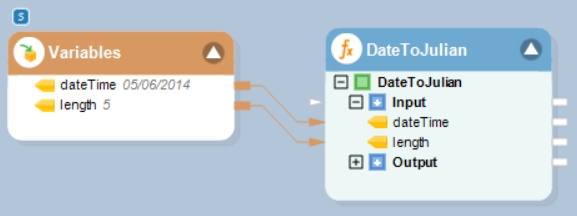
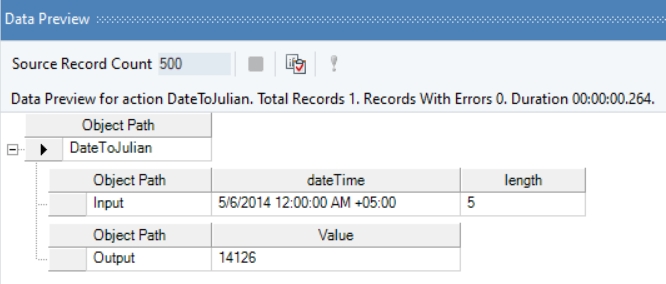
In this example, we will pass a date time offset value and an integer value to the function transformation object using a Variables object.
Where,
dateTime = 05/06/2014 12:00:00 AM +05:00
length = 5
In the output window, you can see that the provided date time offset value has been converted into Julian format of the specified length.
Name
DateToJulian with Offset
Syntax
DateToJulian (DateTimeWithOffset dateTime, Integer length)
Purpose
To convert the given date time offset value to Julian format of specified length.
Description
Convert the given date time offset value to Julian format.
Return Type
String
Parameters
Example
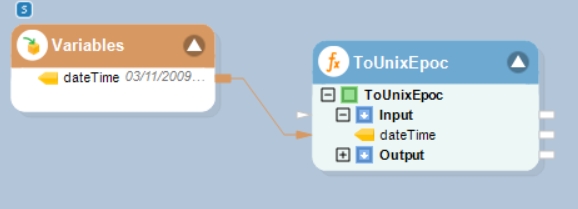
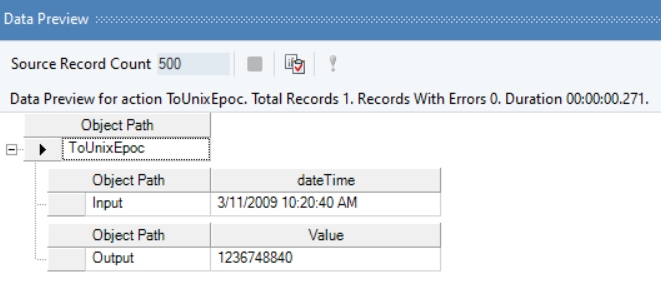
In this example, we will pass a valid date time value to the function transformation object using a Variables object.
Where,
dateTime = 03/11/2009 10:20:40 AM
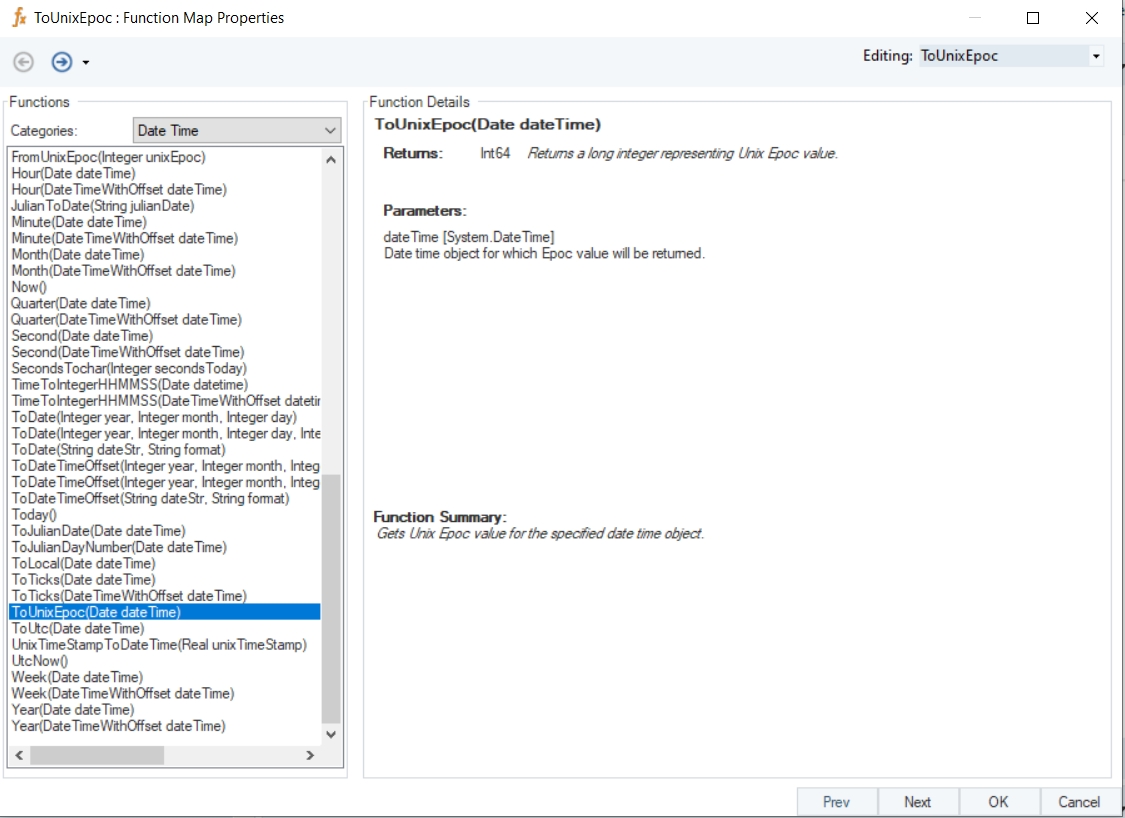
In the output window, you can see that the provided date time value has been converted into a Unix Epoch value.
Name
ToUnixEpoc
Syntax
ToUnixEpoc (Date dateTime)
Purpose
To get a Unix Epoch value for the specified date time object.
Description
Returns a long integer representing Unix Epoch value
Return Type
Int64
Parameter
dateTime [System.DateTime] – Date time object for which Epoch value will be returned.
Example
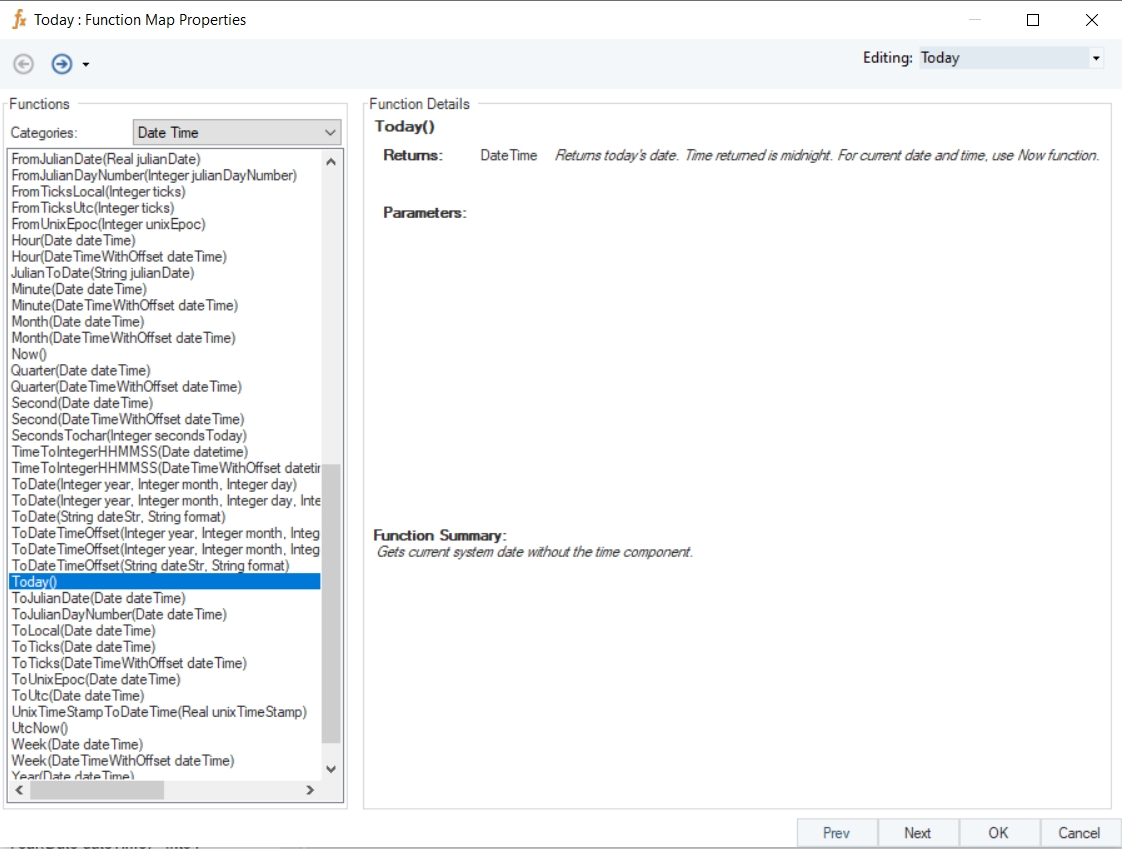
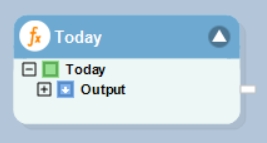
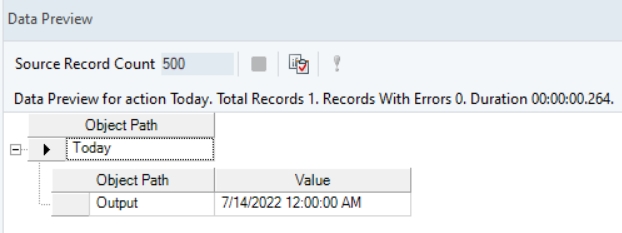
In this example, we will drag-and-drop the Today function transformation object to the dataflow designer window.
Right-click on the function transformation object and select Preview Output. You can see that Astera has returned the current system date.
Name
Today
Syntax
Today ()
Purpose
To get current system date without the time component.
Description
Returns current system date. Time returned is midnight. For current date and time, use Now function.
Return Type
Date Time
Parameter
-
Example
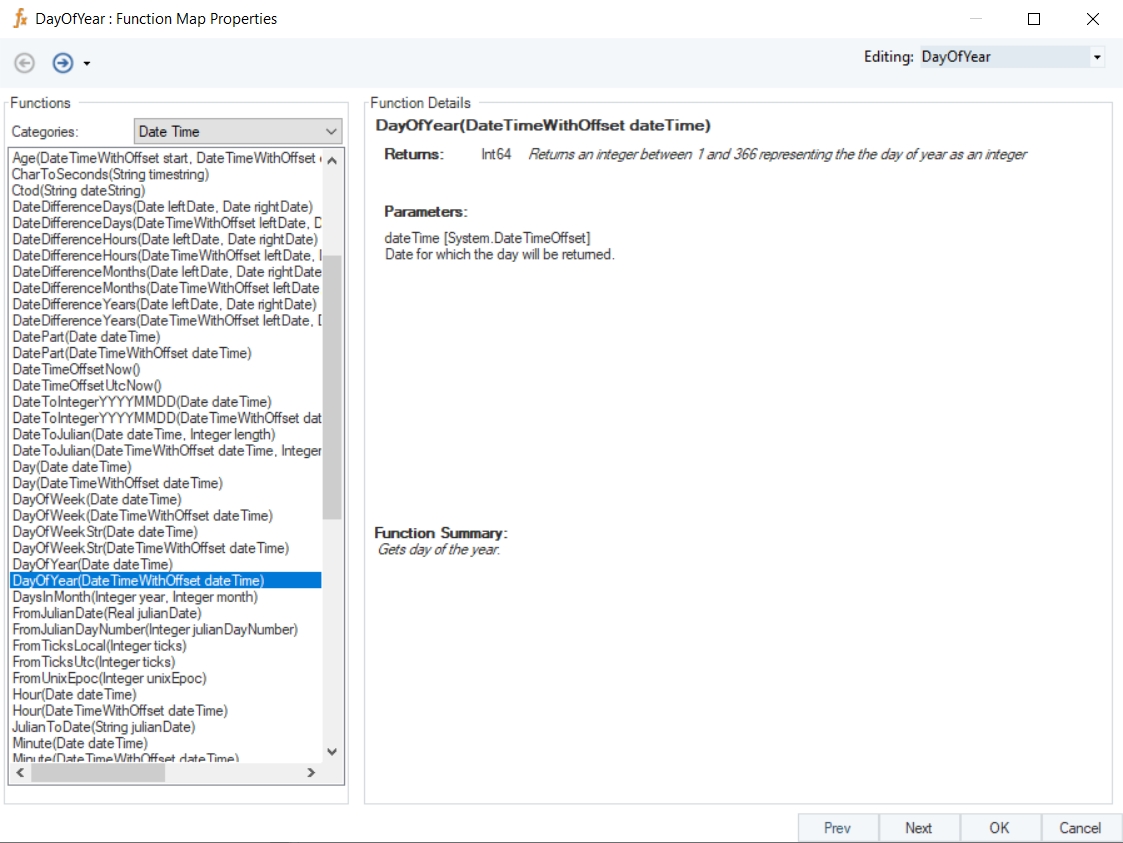
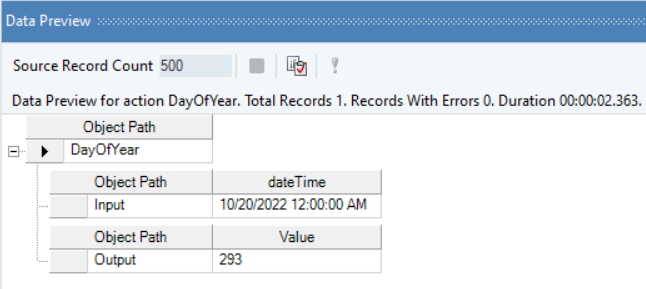
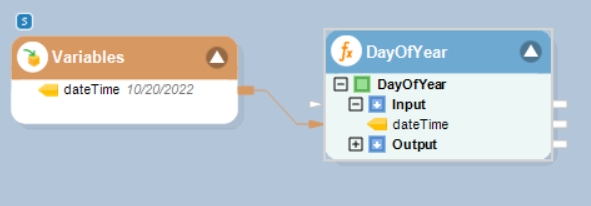
In this example, we will pass a date time value to the function transformation object using a Variables object.
Where,
dateTime = 10/20/2022
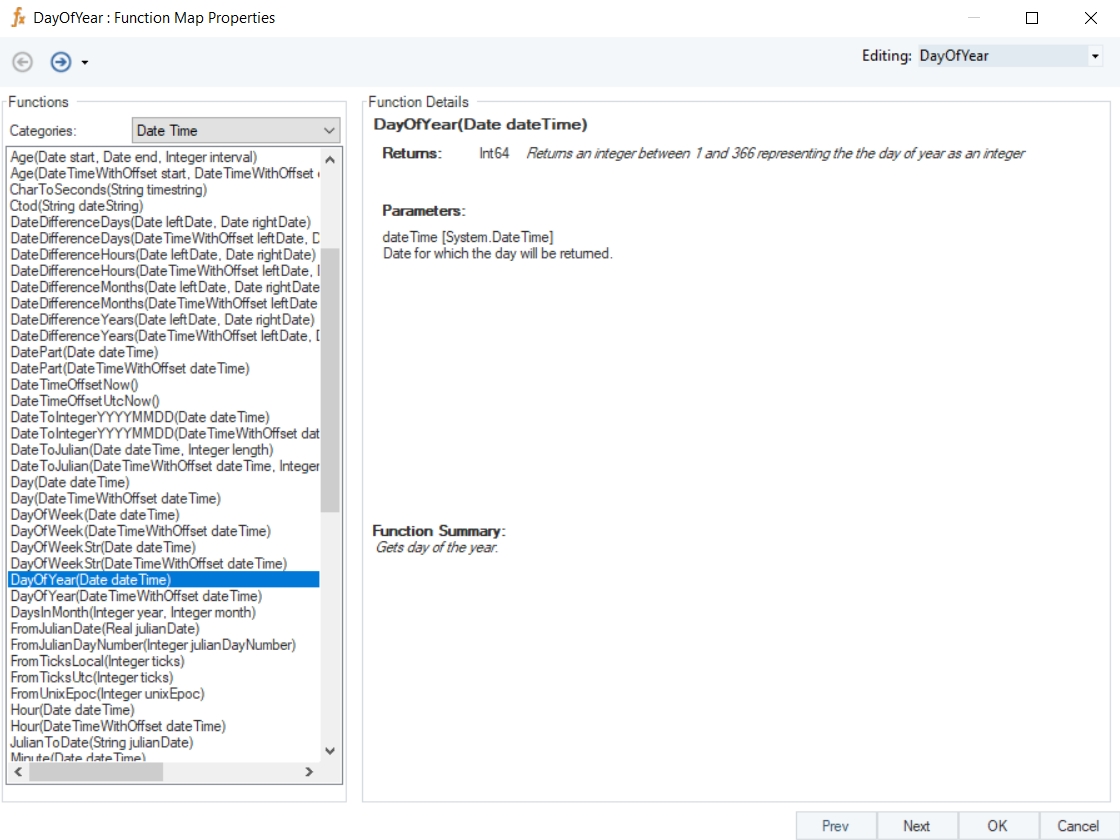
In the output window you can see that the day of the year has been returned.
Name
DayOfYear
Syntax
DayOfYear (Date dateTime)
Purpose
To get the day of the year.
Description
Returns an integer between 1 and 366 representing the day of year as an integer.
Return Type
Int64
Parameter
dateTime [System.DateTime] – Date for which the day will be returned
Example
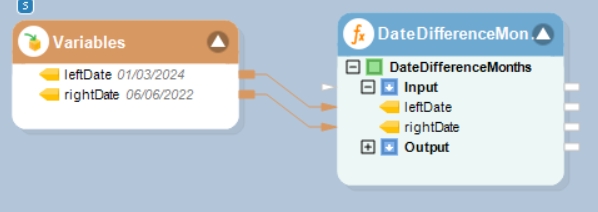
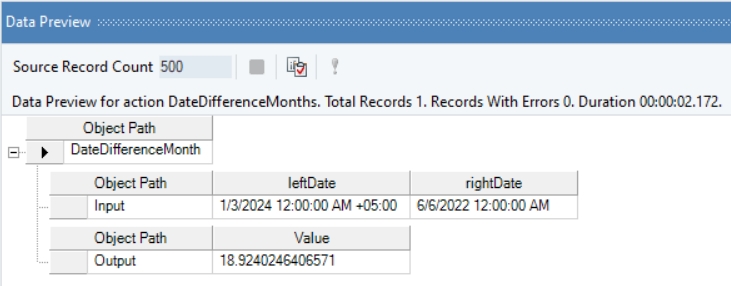
In this example, we will pass date time values to be subtracted to the function transformation object using a Variables object.
Where,
leftDate = 01/03/2024
rightDate = 06/06/2022
In the output window, you can see that the difference between the provided date time offset, and date time values has been displayed in the form of months.
Name
DateDifferenceMonths with Offset
Syntax
DateDifferenceMonths (DateTimeWithOffset leftDate, Date rightDate)
Purpose
To compute the difference between the specified dates in months.
Description
Returns difference between the specified dates in months by dividing number of days by 30.4375.
Return Type
Double
Parameters
leftDate [System.DateTimeOffset] – Date from which the other date will be subtracted
rightDate [System.DateTime] – Date which will be subtracted
Example
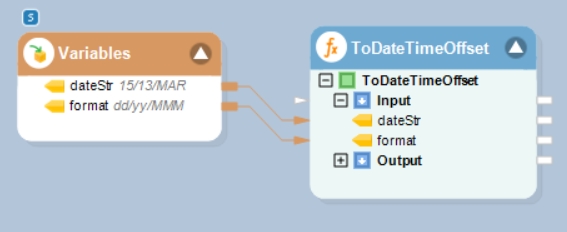
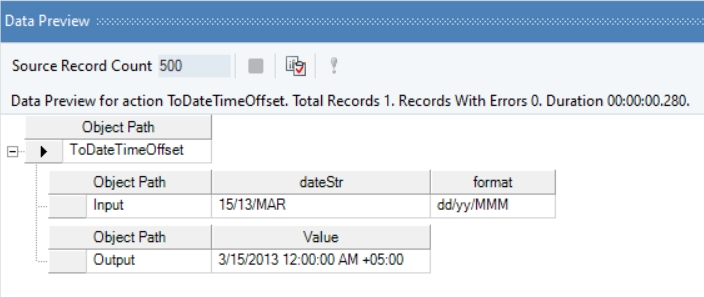
In this example, we will pass string values to the function transformation object using a Variables object.
Where,
dateStr = 15/13/MAR
format = dd/yy/MMM
In the output window, you can see that the provided dateStr value, of the specified format value, has been converted into a date time offset value.
Name
ToDateTimeOffset
Syntax
ToDateTimeOffset (String dateStr, String format)
Purpose
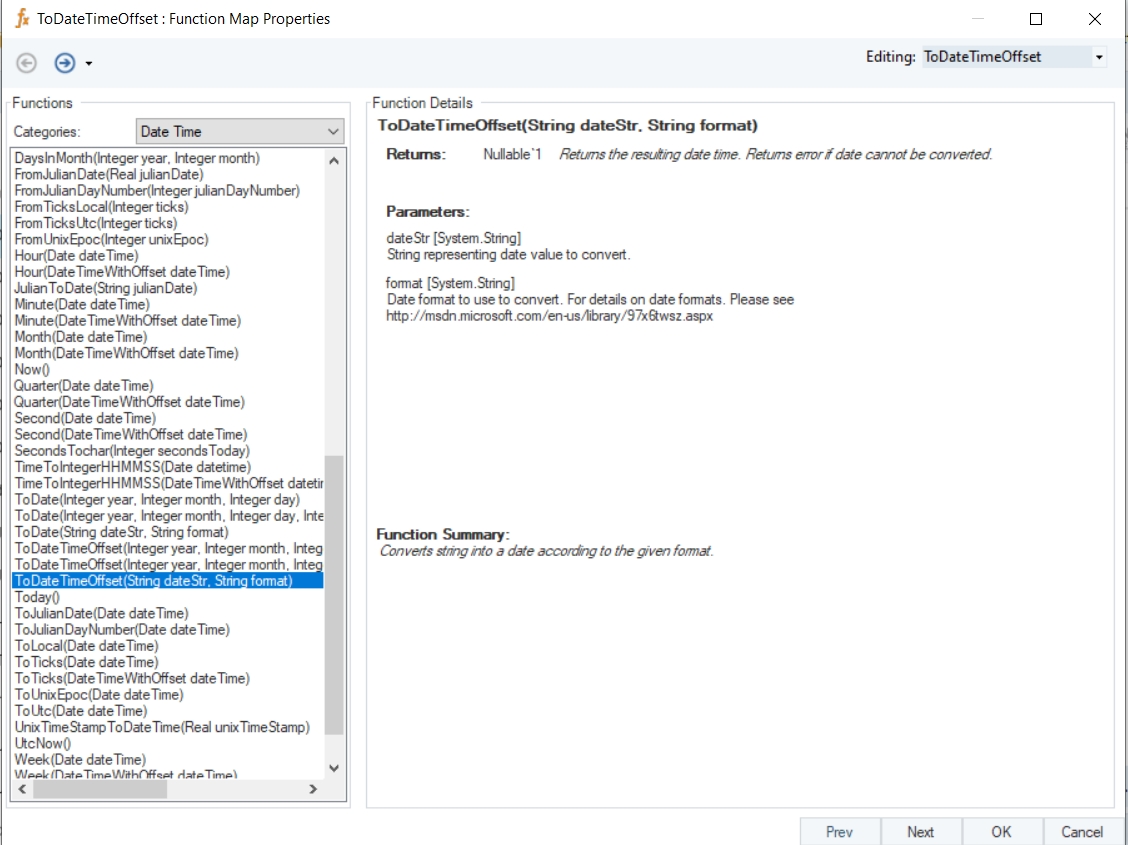
To convert a string into a date according to the given format.
Description
Returns the resulting date time offset. Returns error if date cannot be converted.
Return Type
DateTimeOffset
Parameters
dateStr [System.String] – String representing date value to convert.
format [System.String] – Date format to use to convert.
Example
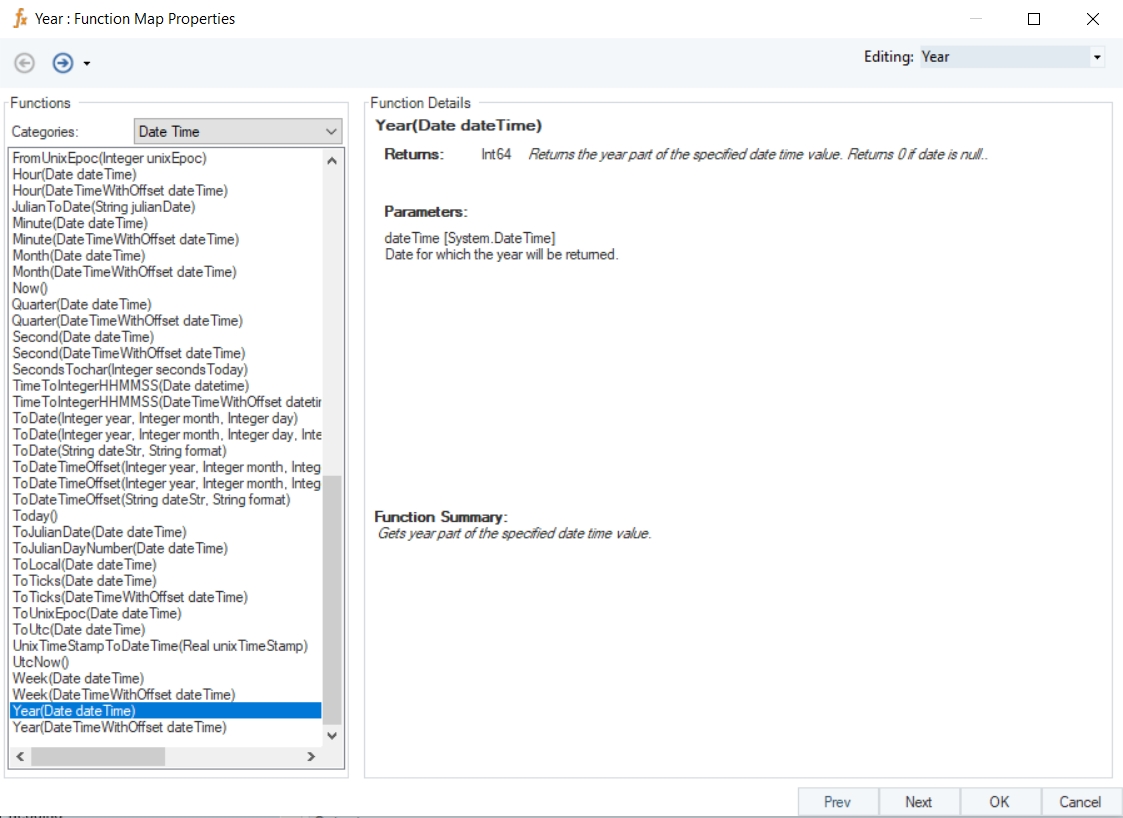
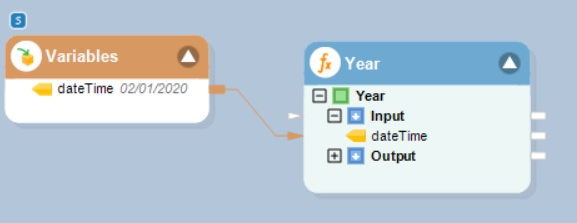
In this example, we will pass a date time value to the function transformation object using a Variables object.
Where,
dateTime = 02/01/2020
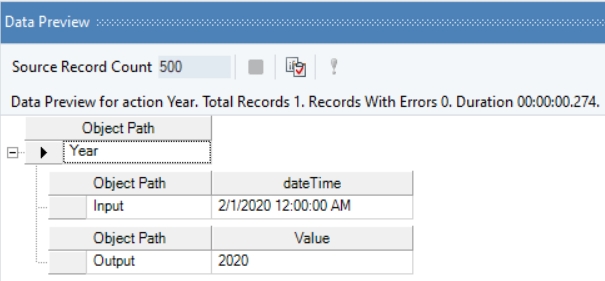
In the output window, you can see that the year part of the provided date time value has been returned.
Name
Year
Syntax
Year (Date dateTime)
Purpose
To get year part of the specified date time value.
Description
Returns the year part of the specified date time value. Returns 0 if date is null.
Return Type
Int32
Parameter
dateTime [System.DateTime] – Date for which the year will be returned
Example
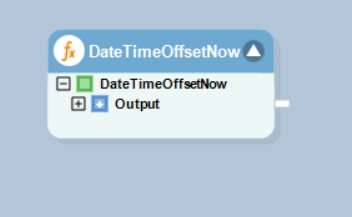
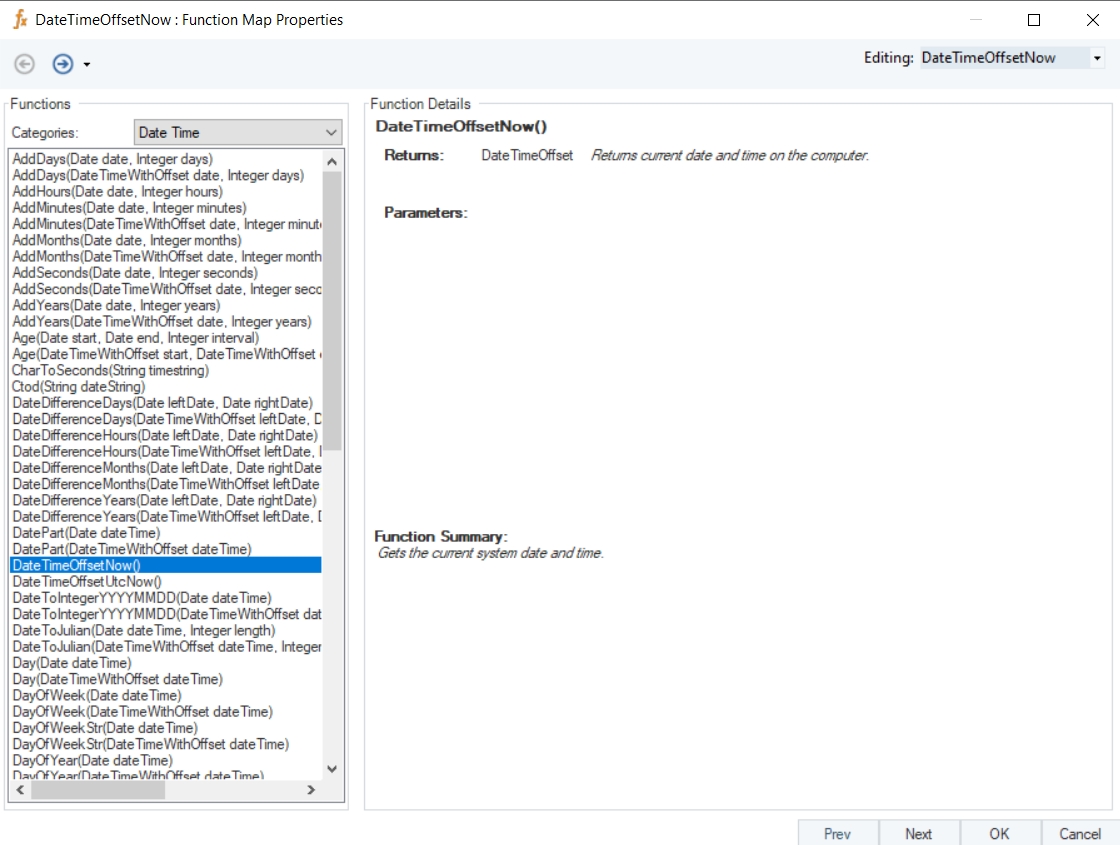
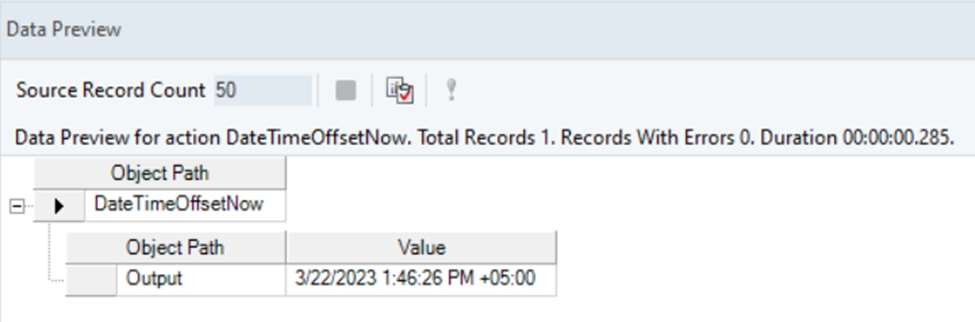
In this example, we will drag-and-drop the DateTimeOffsetNow function transformation object to the dataflow designer window.
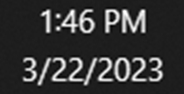
Current system time:
Right-click on the function transformation object and select Preview Output. You can see that Astera Data Stack has returned the current system date time with offset value.
Name
DateTimeOffsetNow
Syntax
DateTimeOffsetNow ()
Purpose
To return the machine’s (computer) current date and time.
Description
Gets the current system date and time.
Return Type
Date TimeOffset
Parameter
-
Example
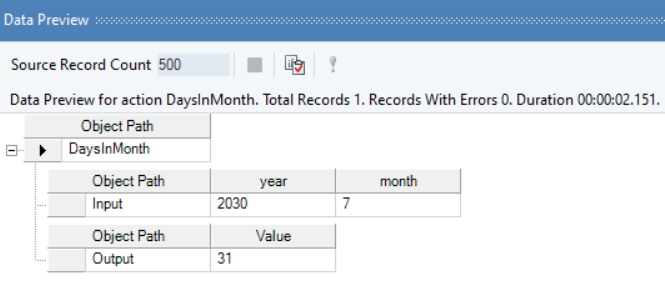
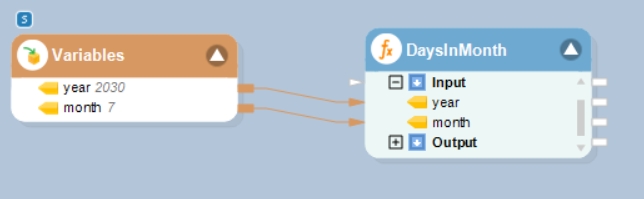
In this example, we will pass integer values to the function transformation object using a Variables object.
Where,
year = 2030
month = 7
In the output window you can see that the number of days in the specified month of the specified year has been returned.
Name
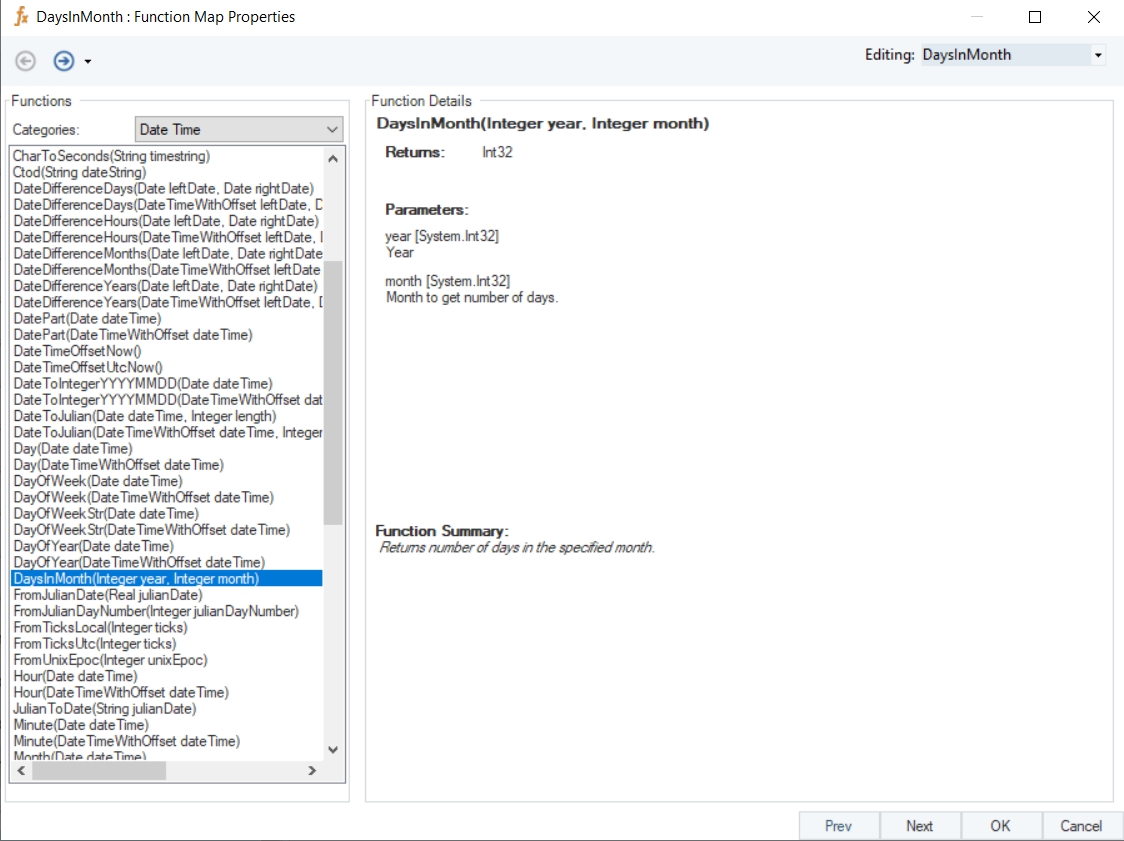
DaysInMonth
Syntax
DaysInMonth (Integer year, Integer month)
Purpose
To return the number of days in the specified month.
Description
Returns the number of days in the specified month of a specified year.
Return Type
Int32
Parameters
year [System.Int32] – Year
month [System.Int32] – Month to get number of days
Example
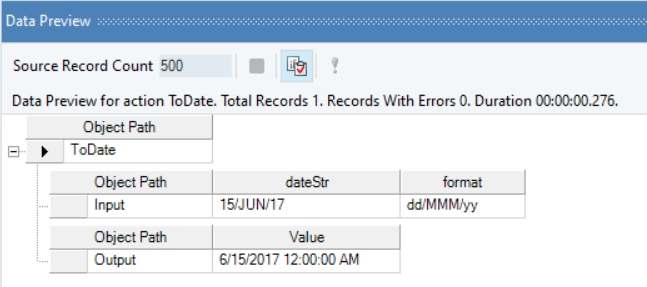
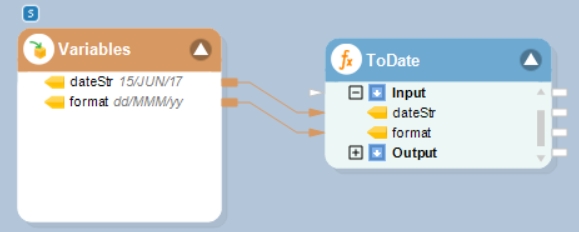
In this example, we will pass string values to the function transformation object using a Variables object.
Where,
dateStr = 15/JUN/17
format = dd/MMM/yy
In the output window, you can see that the provided dateStr value, of the specified format value, has been converted into a date time value.
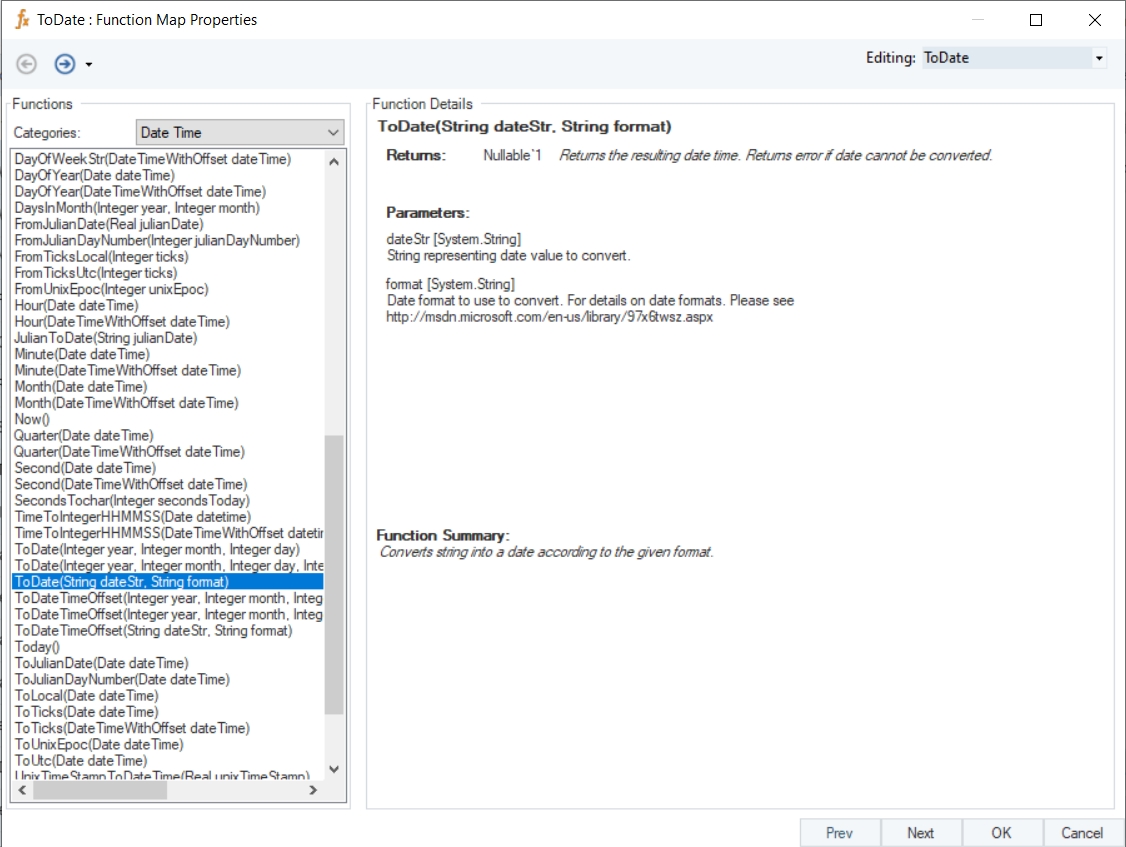
Name
ToDate (String)
Syntax
ToDate (String dateStr, String format)
Purpose
To convert a string into a date according to the given format.
Description
Returns the resulting date time. Returns error if date cannot be converted.
Return Type
DateTime
Parameters
dateStr [System.String] – String representing date value to convert.
format [System.String] – Date format to use to convert.
Example
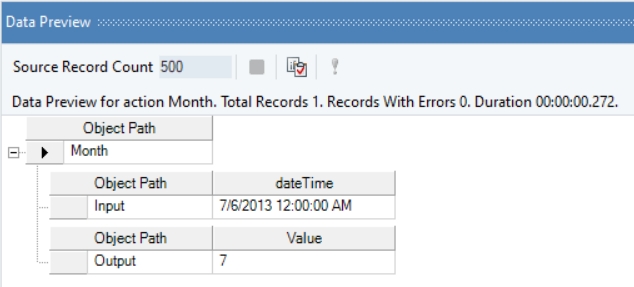
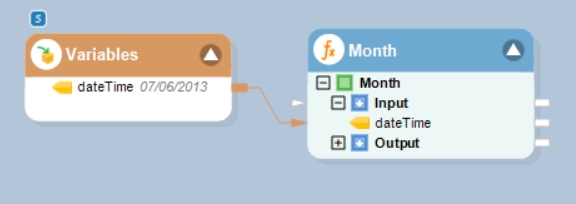
In this example, we will pass a date time value to the function transformation object using a Variables object.
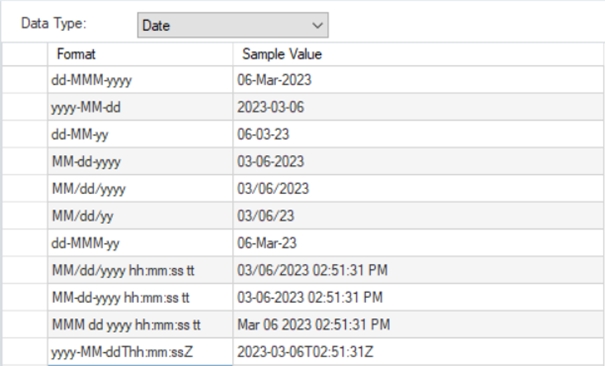
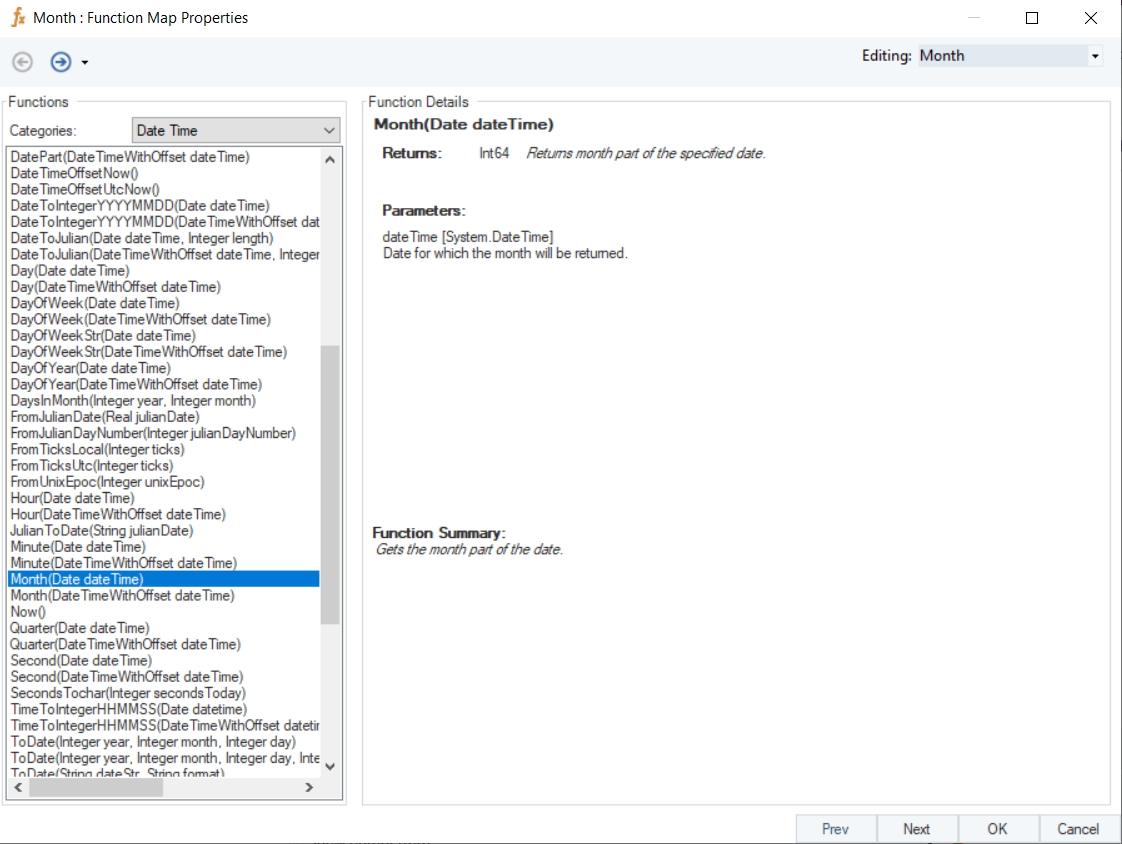
This function accepts the following date formats mentioned in the screenshot
Where,
dateTime = 07/06/2013
In the output window, you can see that the month part of the provided date time value has been returned.
Name
Month
Syntax
Month (Date dateTime)
Purpose
To return the month part of the specified date time value.
Description
Returns the month part of the specified date.
Return Type
Int64
Parameter
dateTime [System.DateTime] – Date for which the month will be returned
Example
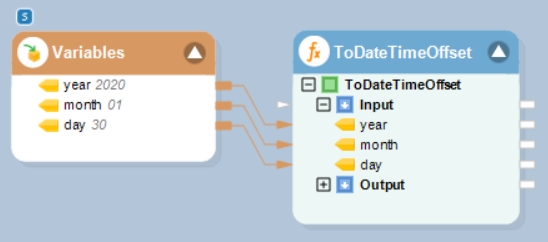
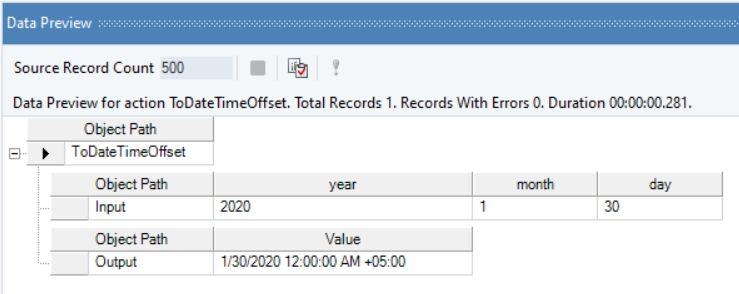
In this example, we will pass valid integer values to the function transformation object using a Variables object.
Where,
year = 2020
month = 01
day = 30
In the output window, you can see that the provided values have been converted into a DateTimeOffset value.
Name
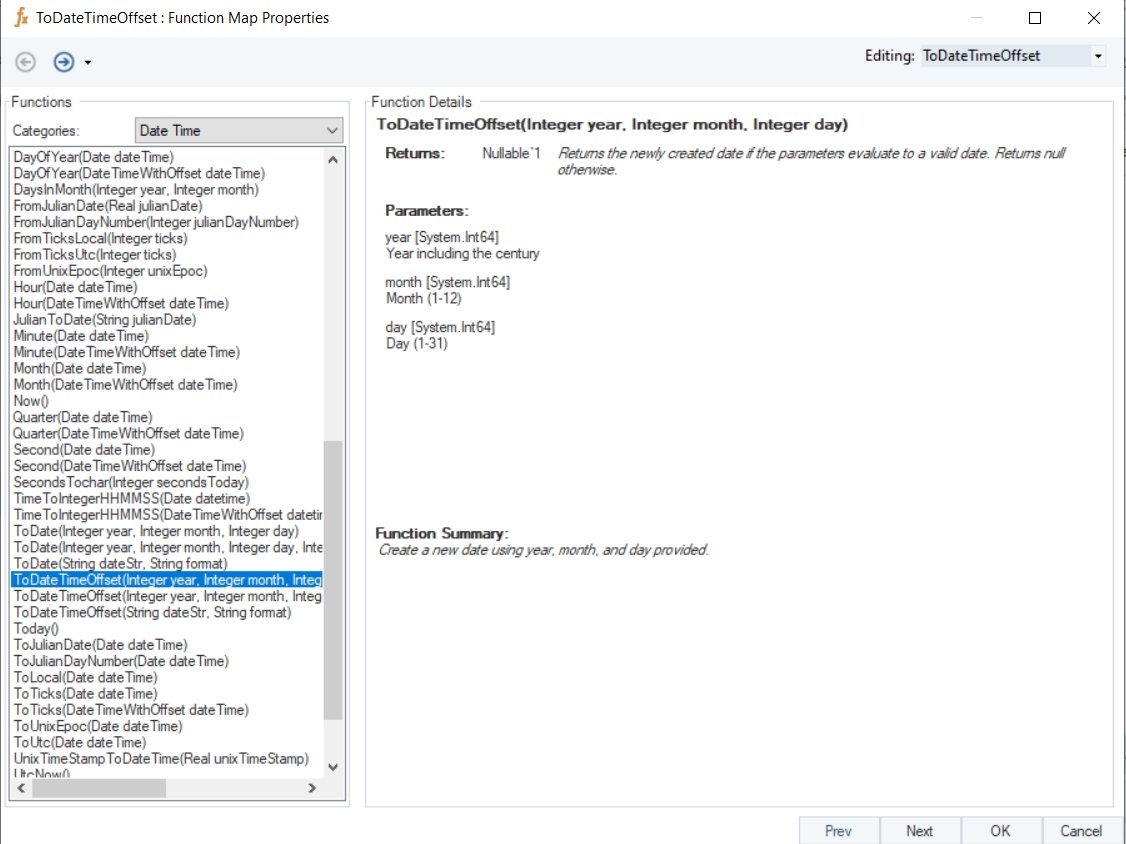
ToDateTimeOffset
Syntax
ToDateTimeOffset (Integer year, Integer month, Integer day)
Purpose
To create a new date using specified year, month, and day.
Description
Returns the newly created date if the parameters evaluate to a valid date. Otherwise returns null.
Return Type
DateTimeOffset
Parameters
year [System.Int64] – Year including the century
month [System.Int64] – Month (1-12)
day [System.Int64] – Day (1-31)
Example
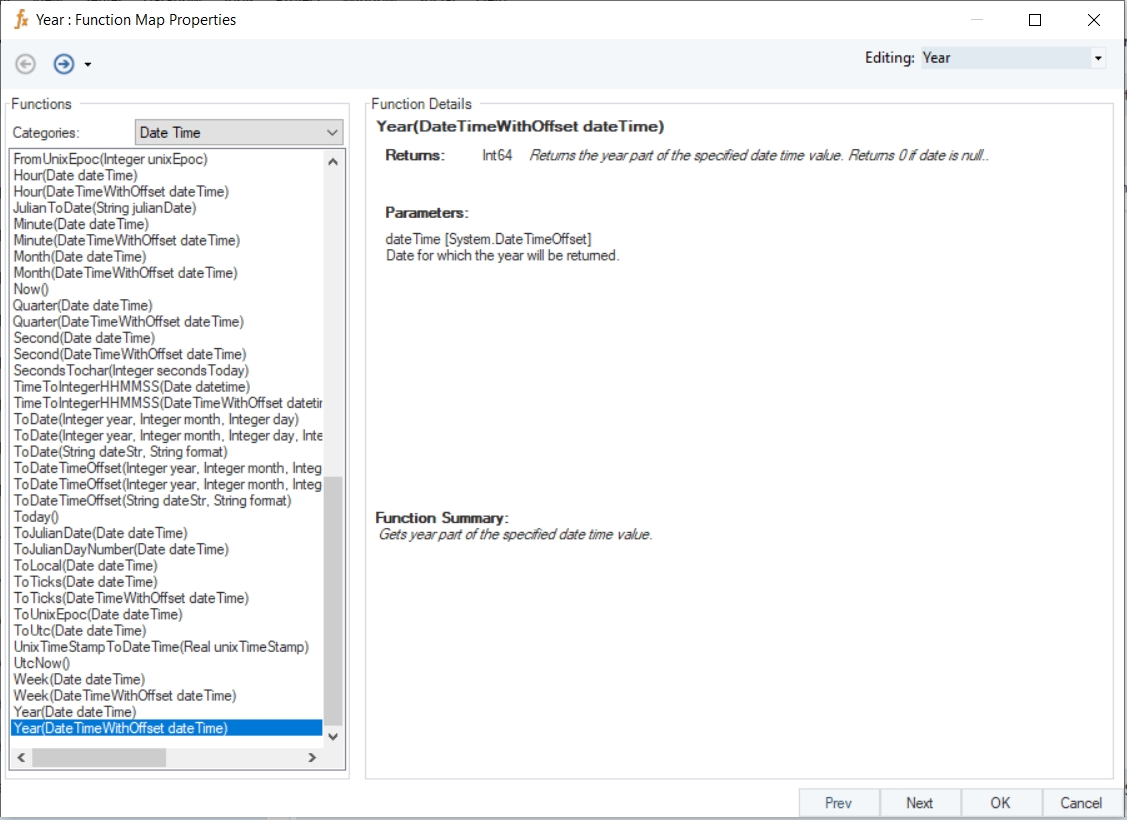
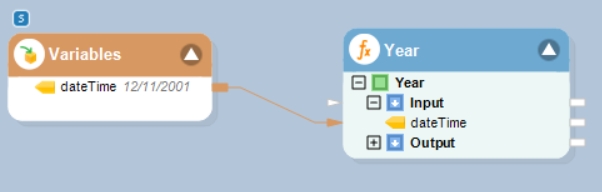
In this example, we will pass a date time offset value to the function transformation object using a Variables object.
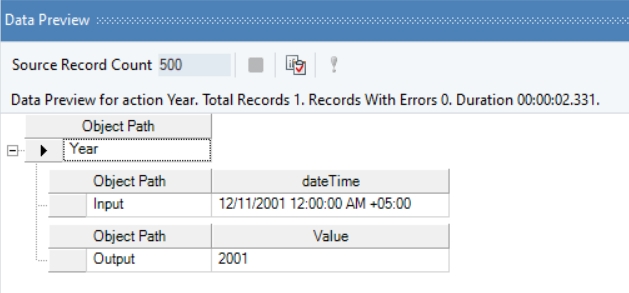
Where,
dateTime = 12/11/2001
In the output window, you can see that the year part of the provided date time offset value has been returned.
Name
Year with Offset
Syntax
Year (DateTimeWithOffset dateTime)
Purpose
To get year part of the specified date time offset value.
Description
Returns the year part of the specified date time offset value. Returns 0 if date is null.
Return Type
Int64
Parameter
dateTime [System.DateTimeOffset] – Date for which the year will be returned
Example
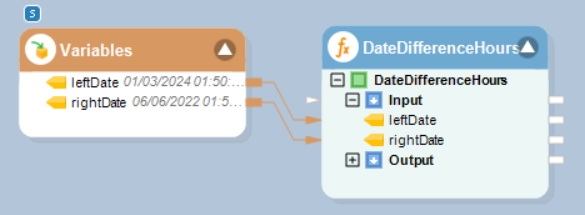
In this example, we will pass date time values to be subtracted to the function transformation object using a Variables object.
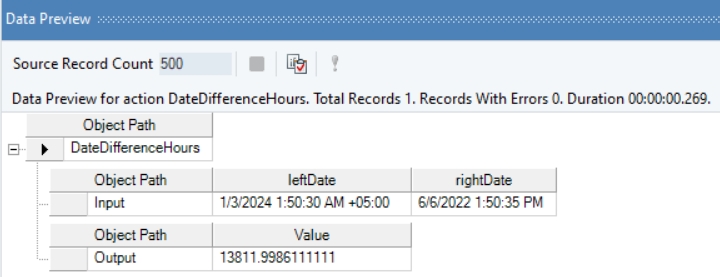
Where,
leftDate = 01/03/2024 01:50:30 AM
rightDate = 06/06/2022 01:50:35 PM
In the output window, you can see that the provided datetime values have been subtracted, and the output has been displayed in the form of hours.
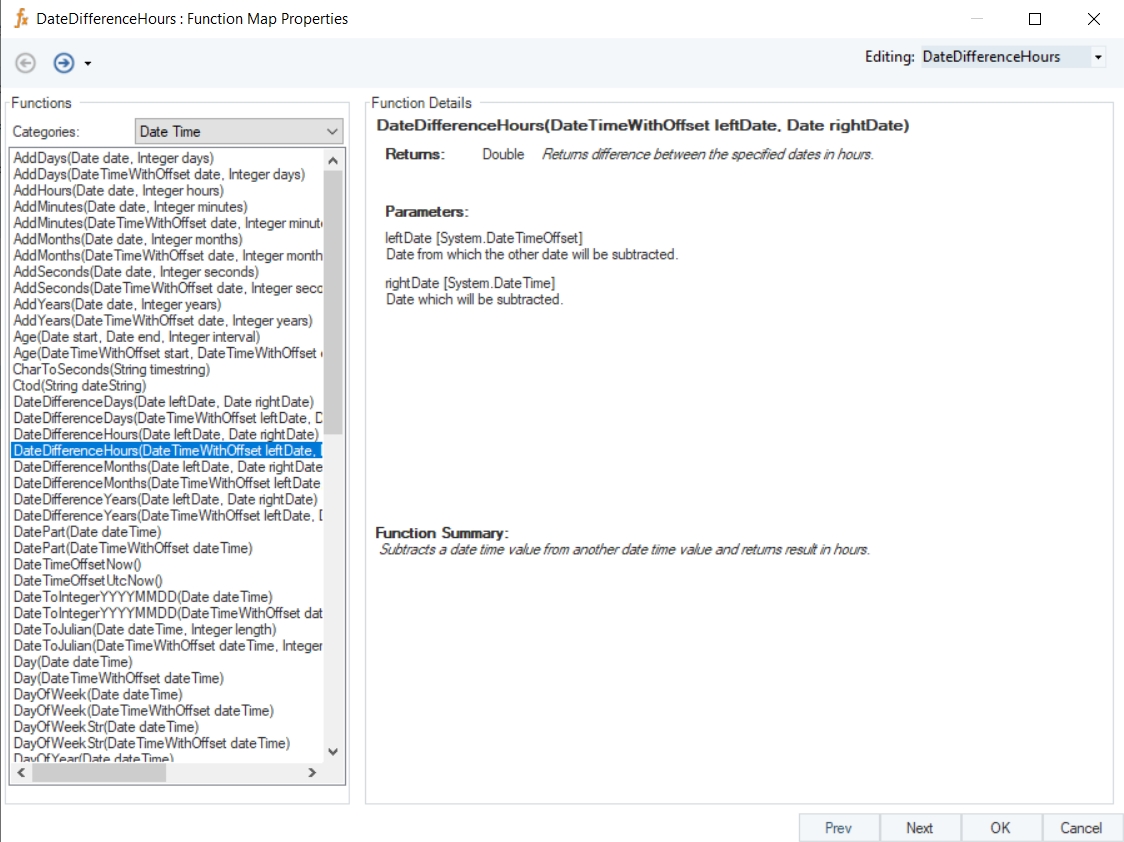
Name
DateDifferenceHours with Offset
Syntax
DateDifferenceHours (DateTimeWithOffset leftDate, Date rightDate)
Purpose
To compute the difference between the specified dates in hours.
Description
Subtracts a date time offset value from another date time value and returns result in hours.
Return Type
Double
Parameters
leftDate [System.DateTimeOffset] – Date from which the other date will be subtracted
rightDate [System.DateTime] – Date which will be subtracted
Example
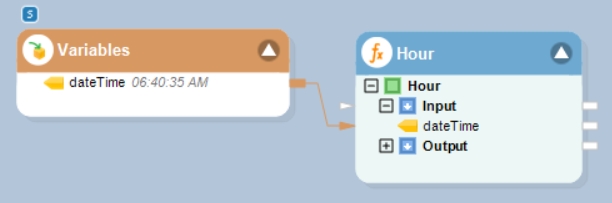
In this example, we will pass a date time offset value to the function transformation object using a Variables object.
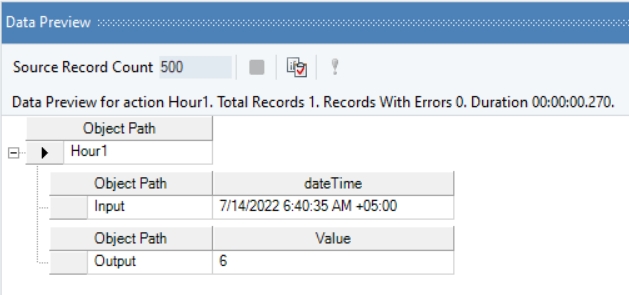
Where,
dateTime = 06:40:35 AM
In the output window, you can see that the hour part of the provided date time offset value has been returned.
Name
Hour with Offset
Syntax
Hour (DateTimeWithOffset dateTime)
Purpose
To return the hour part of the specified date time offset value.
Description
Returns a value between 0 and 23 representing the hour part of the specified date time offset value.
Return Type
Int64
Parameter
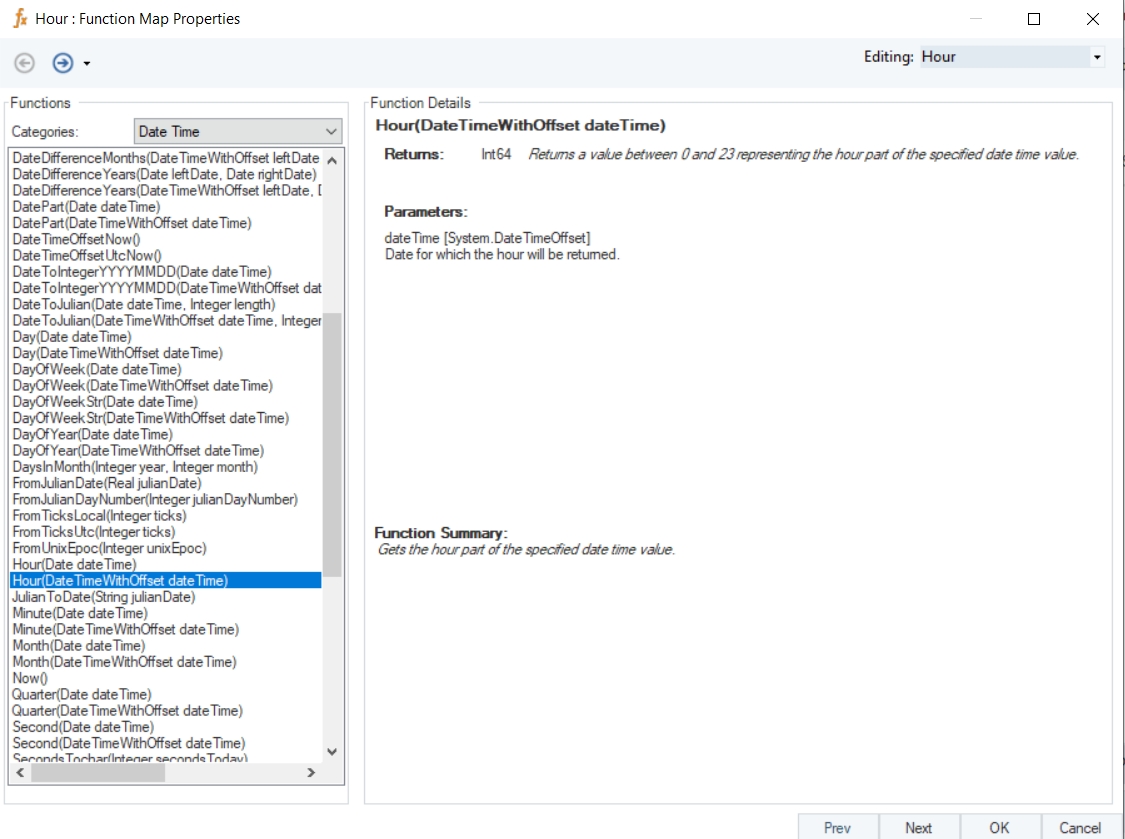
dateTime [System.DateTimeOffset] – Date for which the hour will be returned
Example
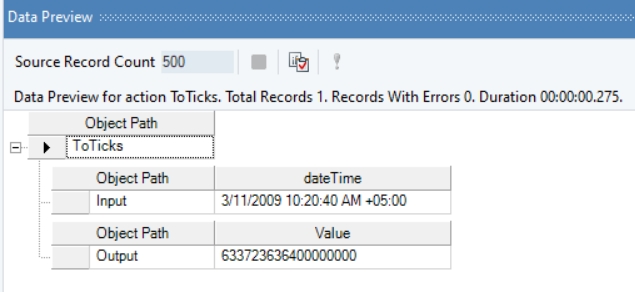
In this example, we will pass a valid date time offset value to the function transformation object using a Variables object.
Where,
dateTime = 03/11/2009 10:20:40 AM
In the output window, you can see that the provided date time offset value has been converted into a Ticks value.
Name
ToTicks with Offset
Syntax
ToTicks (DateTimeWithOffset dateTime)
Purpose
To return an integer representing ticks for the specified date time offset value.
Description
Gets the number of ticks in the specified date time offset value.
Return Type
Int64
Parameter
dateTime [System.DateTimeOffset] – Date for which local ticks will be returned
Example
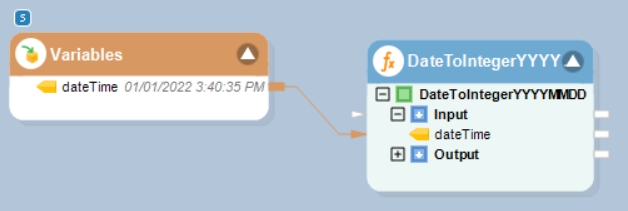
In this example, we will pass a date time value to the function transformation object using a Variables object.
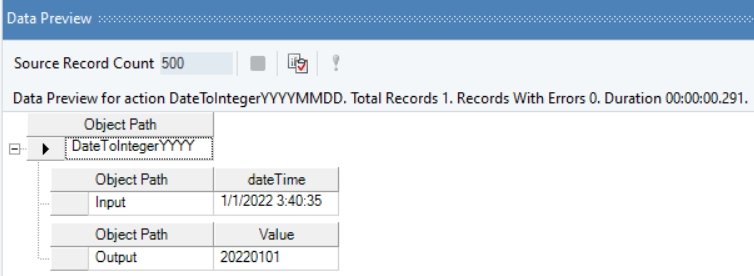
Where,
dateTime = 01/01/2022 3:40:35 PM
In the output window, you can see that the provided value has been converted into an integer value, representing the specified date.
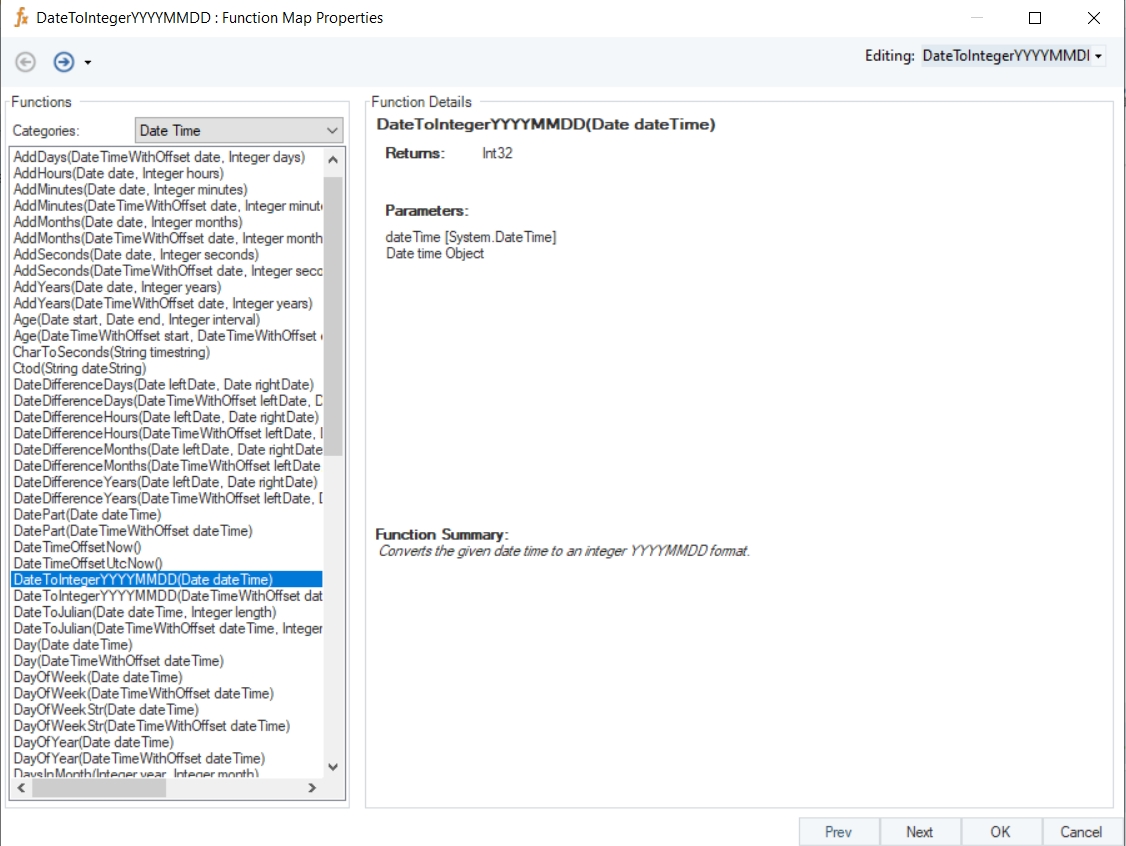
Name
DateToIntegerYYYYMMDD
Syntax
DateToIntegerYYYYMMDD (Date dateTime)
Purpose
To convert the given date time to an integer.
Description
Convert the given date time value to an integer in the YYYYMMDD format.
Return Type
Int32
Parameter
dateTime [System.DateTime] – Date time Object
Example
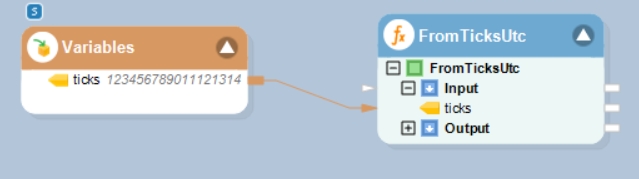
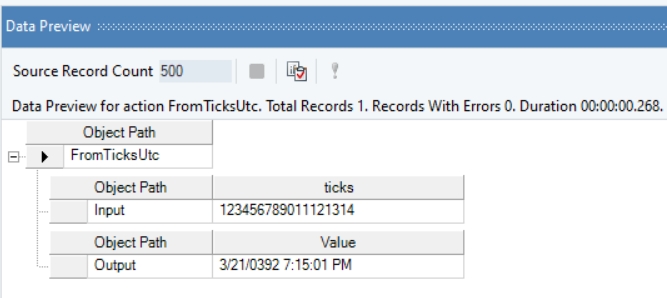
In this example, we will pass an integer value, representing ticks, to the function transformation object using a Variables object.
Where,
ticks = 123456789011121314
In the output window you can see that the specified ticks value has been converted into a UTC date time value.
Name
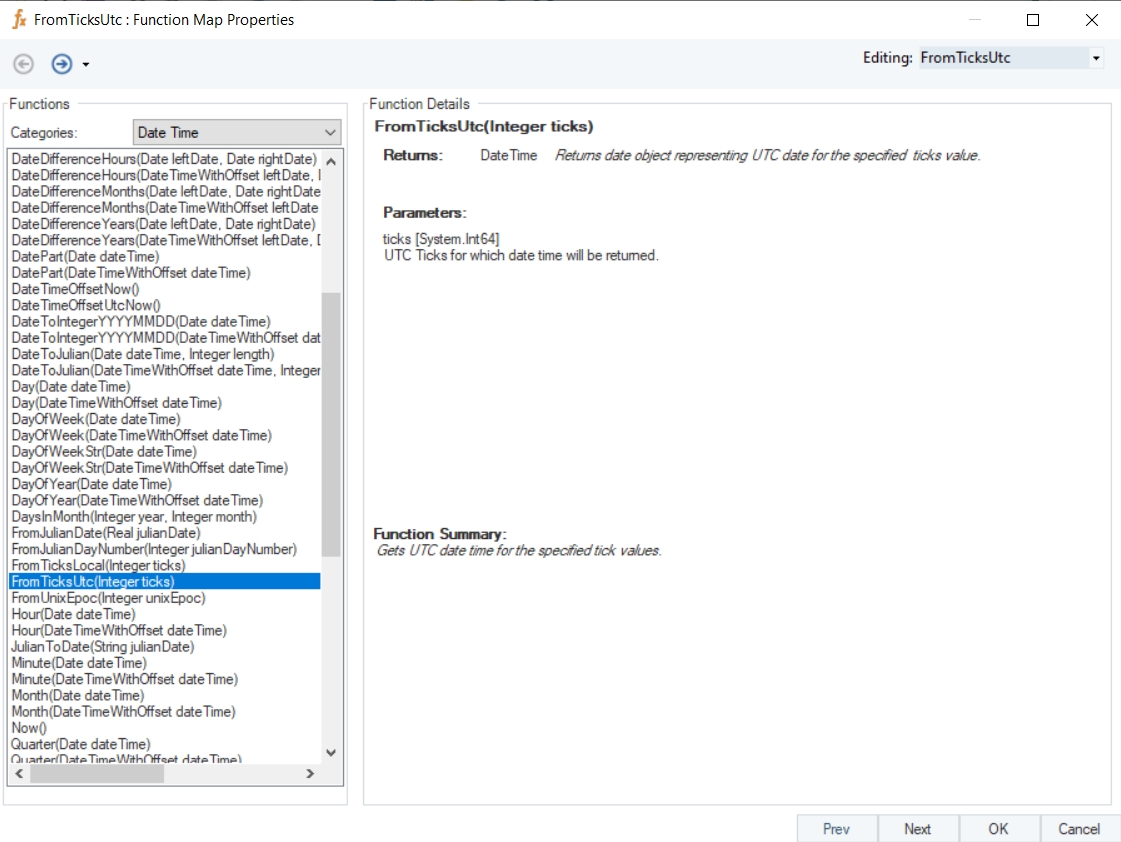
FromTicksUtc
Syntax
FromTicksUtc(Integer ticks)
Purpose
To get UTC date time for the specified tick value.
Description
Returns date object representing UTC date for the specified ticks value.
Return Type
DateTime
Parameter
ticks [System.Int64] – UTC ticks for which the date time will be returned
date [System.DateTime] – Date to/from which months should be added/subtracted
months [System.Int64] – Number of months to be added. To subtract, use negative months
date [System.DateTimeOffset] – Date to which days should be added
days [System.Int64] – Number of days to be added. To subtract, use negative days.
dateTime [System.DateTimeOffset] – Date for which the quarter will be returned
leftDate [System.DateTimeOffset] – Date from which the other date will be subtracted
rightDate [System.DateTime] – Date which will be subtracted
date [System.DateTimeOffset] – Date to/from which seconds should be added/subtracted
seconds [System.Int64] – Number of seconds to be added. To subtract, use negative seconds
date [System.DateTime] – Date to which days should be added
days [System.Int64] – Number of days to be added. To subtract, use negative days
start [System.DateTimeOffset]
end [System.DateTimeOffset]
interval [System.Int32]
secondsToday [System.Int32]
date [System.DateTime] – Date to/from which years should be added/subtracted
years [System.Int64] – Number of years to be added. To subtract, use negative years
date [System.DateTimeOffset] – Date to/from which months should be added/subtracted
months [System.Int64] – Number of months to be added. To subtract, use negative months
-
year [System.Int64] – Year including the century
month [System.Int64] – Month (1-12)
day [System.Int64] – Day (1-31)
date [System.DateTimeOffset] – Date to which years should be added
years [System.Int64] – Number of years to be added. To subtract, use negative years
-
julianDayNumber [System.Int64] – Julian day
year [System.Int64] – Year including the century
month [System.Int64] – Month (1-12)
day [System.Int64] – Day (1-31)
hour [System.Int64] – Hour (0-23)
minute [System.Int64] – Minute (0-59)
second [System.Int64] – Second (0-59)
julianDate [System.Double] – Value in Julian date
dateTime [System.DateTime] – Date for which the second will be returned
dateTime [Syste.DateTime] – Date which will be converted to local
dateTime [Syste.DateTime] – Date for which local ticks will be returned
dateTime [System.DateTimeOffset] – Date for which the minute will be returned
Parameter
dateTime [System.DateTimeOffset] – Date time Object
Name
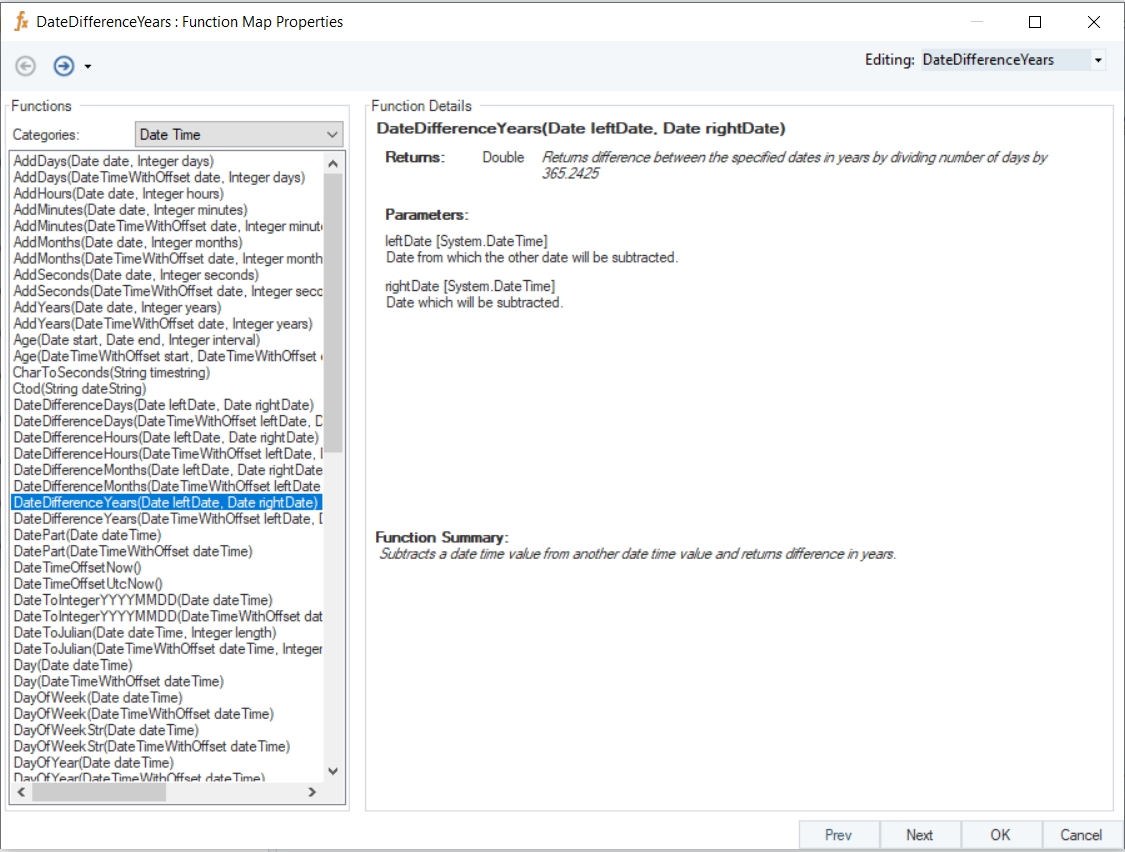
DateDifferenceYears
Syntax
DateDifferenceYears (Date leftDate, Date rightDate)
Purpose
To compute the difference between the specified dates in years.
Description
Subtracts a date time value from another date time value and returns result in years by dividing number of days by 365.2425.
Return Type
Double
Parameters
Example
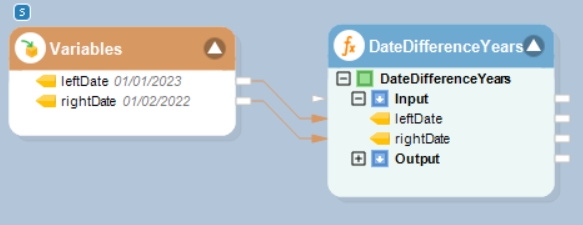
In this example, we will pass date time values to be subtracted to the function transformation object using a Variables object.
Where,
leftDate = 01/01/2023
rightDate = 01/02/2022
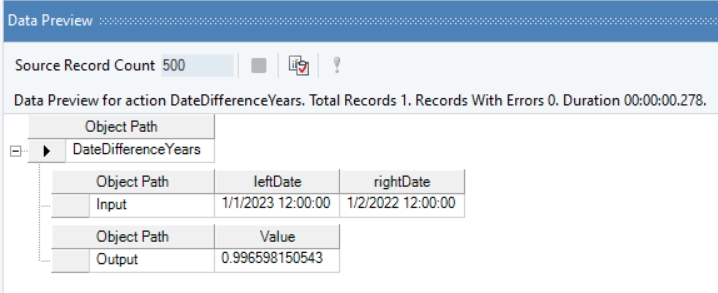
In the output window, you can see that the difference between the provided datetime values has been displayed in the form of years.
leftDate [System.DateTime] – Date from which the other date will be subtracted
rightDate [System.DateTime] – Date which will be subtracted